Set the machine up for the people who use it most
A shared multifunction printer works best when the first setup matches the real office rhythm. In many Midrand and Sandton offices, that means deciding which trays carry A4 plain paper, whether A3 is needed for plans or reports, and who needs mono output versus colour on a daily basis.
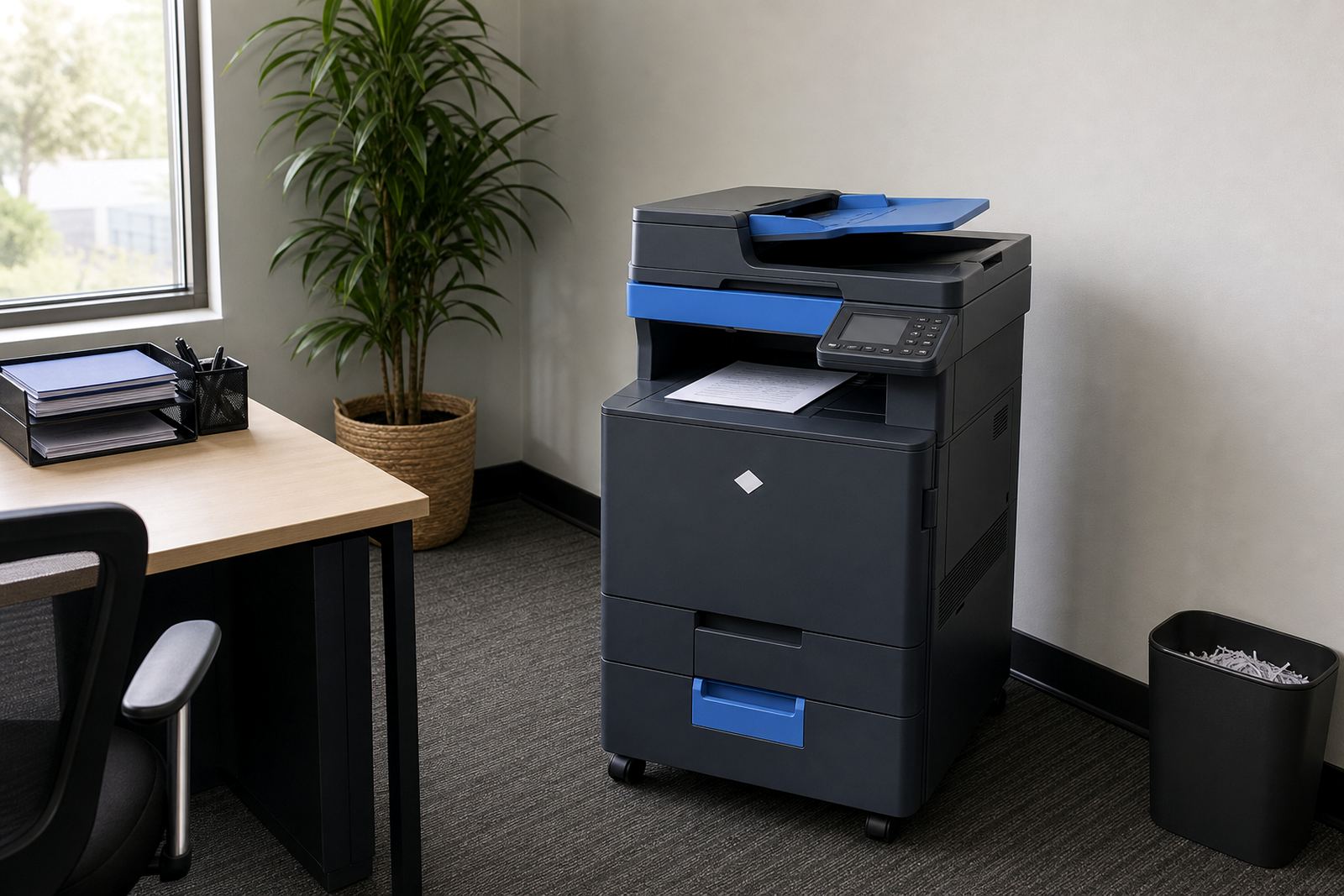
Once those choices are fixed, fewer people spend time changing settings at the panel. It also helps to place the unit where staff can reach it without crowding a reception counter or blocking a passage. If the machine serves a school office or a practice, the same rule applies: give it space, clear labels and a sensible path for paper stock.
- Label trays for A4, A3, letterhead and colour stock
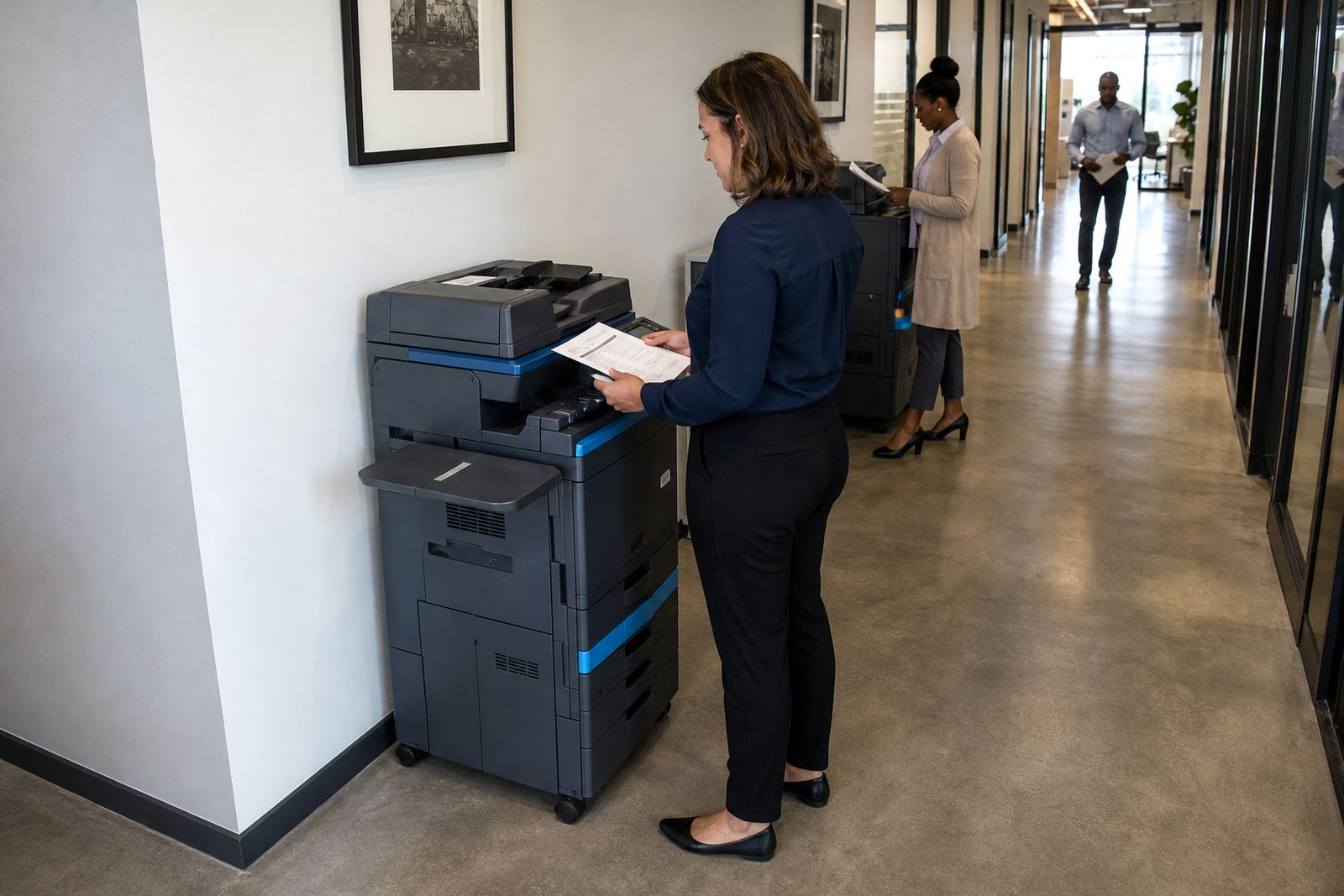
- Keep the machine where staff can walk up without a queue building behind them
- Set default print mode to mono if most pages are internal records
- Keep scan-to-message shortcuts simple enough for temporary users
Paper habits that cut down on stoppages
Paper faults are still one of the main reasons a copier stops mid-run. The answer is not fancy, just steady handling. Store reams flat, keep them dry and do not top up a tray with curled sheets from a box that has sat open too long. In coastal areas like Durban, damp air can make paper feed badly, so sealed storage matters even more.
When more than one person uses the device, the office should agree on one rule for clearing jams. Pulling at a sheet too hard can leave scraps inside the path and cause repeat faults later in the day. A quick check around the feed path, drawers and rear cover usually saves a service call for something minor.
- Use the correct paper weight for the job
- Do not mix fresh paper with damp or curled stock
- Remove damaged sheets before they go into the tray
- Close covers firmly after any jam clearing
Scan jobs need one naming habit and one place to live
Scan-to-message is useful only when the office agrees on a naming pattern. A file called invoice, quote or board pack is easy to lose in a busy inbox. A better habit is to include the date, department and purpose so the document can be found later without guessing. That matters for practices, schools and admin teams that share the same machine through the day.
Shared devices also work better when people know where scanned files should go. One folder for finance, one for client records and one for general admin keeps the machine from becoming a dumping ground for random files. If secure print is switched on, staff should know how to release their own jobs and remove old items once they are printed.
- Use one file naming pattern across the office
- Agree where scanned documents should be saved
- Keep secure print codes private
- Clear old held jobs from the queue when they are no longer needed
Toner, clicks and metre readings should not be a guessing game
Managed print plans work best when people understand the difference between monthly rental and click charges. The rental covers the machine itself and the click charge tracks what actually runs through it. If staff print without checking, one department can burn through the allowance while another waits for supplies. That is where clear metre readings and a named contact for the office help a lot.
Toner supply also needs a steady routine. When a cartridge runs low, the warning should not be buried under busy inboxes or left for the last person who notices it. A shared copier is easier to manage when the office has one person, or one backup, who checks the panel and logs the metre on a fixed day each month. That simple habit keeps billing and stock records from drifting apart.
- Know which pages are covered by rental and which by clicks
- Record metre readings on the same day each month
- Keep toner warnings visible to the people who book servicing
- Do not let casual printing distort the monthly total
House rules for queueing, locking and handovers
A copier shared by ten or twenty people needs a few office rules, otherwise someone always ends up waiting while another person searches menus. Queue discipline sounds plain, but it matters. Let urgent documents go first if the office has agreed on that policy, and keep long copy runs for quieter windows. If the unit is used for confidential work, secure print should be part of the normal routine rather than an afterthought.
It also helps to think about user handover. New staff, temporary staff and branch transfers all need the same short run-through: where to collect jobs, how to scan, what to do if a tray shows an error and who to call when the panel asks for attention. In a Johannesburg or Pretoria office, that handover can save time every week, not just when the machine is installed.
- Agree who may run large jobs during busy periods
- Keep confidential printing locked until the user releases it
- Show new staff the basics before they start using the machine
- Post the office rule for jams, toner and missing scans near the unit
A Midrand office example with one machine and many hands
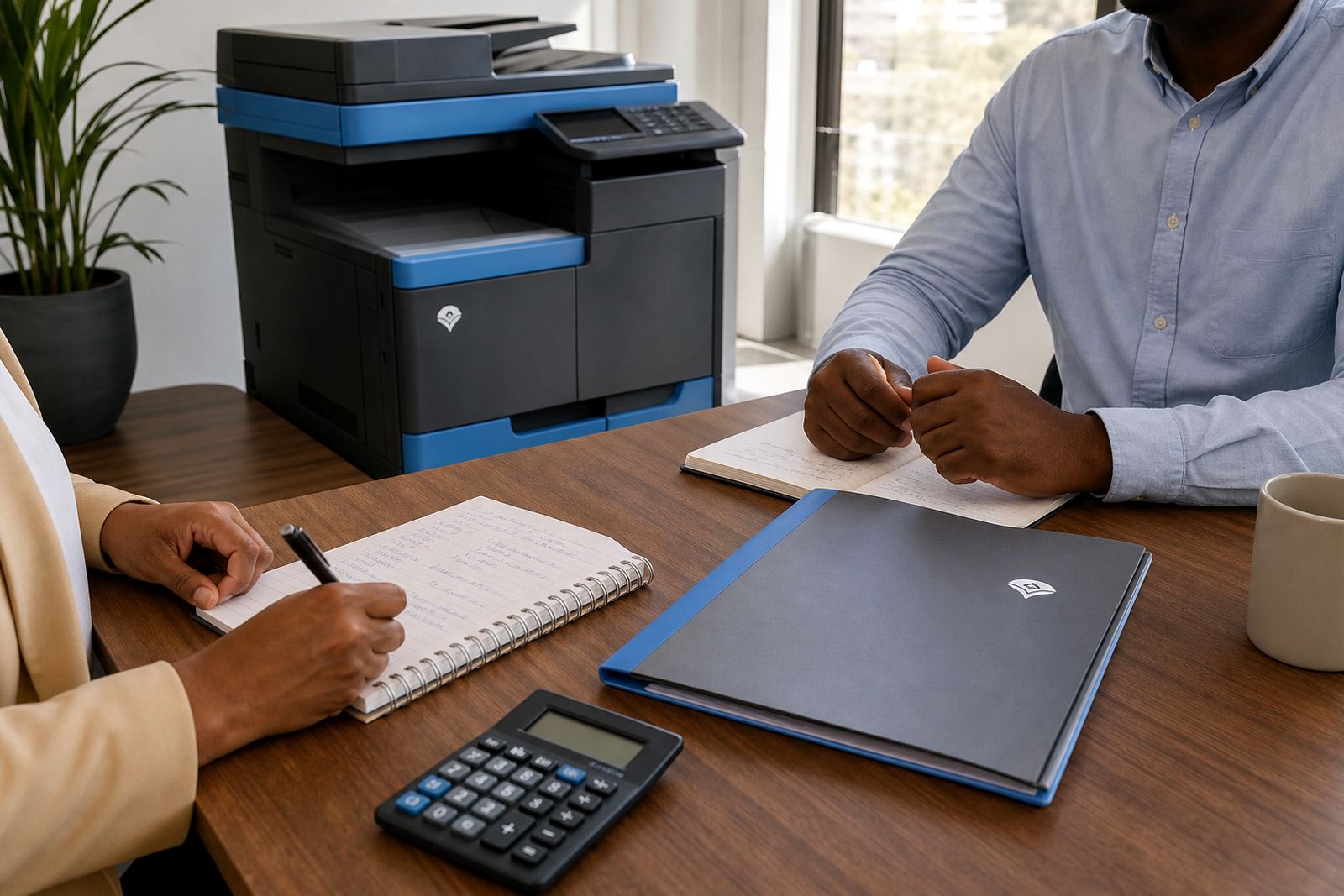
A legal practice in Halfway House may use one A4 colour copier for letters, scanning and client packs, while a small A3 tray stays ready for the odd larger file. The machine is under a managed print plan, toner is included and metre readings are checked monthly. Staff use secure print for client papers and scan-to-send us a message for incoming documents that must move straight into the case file. No one treats it like a private printer, so the queue stays orderly.
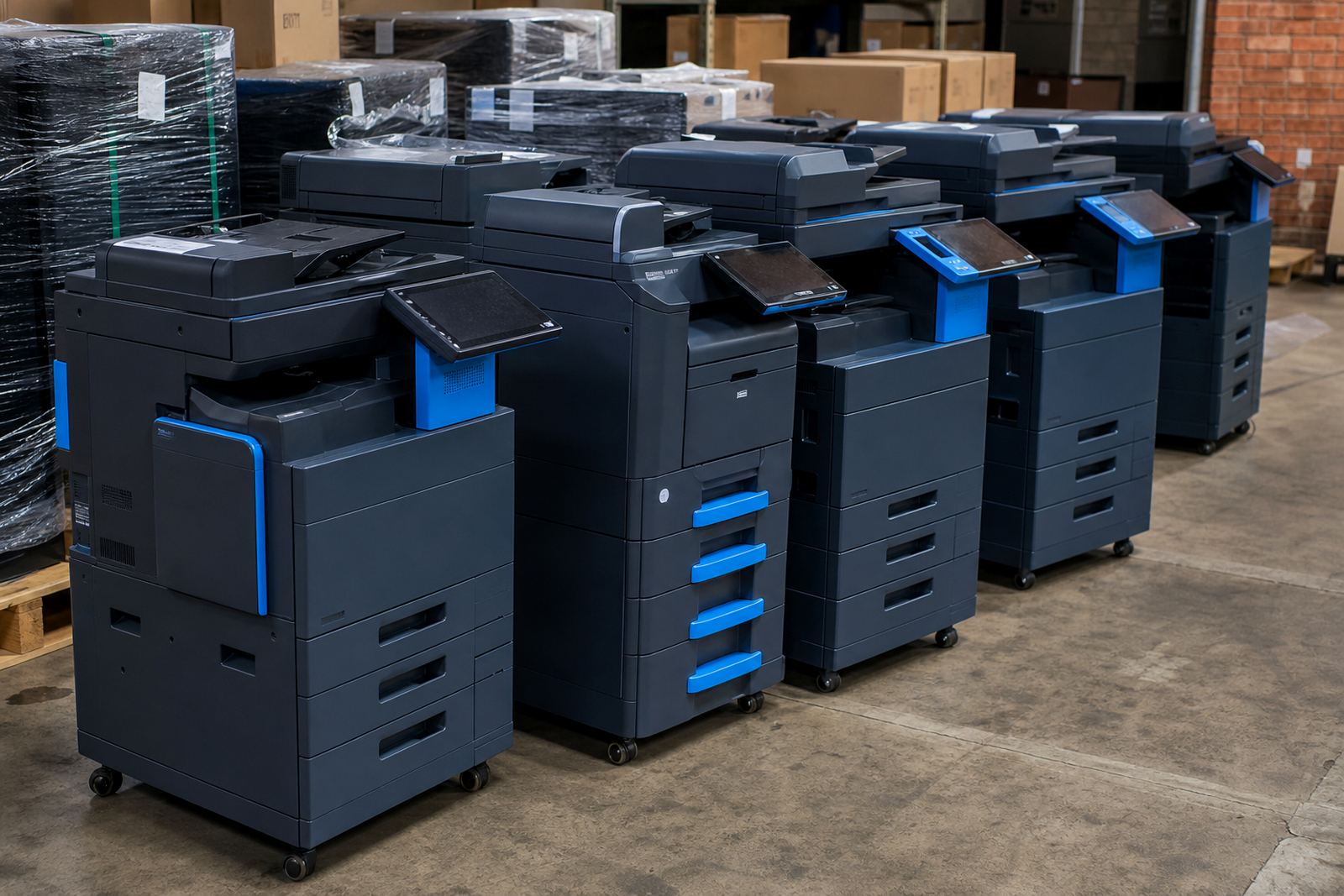
When the office notices repeated jams or a change in print quality, the service note is logged and the unit is checked on site. If the work pattern changes later, an end-of-term swap can move the office to a different machine size or paper speed without starting from scratch. That is the real value of shared device etiquette: it makes servicing cleaner, billing clearer and daily use less awkward for everyone.