Page counts that no longer suit the machine
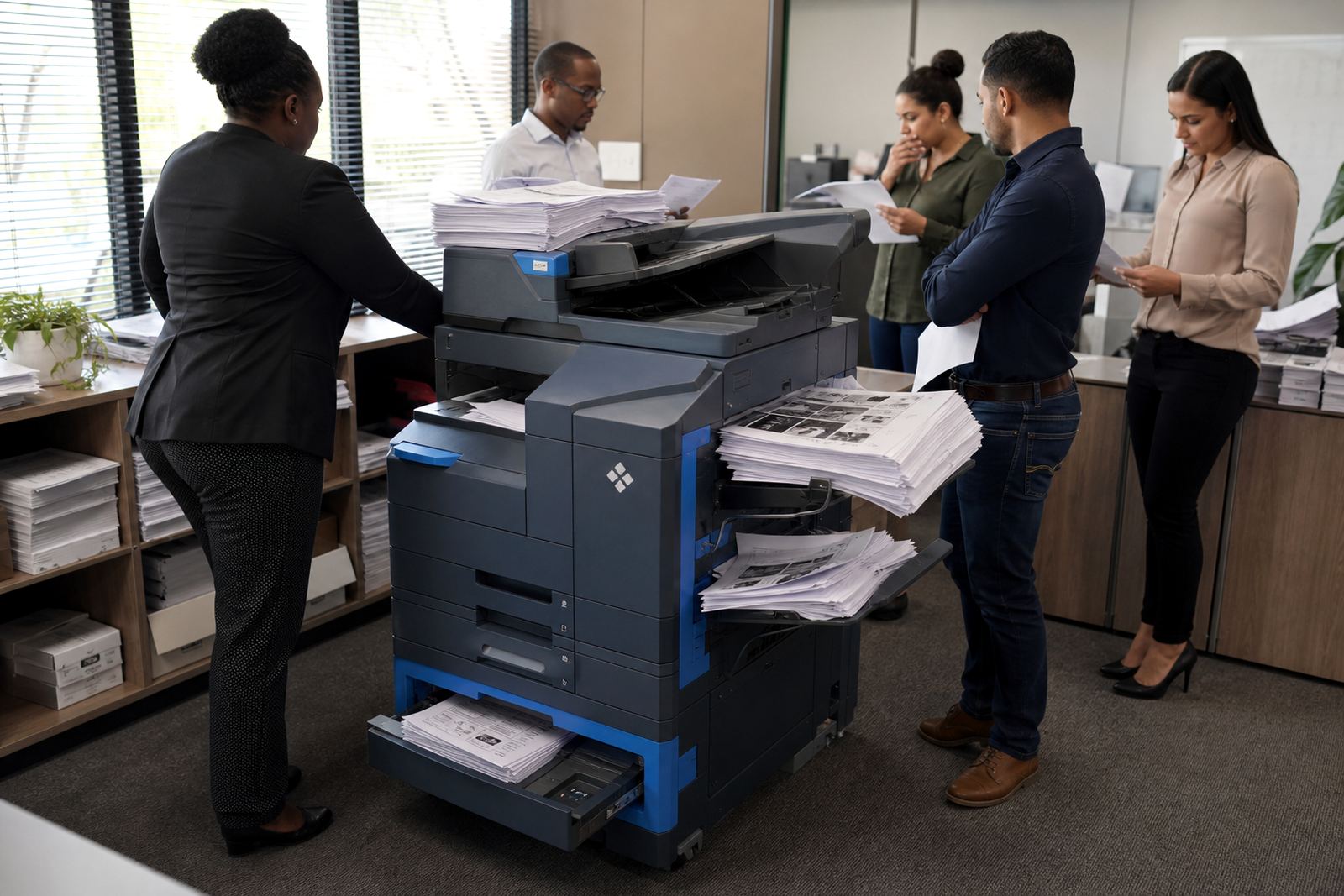
The first sign is usually in the metre reading. A four-tray A3 unit that once handled a busy front office may now sit on light duty, with small stacks of mono copies, a few colour handouts and most files going straight to message. At that point, the monthly rental and click charges can start to outweigh the value of the extra capacity.
Downsizing makes sense when the machine is spending more time idle than working. Offices in Midrand and Sandton often reach that point after a team restructure, more remote work or a shift to digital filing. The machine is still useful, but the size of it no longer matches the monthly page run.
What smaller rental means in practice
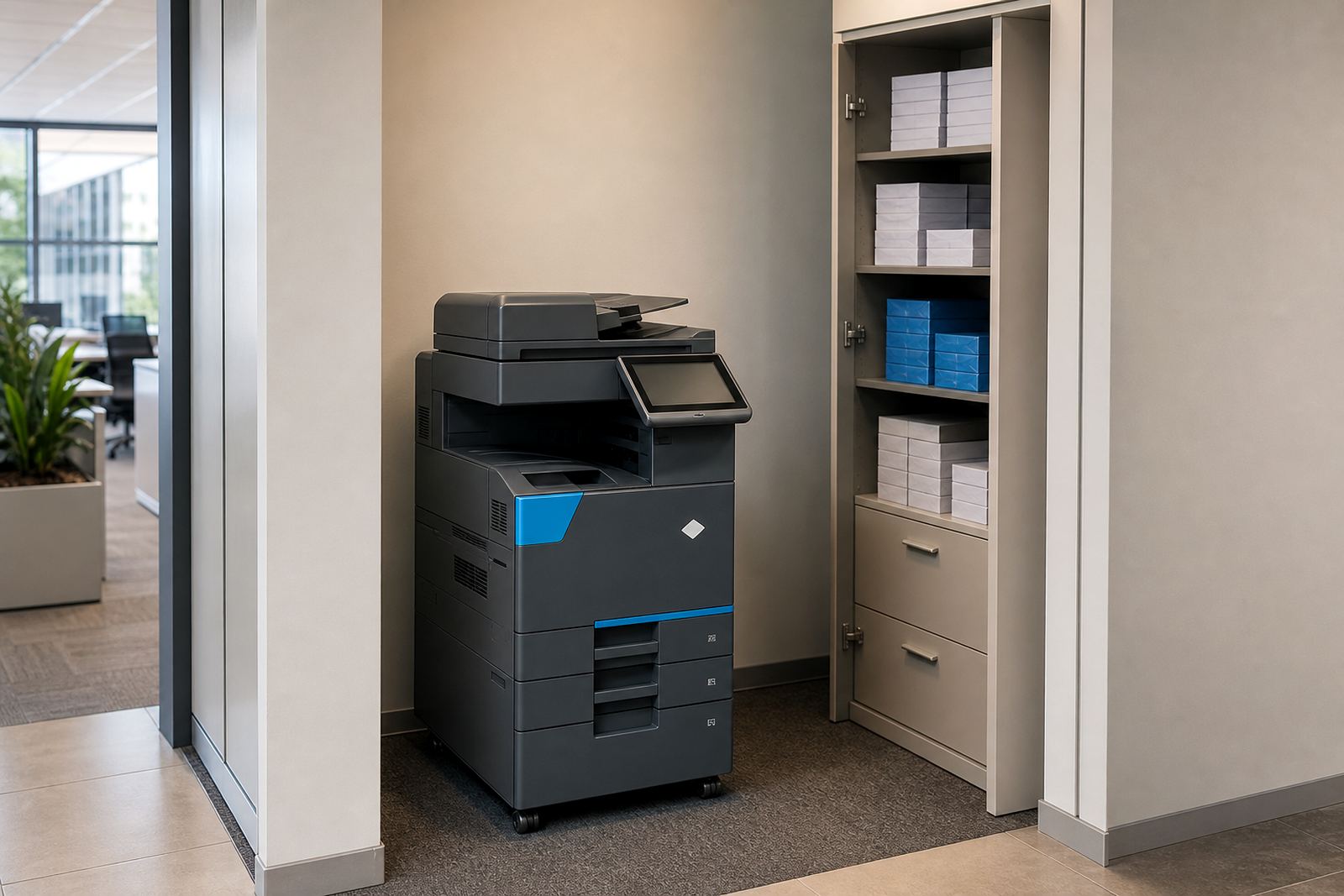
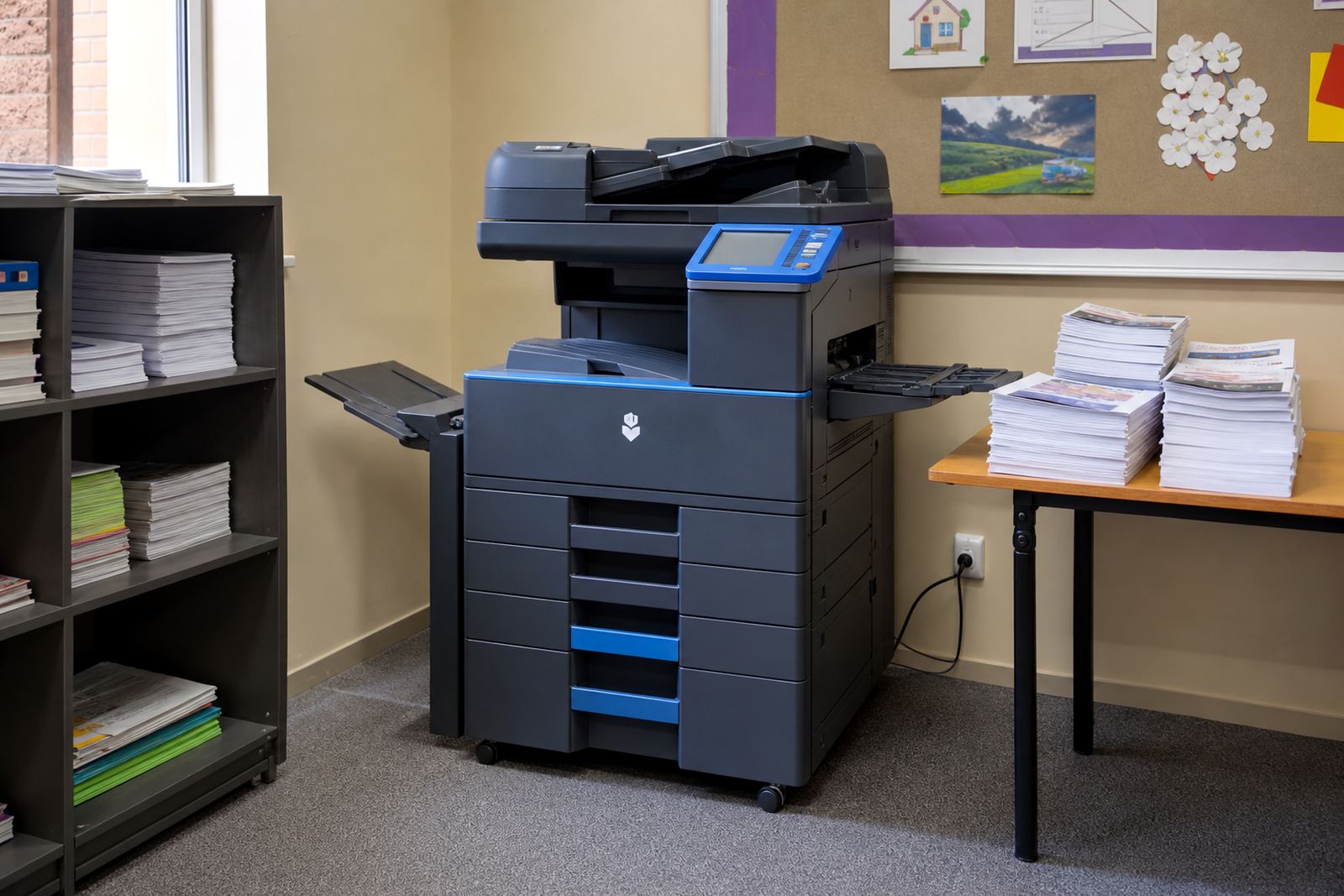
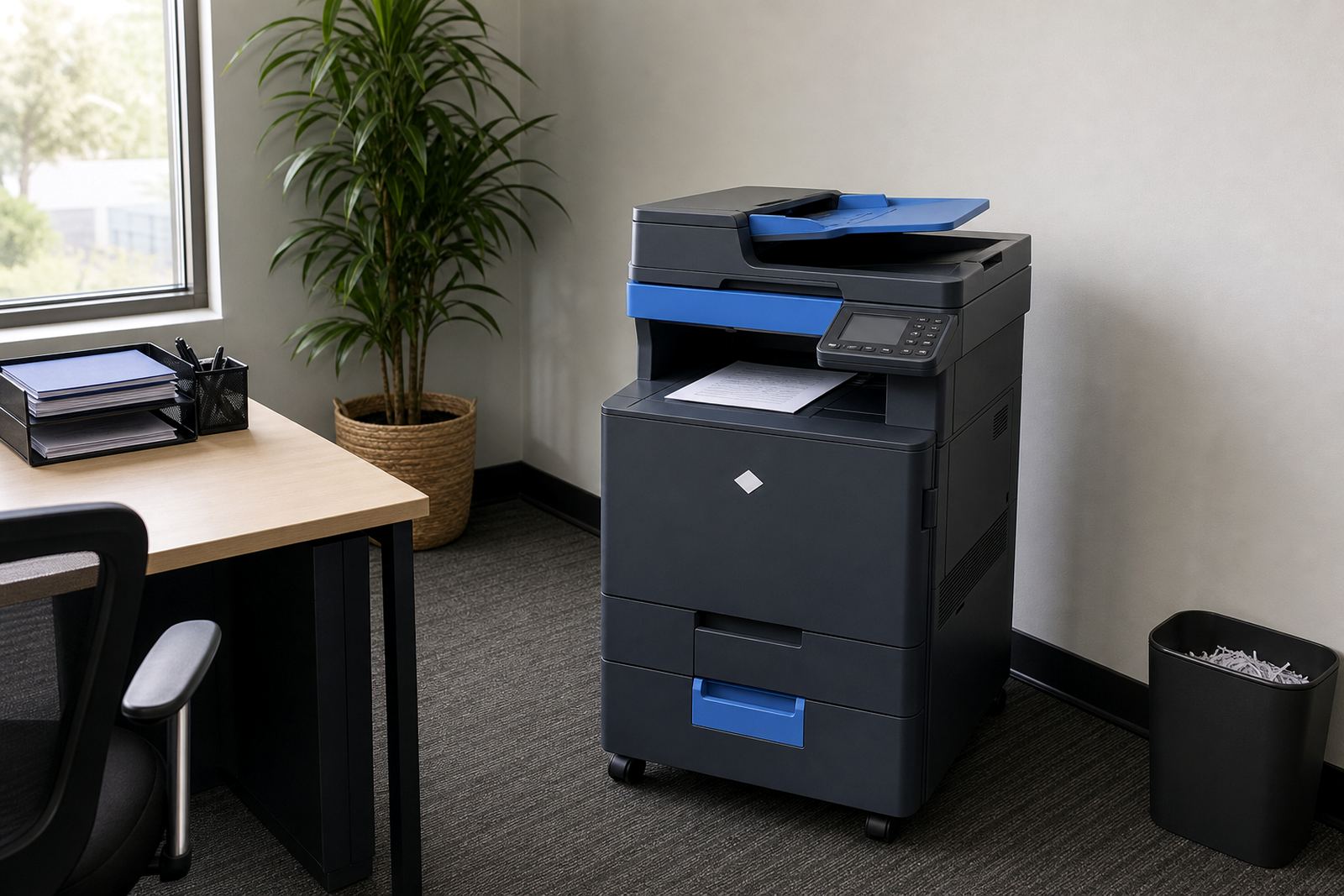
A smaller managed print setup does not mean giving up the basics. Most offices can move to a compact A4 multifunction device, or step down from a high-volume A3 floor unit to a cleaner, lighter model that still prints, scans and copies without fuss. For many practices and school offices, that is enough.
- Lower monthly rental on the equipment itself
- Fewer click charges if the page run has fallen
- Less toner sitting on the shelf for months
- Smaller footprint in reception, admin or accounts
- Easier movement during office changes or relocations
That switch matters when space is tight and the output is mostly internal documents, letters, forms and scan-to-message work. A smaller unit can still handle secure print, duplexing and basic network setup without taking up half the room.
Mono, colour and the real mix of pages
Downsizing is not only about machine size. It is also about the mix of mono and colour pages. A lot of offices pay for colour capability they rarely use, then print nearly everything in black and white. In that case, a mono machine with a separate colour option for occasional jobs can make better sense than a larger colour copier on a heavier plan.
Look at the last few months of output, not just one busy week. If colour pages are limited to presentations, brochures or the odd client pack, a smaller mono-first machine often fits the workflow better. Durban offices near the coast also have to think about storage and toner handling in humidity, so keeping the fleet lean can help with stock control too.
Signs the current fleet is too much
There are a few practical clues that the machine is bigger than the work now demands. The monthly rental still feels high, the service team only visits for routine checks, and most consumable use is far below the original expectation. You may also notice that staff use the machine only for scanning and copying, while print output keeps dropping.
- Pages per month have reduced for three to six months
- The device has more trays and functions than staff use
- Toner changes are infrequent and stock sits unused
- The machine blocks useful space in a small office
- There is little call for heavy A3 or booklet work
If those points keep showing up, the sensible move is to review the fleet before the next billing cycle settles in. A smaller machine can keep the service plan tidy and reduce waste without disrupting day to day admin.
How a managed print swap is usually handled
Downsizing is easier when the new machine matches the old work habits. The setup should cover user handover, scan-to-message profiles, secure print settings and the correct metre reading history so billing stays clean. Where the old device was used for a shared department, the new one may need a simple queue structure and a few changed permissions.
Field teams usually look at the network setup, paper size, tray use and where the machine sits in the office. If the old unit was moved several times, a fresh installation can stop paper feed issues caused by poor placement or cable strain. End term swaps can also be timed to avoid a messy overlap between old and new billing lines.
A Midrand example with a quieter print room
A consulting office in Halfway House had moved from a busy project counter to a smaller team, but kept the same A3 colour copier on a high rental plan. The staff still needed scanning, occasional colour, and secure release of client files, yet the monthly page count had dropped well below the old pattern. The machine was still working, just in the wrong size for the job.
After a fleet review, the office moved to a smaller rental unit with mono priority, scan-to-message setup and limited colour access for presentation packs. Toner supply became simpler, the counter reads were easier to track and the team freed up floor space near reception. The office did not lose function, it just stopped paying for spare capacity that no longer had a job.
The point at which keeping the bigger unit costs more
There is no neat rule for every office, but the decision usually comes down to value per page and how often the machine is used. If the monthly rental remains fixed while clicks fall and toner use shrinks, the bigger device starts costing more for each useful task. That is the point to compare the current plan with a smaller option.
For Pretoria firms, schools in Bloemfontein and practices in Cape Town, the best answer is often not the fastest machine or the largest one. It is the machine that fits the month you are actually having. When page volumes settle, downsizing can keep the fleet honest and the bills easier to understand.
Go-Printers Rental handles fleet review, machine relocations, on-site servicing and end term swaps for offices that need their print setup to match real usage, not old habits.
A final check before the machine stays too large
If your print room feels busy only on paper and quiet in practice, the machine may be carrying more capacity than your office now needs. A smaller rental model can still cover copying, scanning, secure print and everyday admin without the cost of unused volume.
The useful question is not whether the machine still works. It is whether the size of the machine still fits the pages you are printing now.