Admin offices need steady output, not oversized machines
School admin teams usually print reports, letters, timetables, admission packs and parent notices in a steady stream. A compact A4 multifunction machine can suit that work well, but many schools also need an A3 unit where booklets, worksheets and larger forms are part of the week. The right choice depends on whether the office is mostly black and white, or whether colour pages are used for notices, charts and presentations.
Monthly rental keeps the machine on site without tying the school into a large purchase. Metre-based billing then separates the real print volume from the rental itself, so the school can see what is fixed and what changes with use. That matters when term-end work pushes the count higher than it was in the quieter weeks.
Teaching support rooms handle bursts, not neat patterns
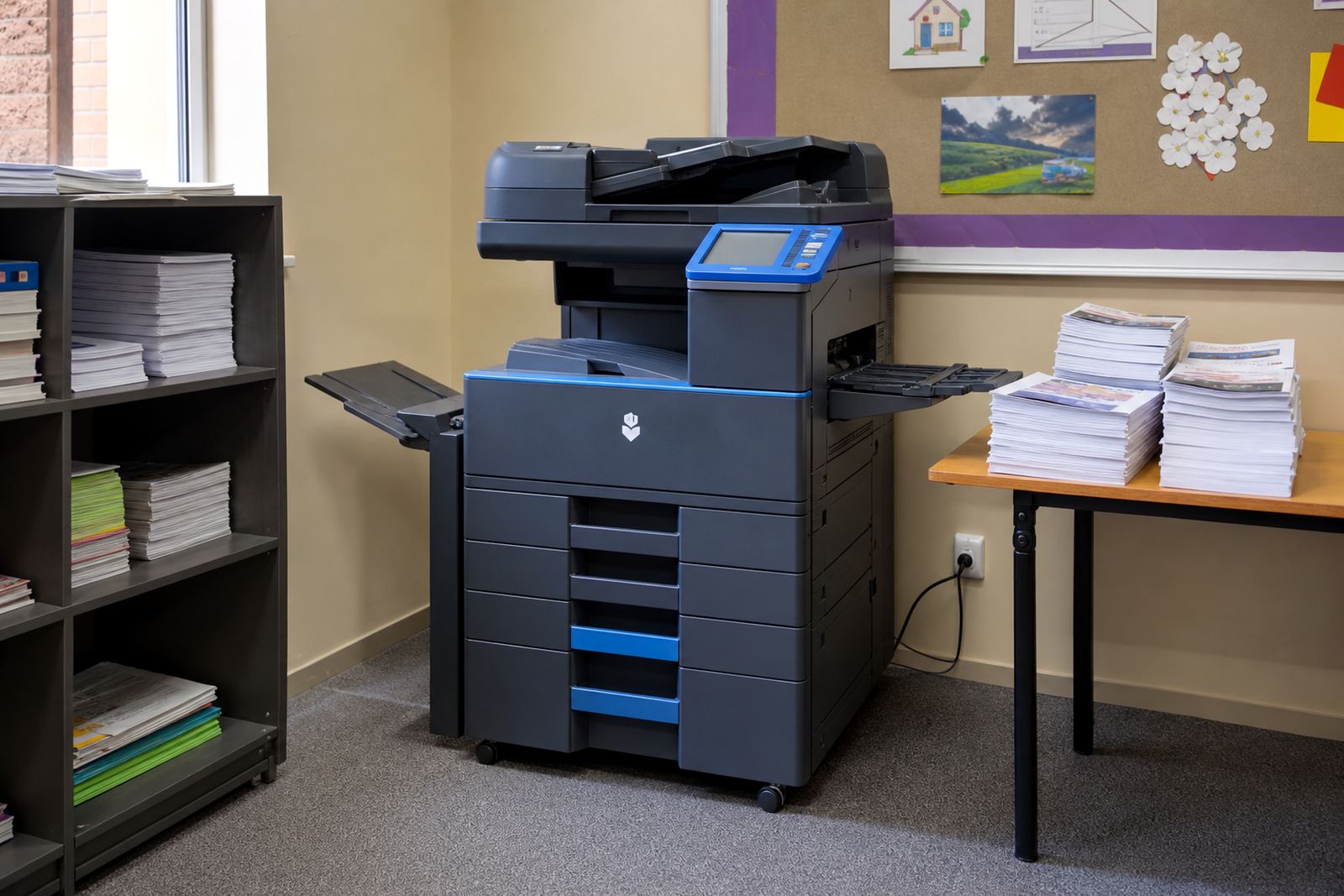
Staff rooms and departmental areas are often where print demand shifts without warning. One teacher prints a stack of tests, another needs colour handouts for a lesson and the next person wants scan-to-send us a message for learner records. These jobs ask for quick access to copying, scanning and secure print, yet the machine still has to stay practical for everyday use.
- Scan-to-message helps when forms must be shared without retyping them.
- Secure print keeps learner records waiting at the machine until the user arrives.
- Useful paper trays reduce the need to keep swapping sizes by hand.
- Separate mono and colour settings help control waste across departments.
In a school, the hardest part is not the printing itself. It is making sure the right staff member can use the machine without a long walk to another building or a pile of paper waiting on the output tray.
Billing needs to match the way schools budget
Schools often budget in terms and not in loose monthly habits, so the print agreement has to make sense on paper as well as at the machine. A rental charge covers the equipment, while click charges cover the pages that pass through it. That split gives the finance team a clear way to compare departments, buildings or year groups.
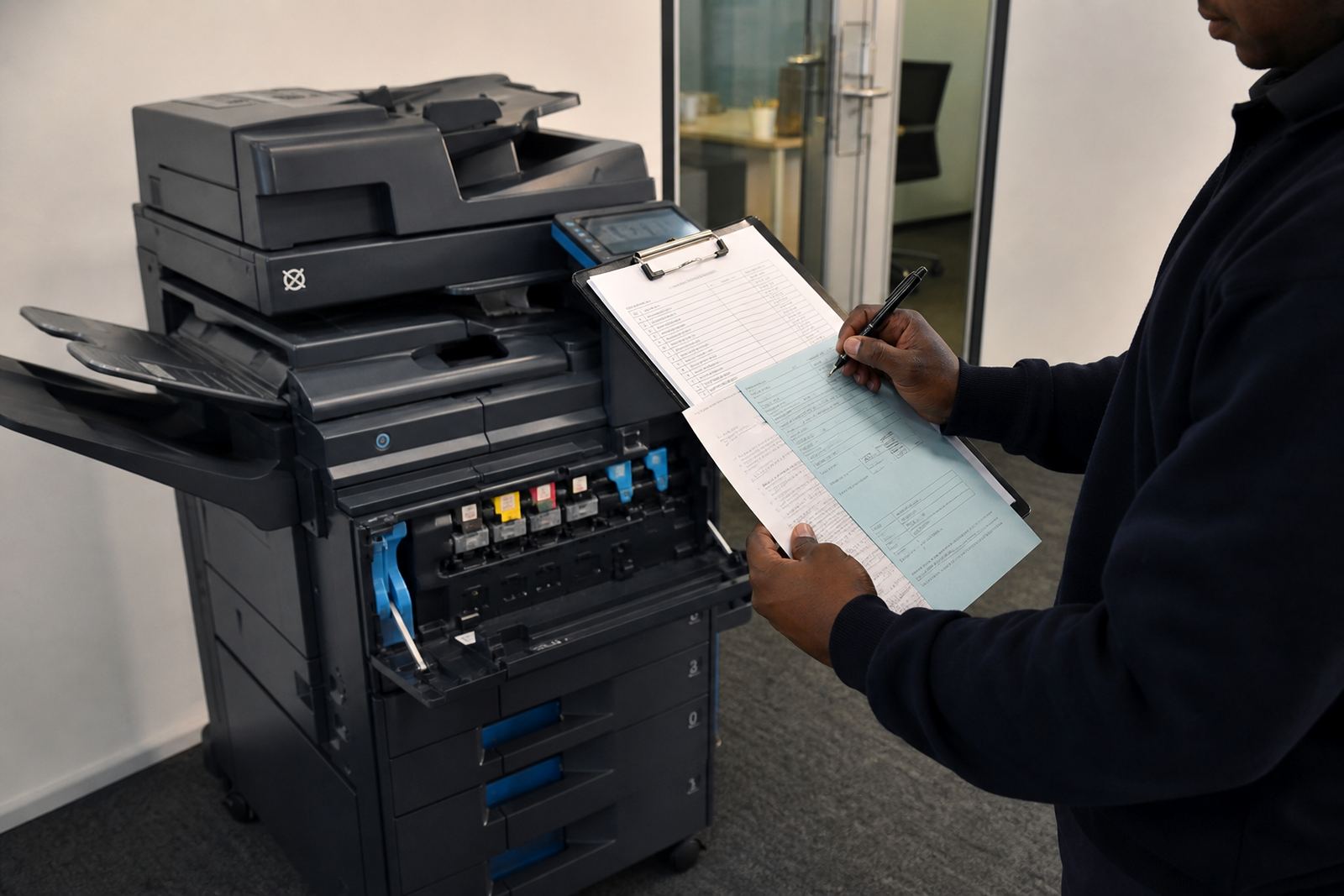
Toner supply sits inside the managed plan, so the office is not scrambling to buy cartridges when a machine starts fading in the middle of an exam cycle. Metre readings also need to be handled cleanly, because a missed reading can distort the account and make the next invoice harder to read. For a school with several offices, that detail matters more than people expect.
- Mono printing works best where pages are mostly text.
- Colour print suits notices, charts and selected teaching packs.
- A3 support helps with worksheets, planning sheets and larger handouts.
- Metre-based charging keeps high-use and low-use areas separate.
Service cover has to fit the school day
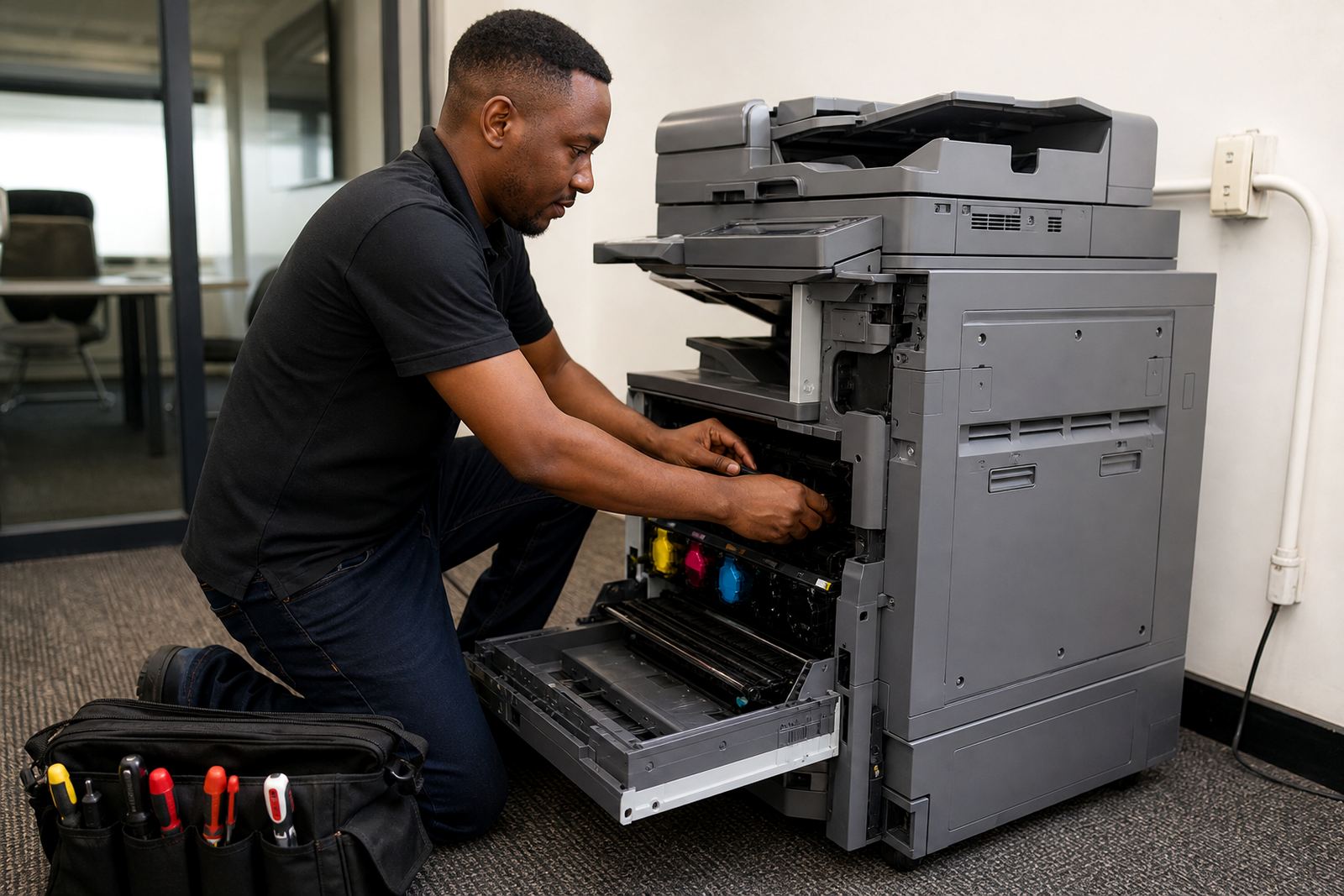
When a copier stops in a school, the delay spreads quickly. Admin staff are waiting on enrolment forms, educators are waiting on class sets and the front office is still dealing with parents. On-site servicing matters because the machine lives inside the day, not off to one side of it. A field technician needs to check feed issues, scan settings, network links and paper path faults without turning the room upside down.
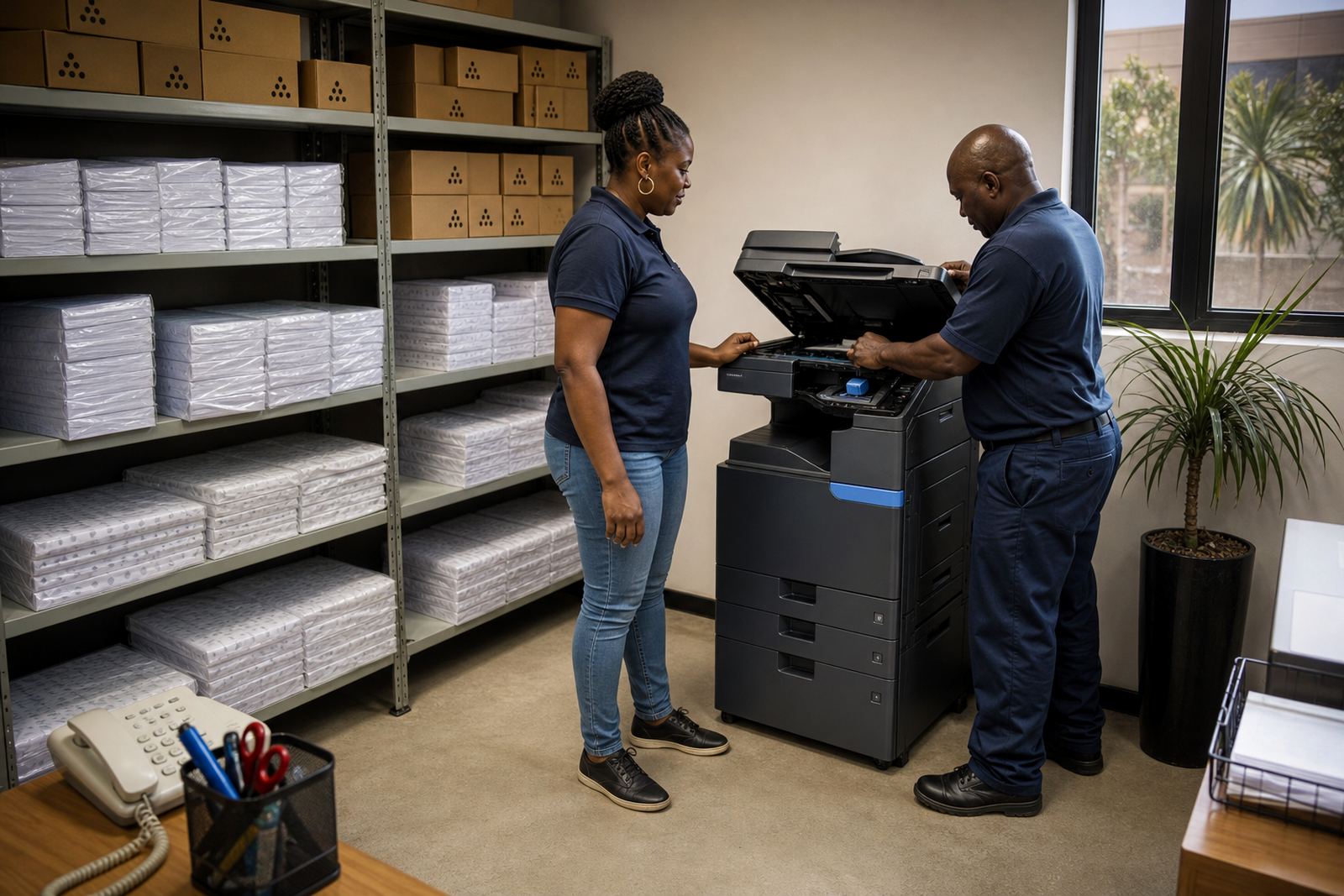
Breakdown response is only part of the picture. Schools also need machine relocations at the start of a new term, user handover after staff changes and end-term swaps when the old unit no longer matches the volume. That is where managed print works better than a one-off purchase. The machine can be changed to suit the next stage instead of forcing the school to adapt around it.
A Midrand school office with two print habits
In Halfway House, a school admin office may print attendance records in mono while the learning support team prints colour charts and learner packs. The office side wants lower running costs and consistent billing. The support side wants easy scanning, clear copies and a machine that does not slow down when several people use it in the same morning.
That is the reason many schools in Midrand, Pretoria and Sandton end up with more than one machine type. One device handles the plain admin work, while another serves the rooms where larger pages and mixed jobs appear through the day. It is a practical split, and it usually works better than asking one machine to do everything all the time.
- Place the busiest machine close to the main admin team.
- Keep teaching support near a device with scan and copy functions.
- Use secure print where staff handle sensitive learner records.
- Choose the paper size that matches the biggest regular job.
Questions to sort out before the machine lands
Before a school signs off on a rental, the team should look at page volumes, paper sizes and the number of users who will share the device. It also helps to know whether the office needs colour printing every day or only for notices and events. That information shapes the machine choice far better than a broad guess.
A managed plan should also cover toner supply, metre reading support and a clear route for service visits. If the school has more than one campus or a separate junior office, machine relocations and end-term swaps may matter too. The right setup does not need to be fancy, it just needs to keep the work moving without extra admin piled on top.