The copier becomes the bottleneck, not the helper
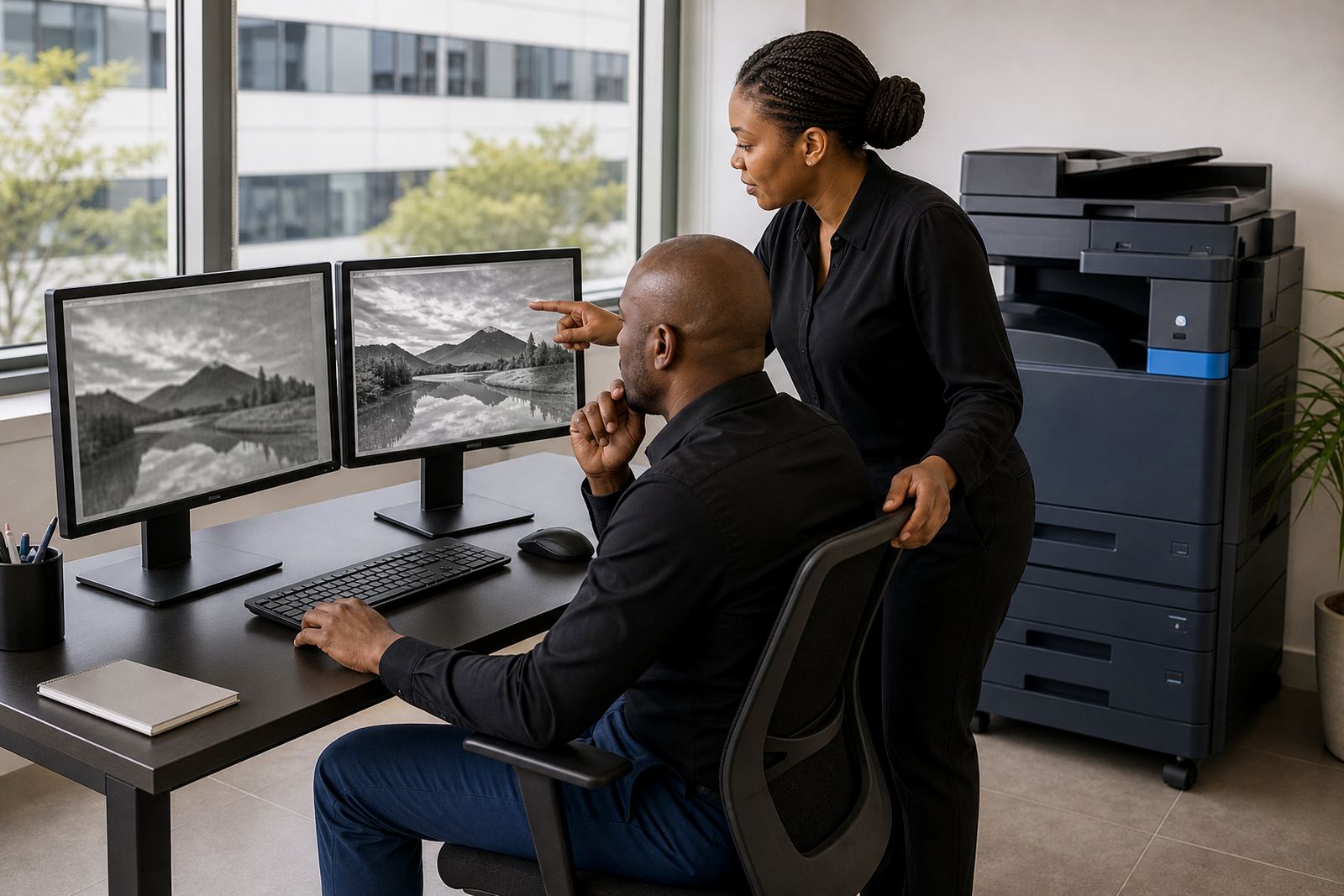
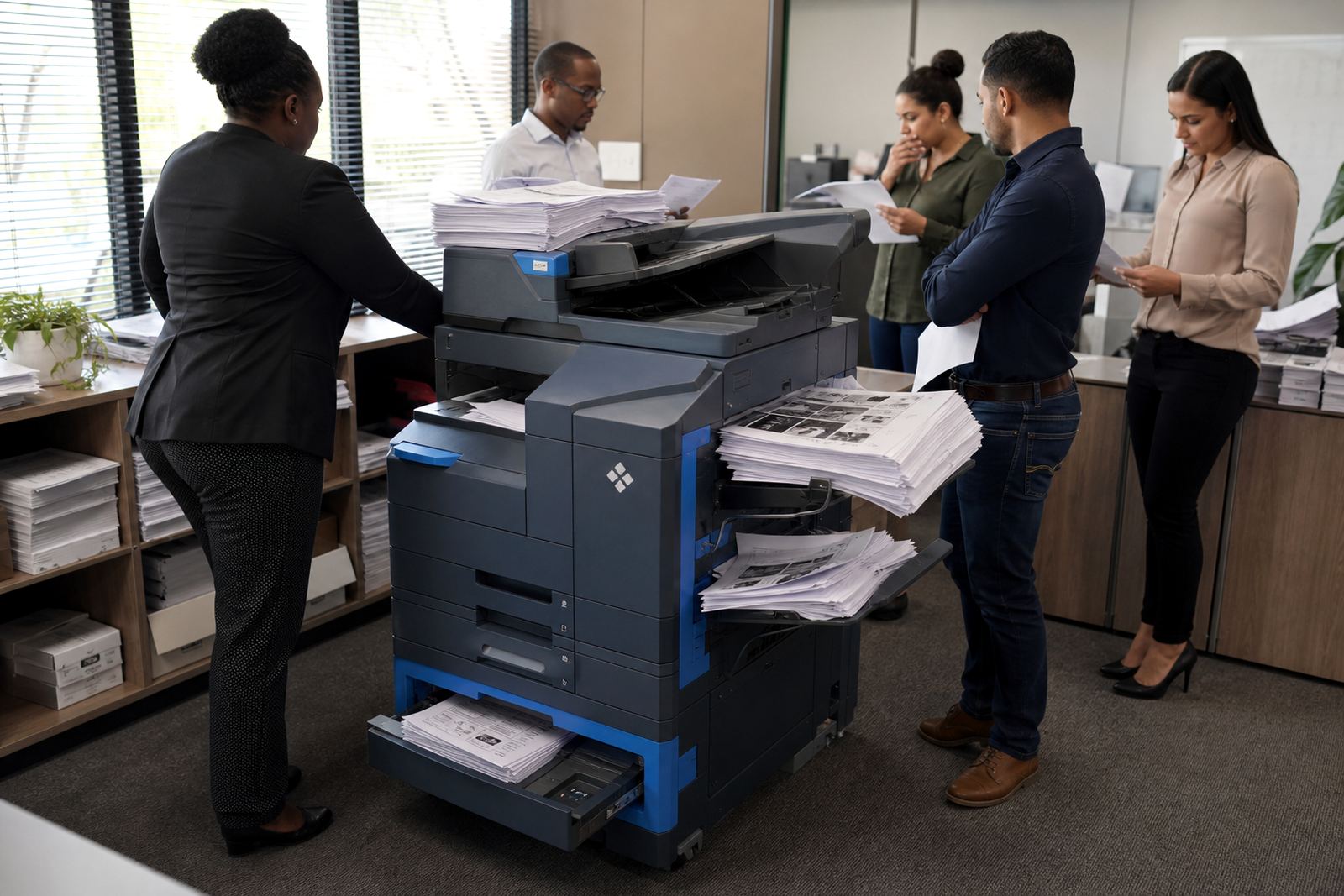
The first sign is not always a breakdown. It is the wait. Staff start standing by the machine, jobs get reprinted because the paper tray ran empty, and scanning a batch of forms takes longer than the work itself. In a small office that uses one A4 unit for printing, copying and scanning, that machine can only carry so much before it slows the whole floor.
Once the daily load grows past what the current device was sized for, a rental plan with metre billing and toner included usually makes more sense than pushing one small machine harder. A managed fleet can separate mono printing from colour work, place the right unit in the right spot, and keep the office moving without every task landing on one box.
Jobs that hint the current machine is under-sized
These are common signs that the workload has moved on:
- Paper trays are emptying too often during the day.
- Staff are queuing for scans, copies and print release.
- Colour pages are being used for ordinary internal work.
- Small toner cartridges are running out before month end.
- The machine is making more noise and running hotter under regular use.
- Reports, tenders or invoices need A3 handling but the device only covers A4.
When a practice, school office or finance team starts working around the machine, it is a fair sign the device no longer suits the rhythm of the office.
Mono, colour, A4 and A3 are not the same decision
Upsizing is not only about getting a larger printer. It is about choosing the right mix. A mono unit is often the better call for general office print, especially where letters, statements and internal packs take most of the volume. Colour is useful for presentations, client packs and marketing material, but colour clicks should not be wasted on everyday admin.
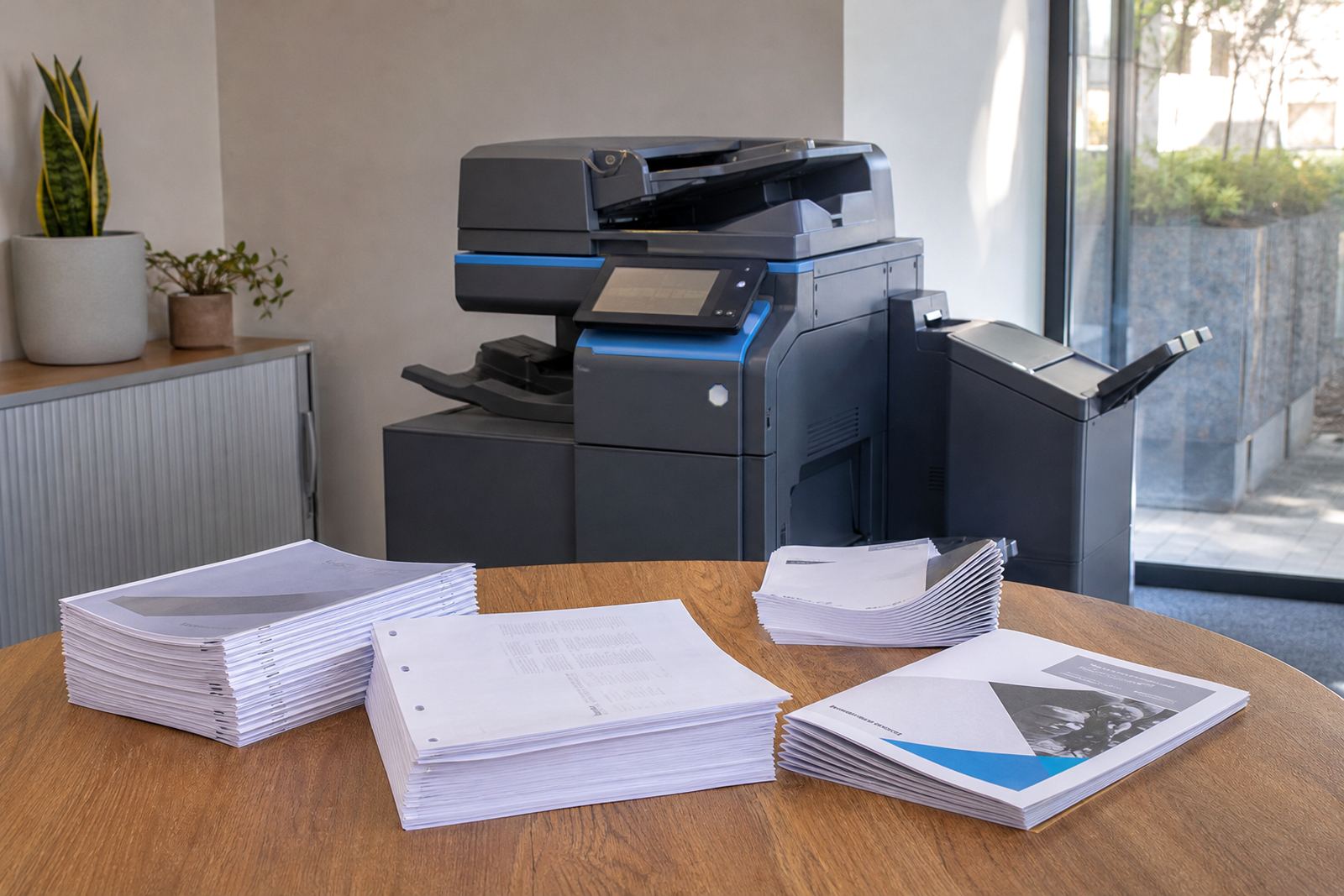
A3 capability matters when plans, spreadsheets or school notices need more space on the page. For some teams, one central A3 multifunction machine and a few smaller A4 devices work better than one overworked copier. That split also helps with secure print setup, scan to message and better control over who prints what.
When buying stops making sense
Some offices hold onto a machine because it was already paid for, yet the real cost shows up in toner, call-outs and lost time. If the device is older, parts are harder to source and the service visits are becoming regular, the machine may still switch on but it is no longer earning its place.
Rental changes the picture. Monthly rental and click charges spread the cost, toner is supplied as part of the plan, and metre readings give a proper view of usage. That setup is often easier for growing offices in Midrand, Sandton or Pretoria where headcount changes, teams share printers and the print load can shift quickly from one month to the next.
A Midrand office that outgrew one small machine
A professional office in Halfway House may start with one compact multifunction printer at reception and a second machine near accounts. Then the workload grows. More scanning, more client packs and more internal copying begin to hit the same device. The tray empties, toner runs thin and staff start saving jobs until later in the day. That is when the machine becomes a drag on the work.
In a case like that, a managed print review can point to a better mix: one stronger mono unit for bulk print, one colour unit for presentations, and a clean handover on scan to message and secure print. It is not about adding equipment for show, it is about giving each task the right machine.
What a managed rental plan changes on the floor
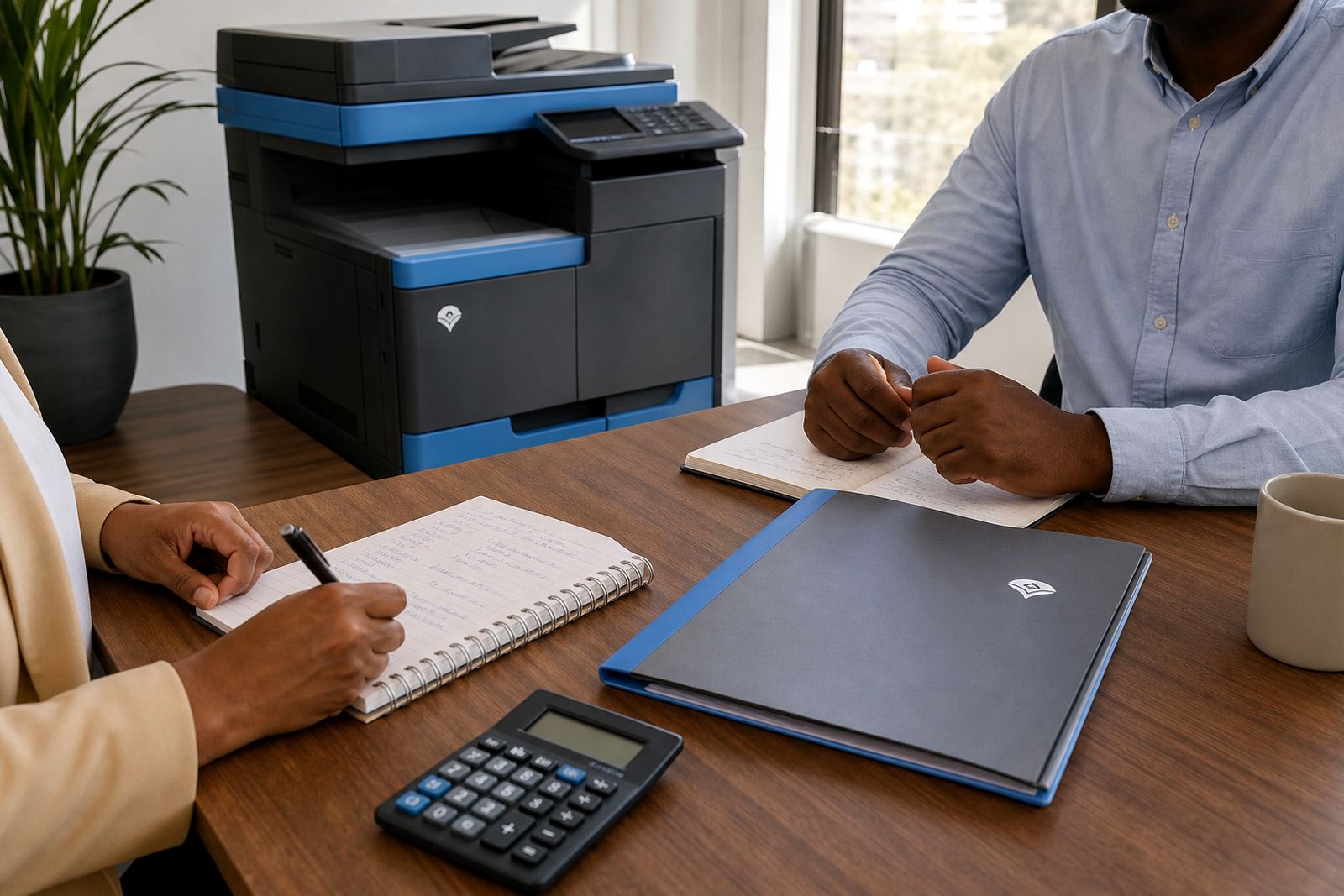
A proper office printer rental plan is about control as much as hardware. It covers toner supply, metre reading support, on-site servicing and breakdown response. It also makes end of term swaps possible when the office changes shape, or when the current model no longer fits the volume.
- Device installation and network setup for shared office use.
- Toner supply matched to real monthly usage.
- Metre-based billing so the cost follows the print volume.
- Machine relocations when a team moves within the building.
- User handover so staff know the print, scan and security settings.
For offices across Johannesburg, Durban, Cape Town and Bloemfontein, that structure avoids the stop-start scramble that often comes with owning the wrong device.
Signs it is time to move before the office feels it
The best time to upsize is usually before the complaints become normal. If staff are printing in batches to dodge queues, if colour pages are used for plain office work, or if the machine is pushed to cover copy, scan and print for a growing team, the office is already beyond the comfortable limit.
There is also a practical side. Toner supply must match the volume, secure print may be needed for confidential jobs, and scan to message should work without a fuss. When those basics start taking too much effort, the device is no longer serving the office well. A larger managed setup, with the right monthly rental and click structure, keeps the work steady and the printer out of the way.