When the scan tray becomes the bottleneck
Many offices notice the problem only after a busy week. Staff are feeding the same pages twice, scan files land in the wrong inbox, and the copier near reception becomes a place where work waits. When older multifunction machines start dragging on daily admin, the issue is usually not only the hardware. The workflow around it has usually grown messy as well.
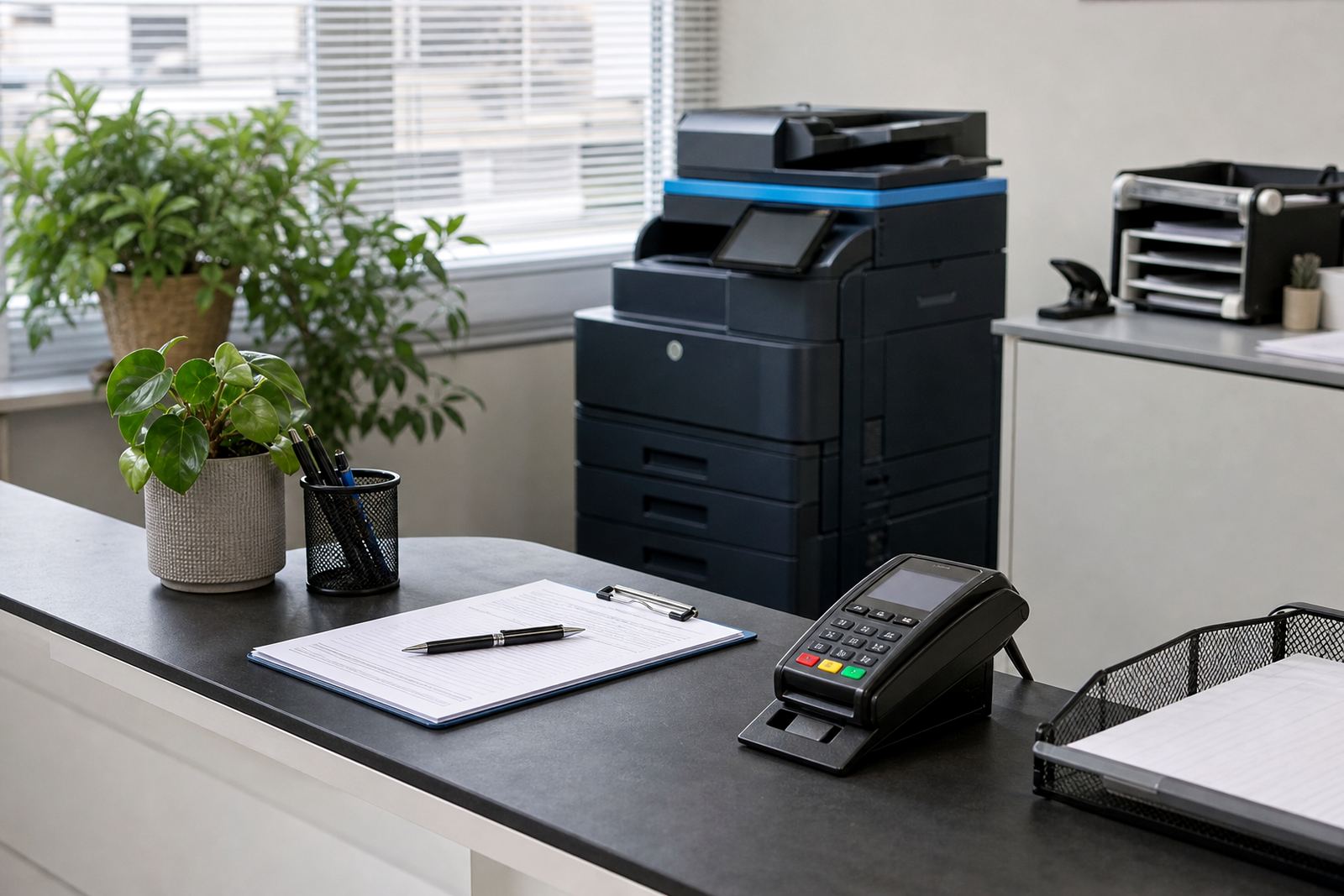
Upgrading to a managed print plan gives the office a chance to reset the way documents move. A4 and A3 multifunction machines can be set up for regular copying, network scanning, scan to message and secure print. That means the device is not just replacing paper movement. It is also helping the team control where documents go and who sees them.
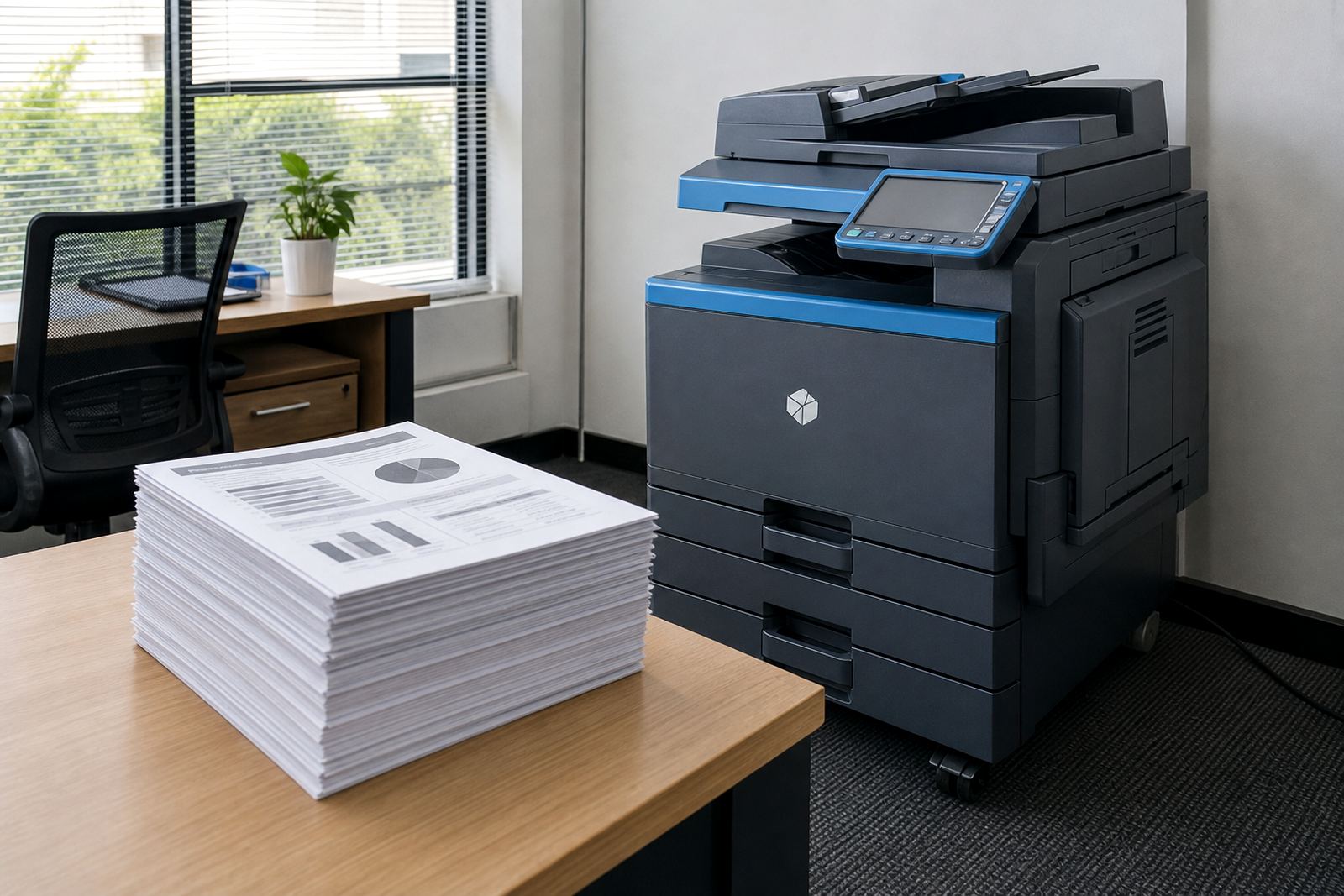
In Halfway House and the wider Midrand area, many offices work with mixed document needs. One department scans signed forms, another handles claims, and a third prints internal packs for meetings. A single older copier often struggles with that mix. A newer rental setup can be matched to the actual load, with the machine size, colour choice and monthly billing aligned to the work pattern.
The settings that change how people work
Scan workflow is often shaped by small settings rather than dramatic changes. A user does not need a larger machine if the default scan profile is wrong. They need sensible folders, clear file names, and a shortcut panel that reduces repeat steps. Once those basics are in place, staff spend less time at the glass and more time on the document itself.
These are the features offices tend to use most when replacing older devices:
- Scan to send us a message with preset address books for common departments
- Scan to folder for records, compliance files and shared drives
- Secure print for confidential statements and staff records
- Automatic file naming to keep saved scans easy to trace
- Colour or mono scanning depending on the document type
- Simple user handover so teams know the workflow from day one
When the settings are arranged properly, people stop building private workarounds. That matters in offices with rotating staff, shared printers and more than one site, because the device should behave the same way in each branch.
Rental, metre billing and the money side of scanning
Managed print plans usually work better than a purchase when the office wants predictable spending. The monthly rental covers the machine, while click charges cover usage by metre reading. Toner supply sits inside the arrangement, so the team does not have to chase separate stock every time a cartridge runs low. That structure gives accounts a clearer view of what the document room costs.
For scanning, the useful part is not only price control. It is also the way the plan reduces disruption. If a multifunction device is rented on a managed basis, the office is less likely to delay a needed upgrade because of capital approval. A machine can be sized for mono or colour use, then adjusted when the department grows or its document mix changes.
In practice, this is where many offices in Johannesburg, Pretoria and Sandton move from patchwork fixes to one cleaner arrangement. They keep the scanning habits they need, but with better file handling and less time spent coaxing an old machine through another month.
What a better scan setup looks like in real office use
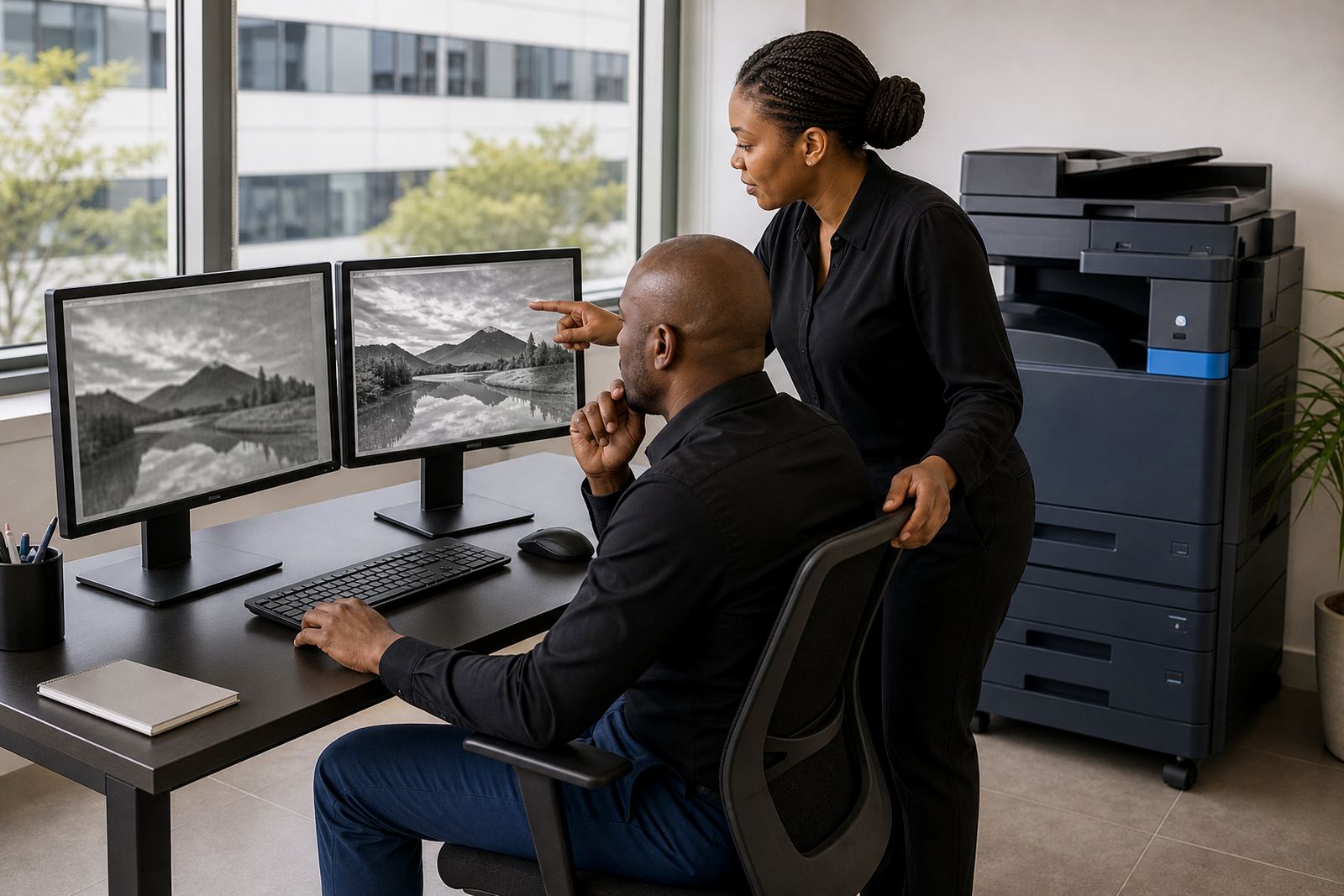
The strongest scan setup is usually the one people barely notice. A receptionist should be able to send signed paperwork to the right folder without checking three times. A practice manager should be able to pull a clear digital copy without asking for help. And the copier should not make each scan feel like a fresh lesson.
A practical upgrade often includes:
- Network setup so the device reaches the right folders and users
- Scan to message profiles for repeat destinations
- Secure print for documents that should not sit in the tray
- Relocation support when the device needs to move between rooms
- On-site servicing to keep the scanner glass, rollers and feeder working properly
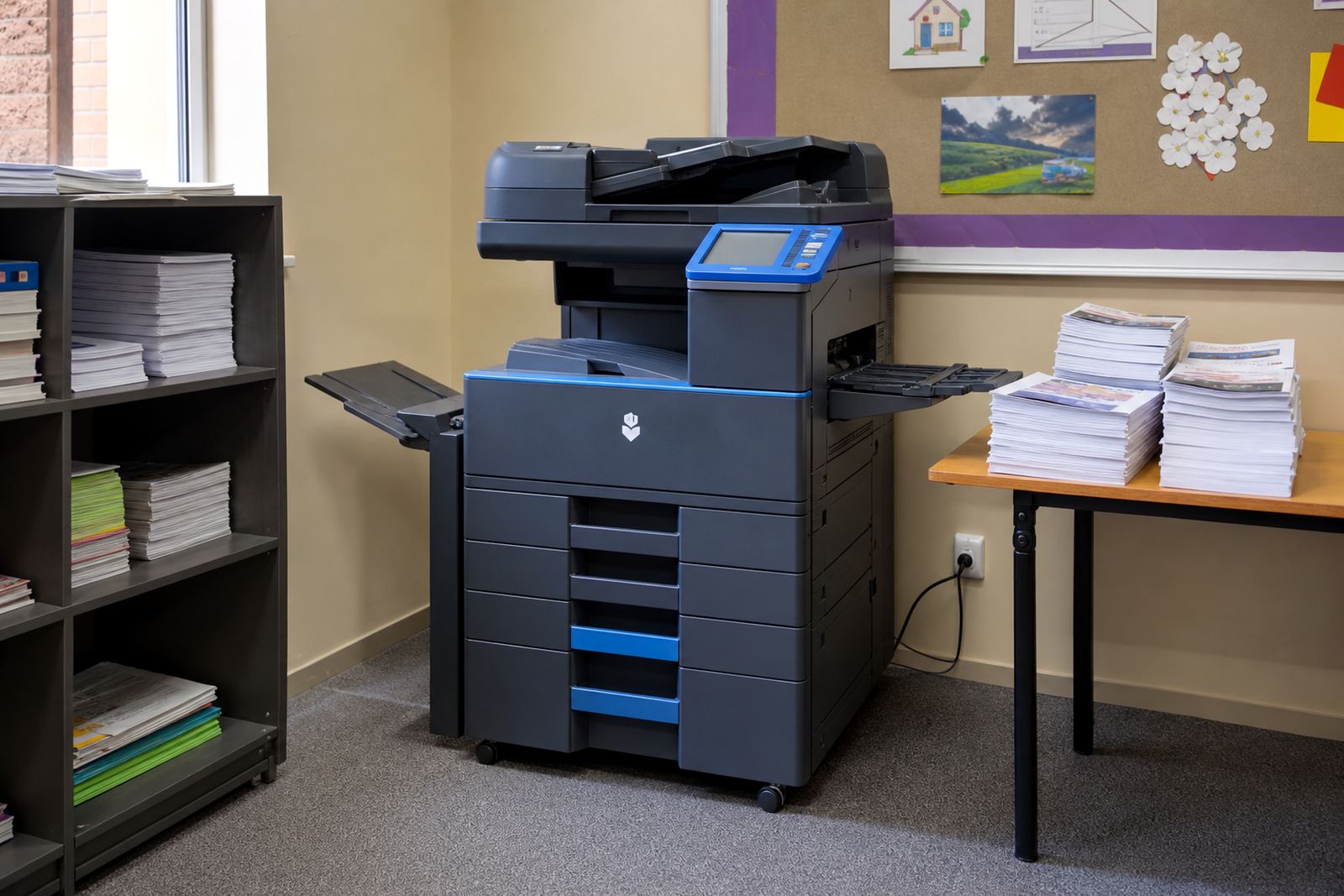
When the feeder is worn or the glass is marked, scan quality drops even if the machine still copies. That is common in older units used by schools, legal offices and medical rooms. A rental plan makes it easier to replace the right machine at the end of term, or swap to a model that suits the new workload better.
A Midrand office that needed less friction
A professional office in Midrand recently moved away from a tired multifunction device that handled copying but struggled with scanning multiple page sets. Staff were saving files under inconsistent names, and the accounts team kept having to search shared folders for the latest version. The problem was not lack of effort. The device simply no longer matched the way the office worked.
After the rental machine was installed, the scan setup was rebuilt around the real daily use. Department folders were arranged more clearly, scan to message was limited to the addresses the team used most, and secure print was added for confidential forms. The result was less confusion at the device and fewer unnecessary reprints. Nothing dramatic changed, but the office no longer had to work around the copier.
This kind of change matters in mixed-use spaces across Halfway House, Centurion and Pretoria too. Offices want document capture that feels orderly, not clever for its own sake. A machine should fit the office pattern, not force the office to learn the machine’s bad habits.
How the end-of-term swap protects the workflow
Some offices keep the same machine until it becomes a daily irritation. That usually happens because no one wants the upheaval of change. Managed print plans make the swap easier to plan, especially where the machine has to be moved, retested or reconfigured for a new team.
An end-of-term swap can protect the scan workflow in a few useful ways:
- The office keeps its familiar user habits while the device changes
- The scanning profiles can be rebuilt around current departments
- Older feed problems are removed before they spread to daily admin
- The machine size can be adjusted if the site has changed layout
- The team avoids carrying a weak device through another cycle
That approach is useful for schools, project offices and practices that see regular staff movement. It keeps the document process steady while the hardware changes underneath it.
Keeping the scanner useful after the first week
A proper installation is only part of the work. The real test comes when people use the device under pressure, with queues, tight filing habits and documents that do not always arrive neatly aligned. That is where meter reading support, breakdown response and on-site servicing earn their place. If the scanner feeder jams or the settings drift, the office needs practical support rather than guesswork.
For offices in Durban and Cape Town, humidity and paper handling can affect feeder reliability too. In those cases, regular servicing and sensible paper storage matter as much as the machine itself. A better scan workflow depends on the full chain, from the feeder to the folder structure to the person saving the file.
Go-Printers Rental works with offices that want a cleaner document process without buying equipment outright. The goal is to keep the scan path clear, the billing understandable, and the machine suited to the work the office actually does.