When a printer fault becomes a service call
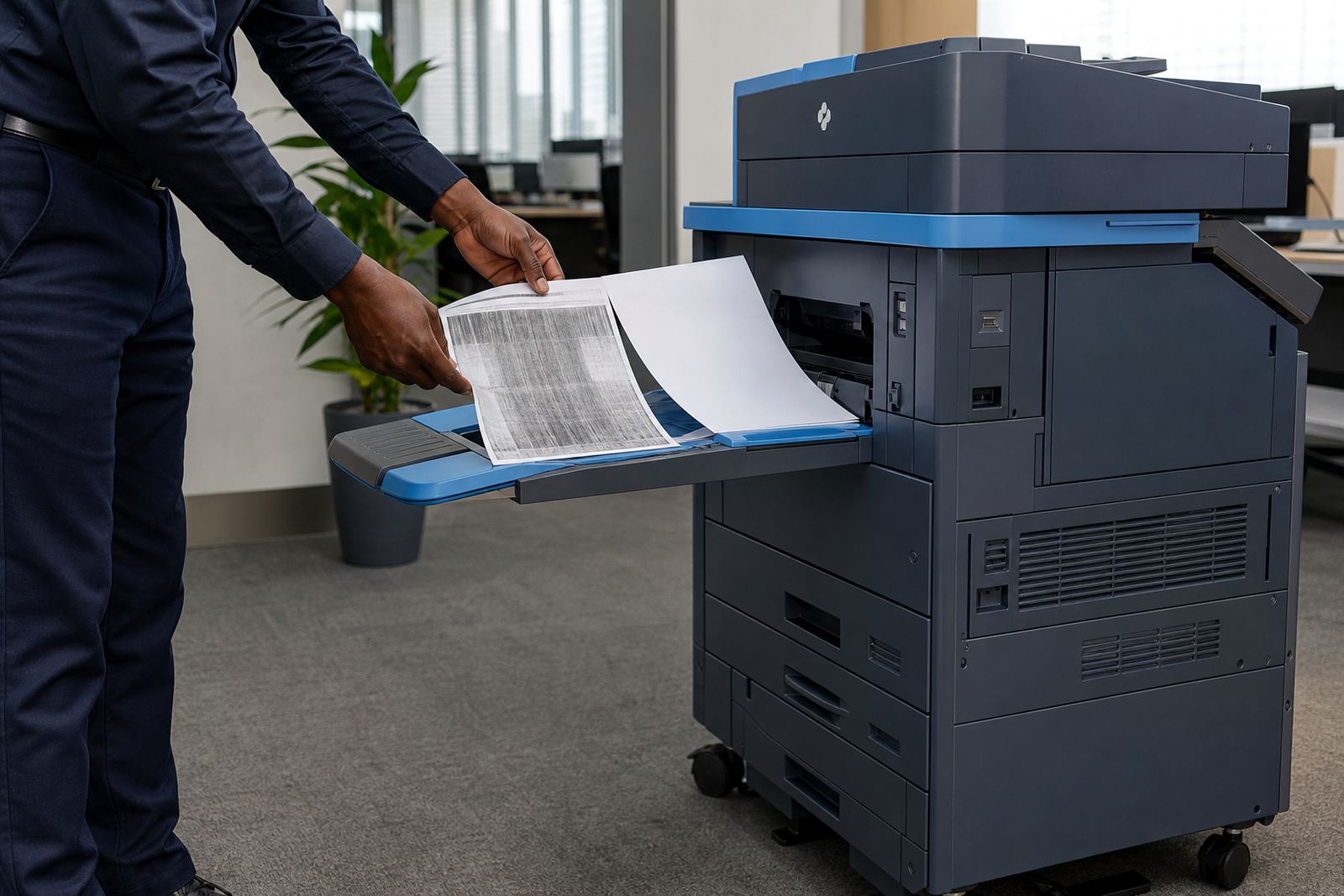
A good rental plan starts with clear fault logging. If a machine is jamming, dropping scans, showing a paper feed fault, or refusing to print secure jobs, the issue should be recorded in plain language with the machine location, metre reading and any error code visible on the screen. That gives the service team enough to decide whether the fix is remote, on-site, or part of a wider fleet problem.
Offices in Midrand, Sandton and Centurion often run more than one device, and the same fault can look different on each floor. A reception team may report a scan-to-message problem while accounts only notices missing printouts, so the first log entry needs to capture what failed and who first saw it. Those small details save the technician from guessing at the arrival point.
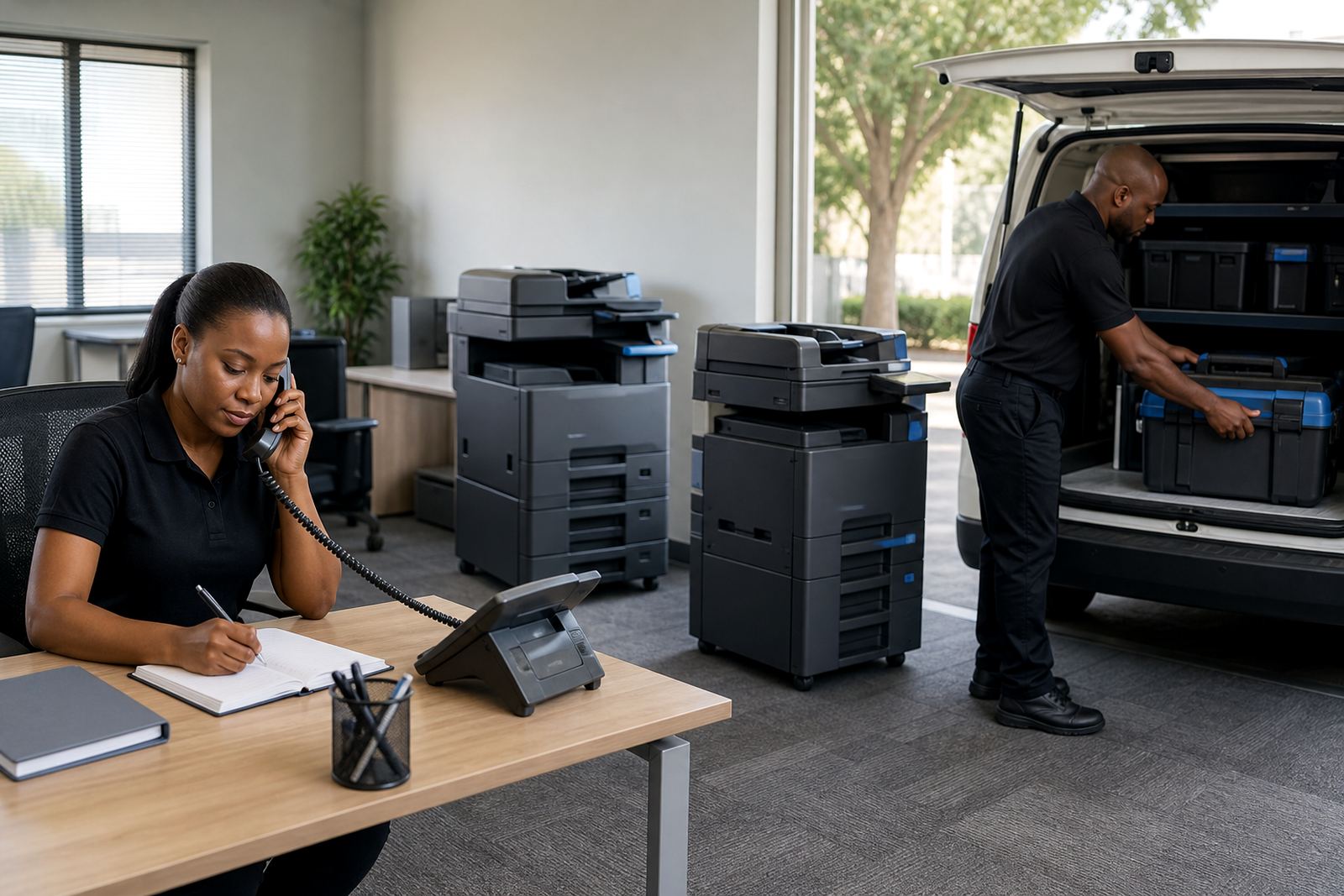
What technician attendance should cover on a managed print plan
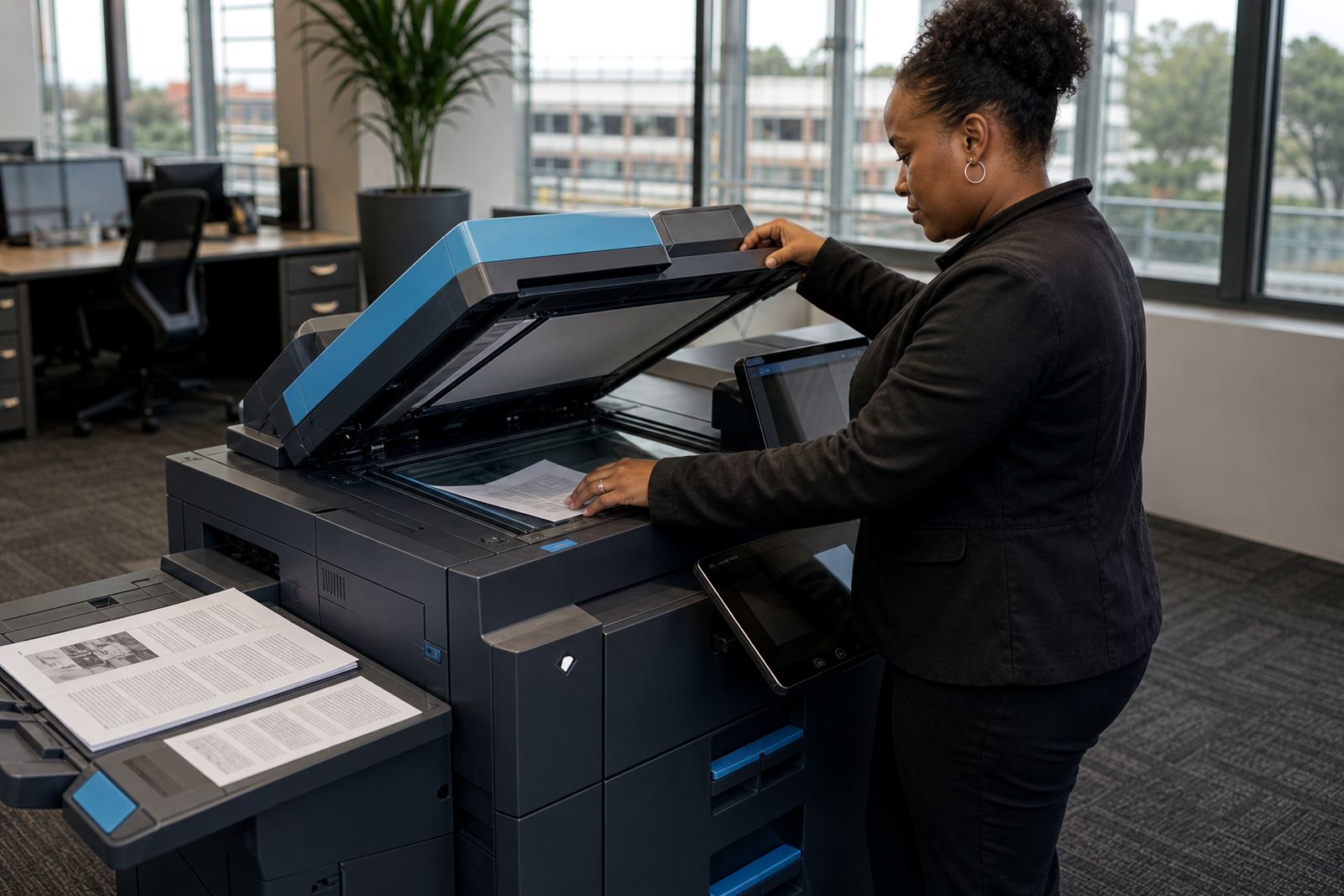
Technician attendance is not only about turning up with tools. It should also cover the right parts, the right toner type if the unit is low, and the ability to test the machine under normal office use. A copier that works during a quick test but fails when twenty staff members send jobs at once has not been properly checked.
On-site servicing usually includes cleaning paper paths, checking feed rollers, reviewing network settings, and confirming that the device is still set up for the office network. Where secure print is in use, the technician should also confirm that the release process still suits the way staff work. If the office has moved counters or changed rooms, a machine relocation may be the better fix than repeated visits.
- Ask whether the visit includes fault diagnosis, not only a reset.
- Ask if toner supply is checked at the same time.
- Ask whether the technician records the metre reading and fault code.
- Ask if the service note shows what was tested before the machine was left.
Fault logging should tell the story, not just the symptom
Good fault logging is more than a short note that says printer down. The record should say what the user saw, how many devices were affected, whether mono or colour jobs failed, and whether the issue started after a paper change, network update or relocation. That kind of log helps separate a simple paper path fault from a wider configuration problem.
In a Bloemfontein practice, for example, a scan-to-message issue may look like a printing fault at first. Once the log shows that the machine prints locally but fails on outbound scans, the technician knows to check network settings, address book entries and authentication details. The visit is then aimed at the actual fault, not the nearest visible one.
Monthly rental and click charges need separate attention
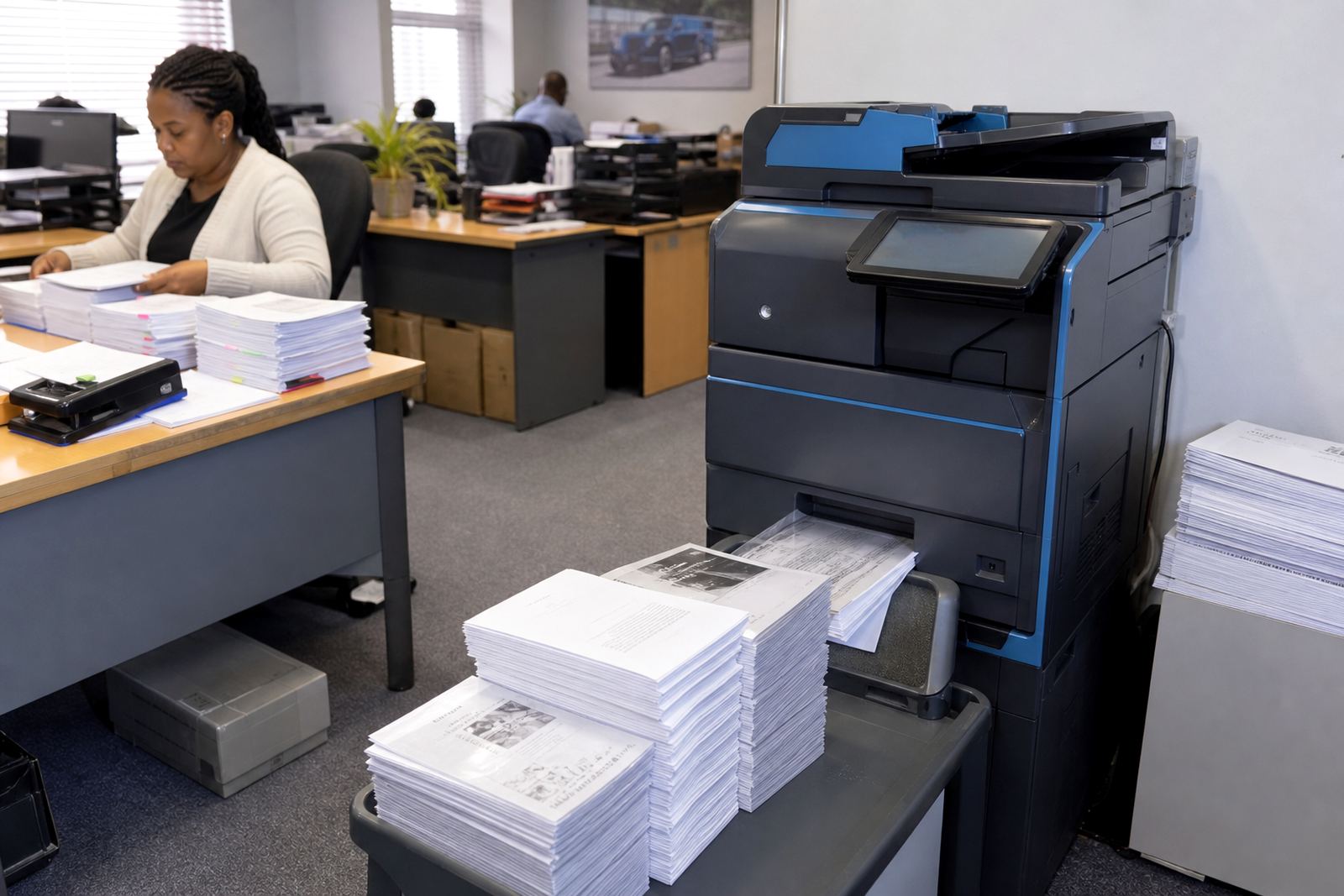
Many offices focus on the monthly rental and forget the click charge structure. The rental covers the machine itself and the managed plan around it, while the click charge tracks the actual mono or colour output on the metre. If those two parts are not clear, the accounts team cannot match the monthly invoice to real use.
Metre-based billing works best when readings are taken properly and linked to the exact device. On mixed fleets, one A4 mono unit may carry most of the black and white volume, while an A3 colour copier handles presentations, price lists or training packs. Keeping those roles separate makes service planning cleaner and helps avoid arguments about who printed what.
- Confirm whether mono and colour clicks are billed separately.
- Check that each machine has its own metre reading record.
- Ask whether end-of-term swaps affect the billing trail.
- Make sure relocations do not blur one device into another.
The local example: a Midrand office with two busy floors
A Midrand office with two floors may run one compact mono machine near finance and a colour multifunction device near the front office. If the finance team reports repeated paper jams, while the front counter says scans are not reaching message, those are two separate issues and should be logged that way. A single call note that says the printer is bad does not help the technician plan the visit.
That same office may need user handover after a staff change, or a secure print setup after confidential documents start moving around shared trays. In practice, the best attendance is the one that arrives with the right history, the right metre reading, and enough detail to test the device in the area where it actually works. Halfway House offices often want the same thing: less repeat chasing, more accurate fault notes, and a machine that matches the volume on the floor.
Questions that keep a support plan honest
When you compare managed print plans, ask questions that force the plan to show its working. Not every office needs the same service pattern. A school with heavy copy traffic may need different attendance discipline from a legal practice that mainly relies on scan-to-message and secure release.
Useful questions are direct and practical, and they should be asked before the first fault starts to pile up. The answers should make it clear who logs the issue, how metre readings are handled, what happens when toner runs low, and how end-of-term swaps are scheduled without interrupting the office rhythm.
- Who records the fault and the metre reading?
- What detail should the office give before a technician is sent?
- How are toner supply and service visits linked?
- What happens if the machine needs replacement rather than repair?
Keeping the record useful from first call to final swap
A strong service record helps with more than one visit. It shows which faults repeat, which departments print most heavily, and whether the chosen machine still suits the office. When a contract moves toward an end-of-term swap, those records make the handover less awkward because the history of the device is already on file.
For offices across Johannesburg, Pretoria, Durban, Cape Town and Bloemfontein, the aim is not to chase a perfect printer. It is to keep the rental plan readable, the attendance sensible, and the fault notes honest enough to guide the next step. If the logging is careful and the service calls are specific, the machine spends less time being a mystery.