What A3 changes in a managed print plan
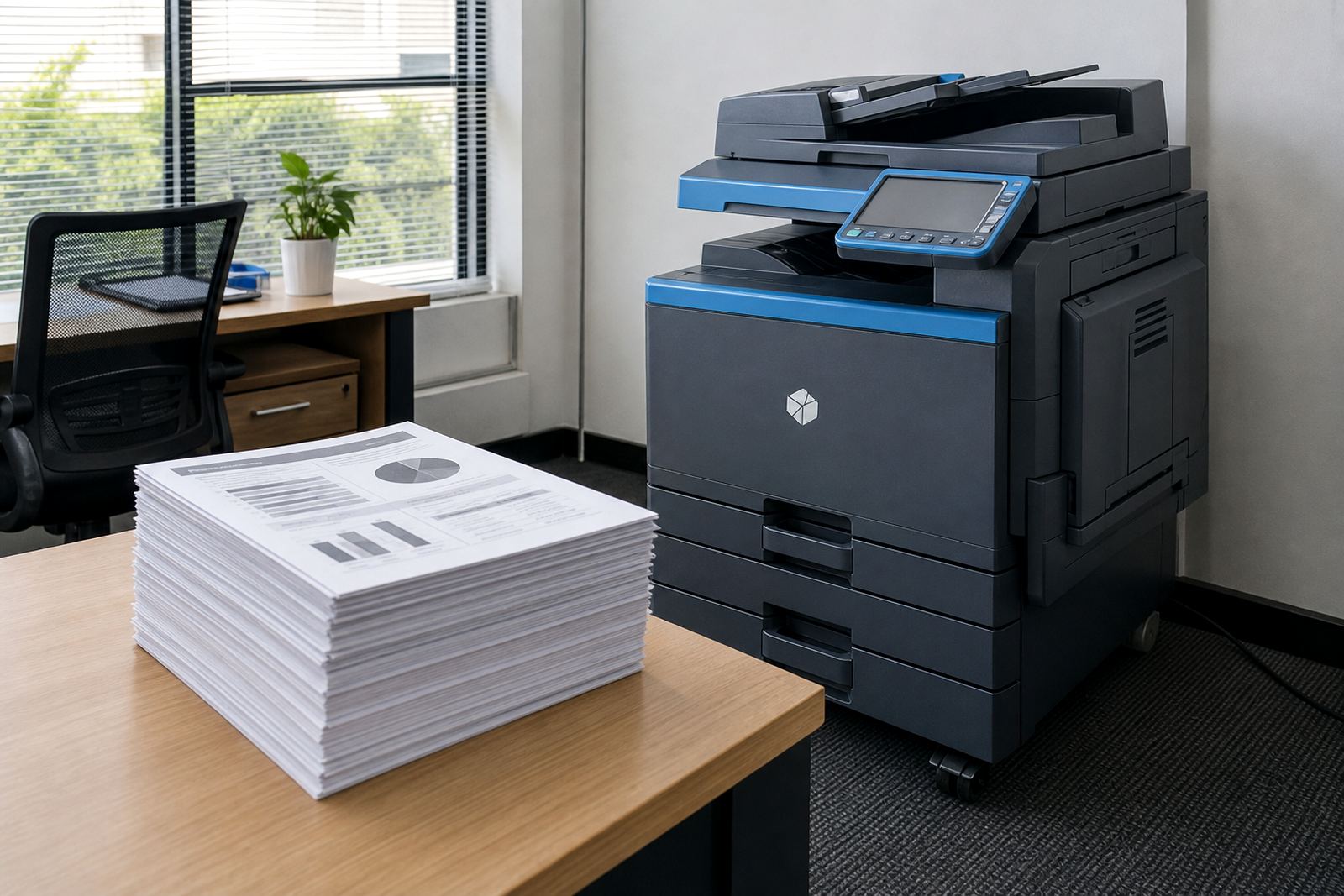
An A3 machine is not just a bigger box with bigger paper. It usually supports wider copy sizes, larger scan areas and more flexibility for duplex work, booklet layouts and department packs. That matters when the office needs one device to cover admin, marketing and document archiving without moving files between rooms.
In a managed print rental, A3 also changes the plan structure. Monthly rental often reflects the larger machine class, while click charges track the actual pages printed. Colour A3 output can cost more per page than monochrome, so finance teams need clear metre reading support and clean reporting. If the office only uses A3 once or twice a week, the rental still has to earn its place in the room.
- A3 adds wider scan and copy options for plans, charts and layouts.
- It can support more paper sizes from one tray set.
- The monthly cost should match the real volume, not the wish list.
Monthly rental and click charges are not the same thing
Many offices focus on the monthly rental and miss the click cost. That is where A4 versus A3 becomes a financial question, not just a paper question. A low rental on the wrong machine can become expensive if staff print large files, colour charts or repeated drafts every week.
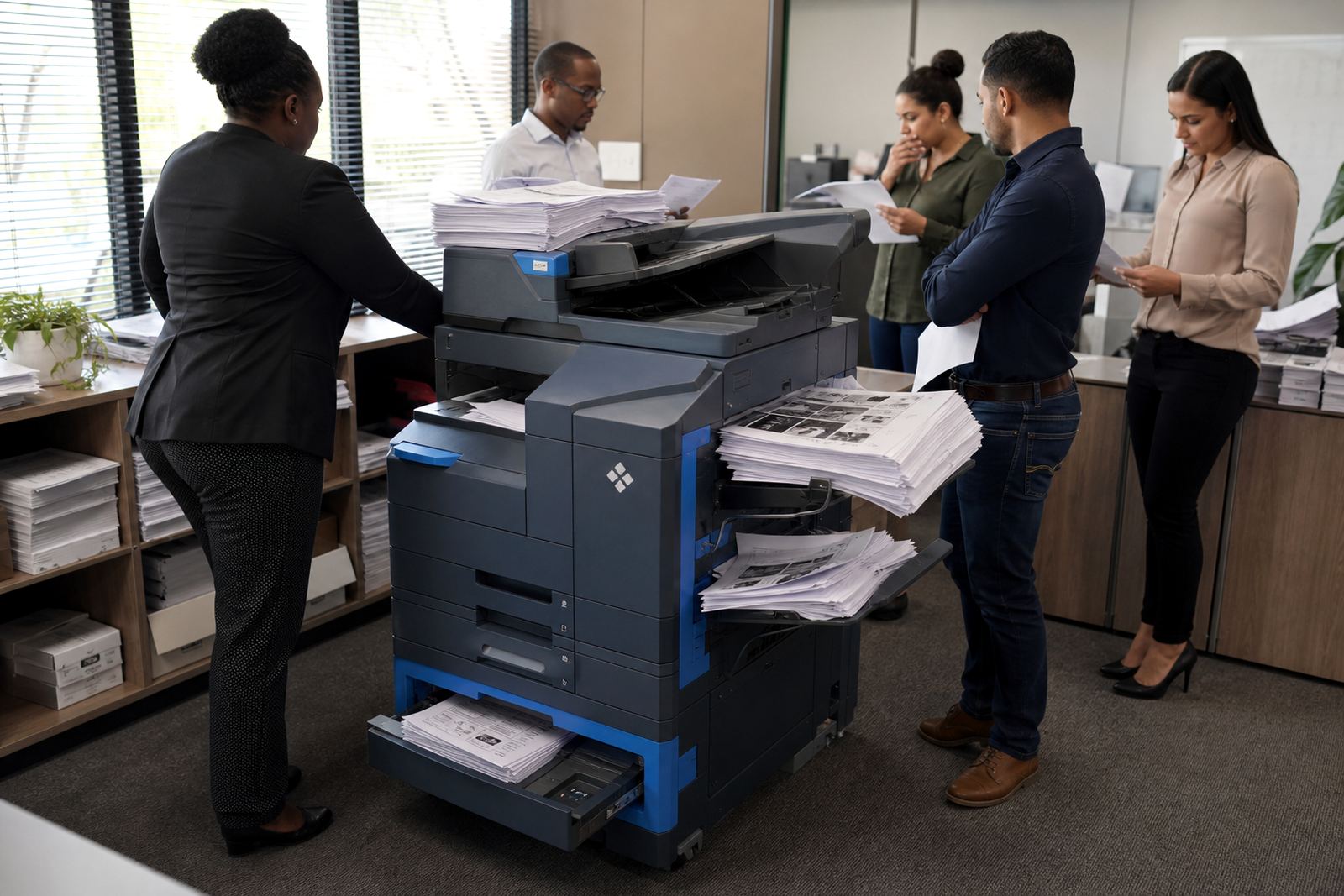
Click charging usually follows metre readings, so the office pays for actual use. That works well when the team understands what each department prints and how often. If legal, accounts and operations all share one copier in Halfway House, the machine may need higher duty support than a small A4 device would offer, even if the floor space is tight.
- Monthly rental covers the machine on site.
- Click charges follow the pages that pass through it.
- Colour pages and A3 pages should be counted with care.
Scanning, secure print and the way people work
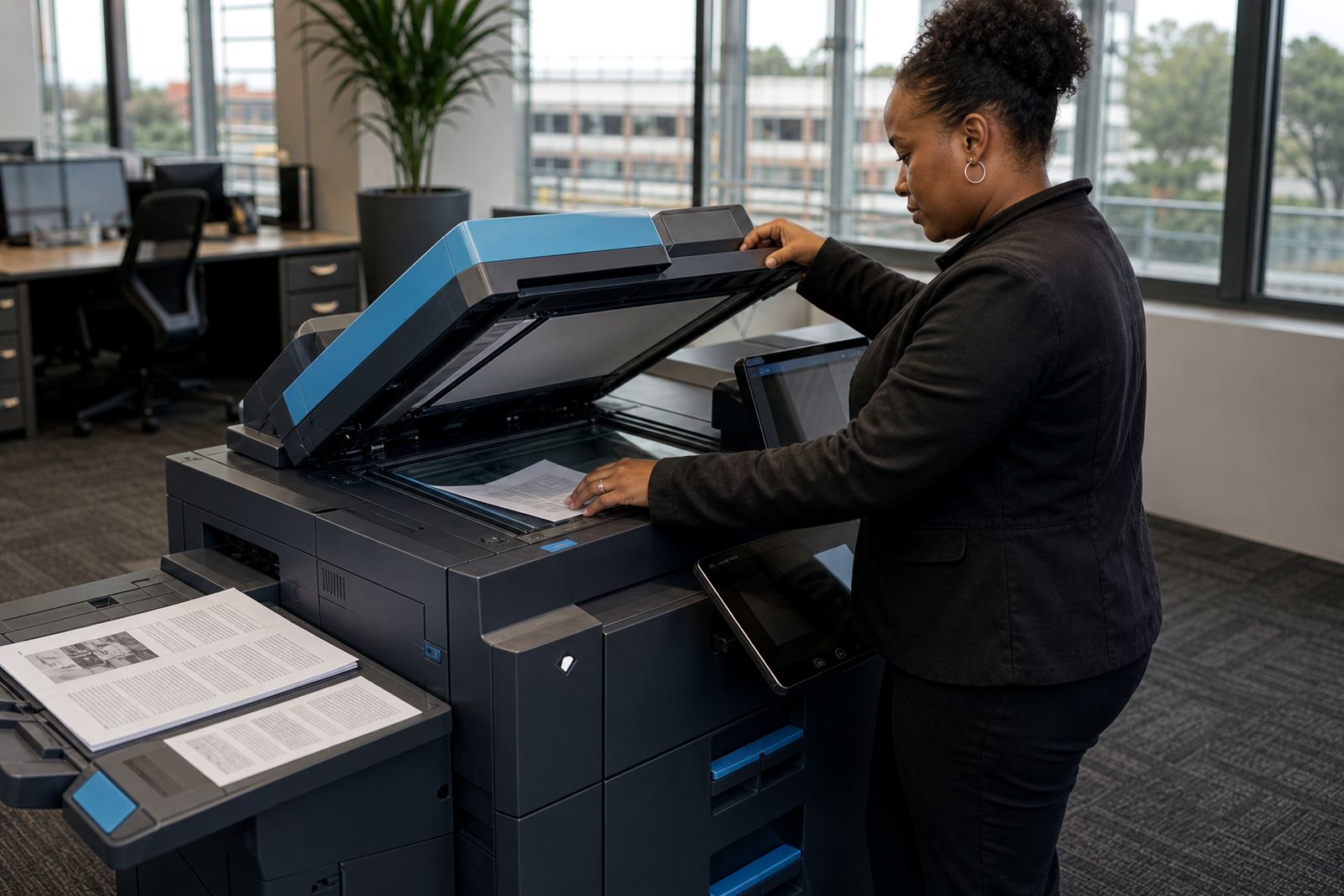
Paper size affects more than printing. A3 machines often give staff better scanning options for big documents, and that can help with filing, contracts and construction packs. A4 devices can still scan well, but wider originals may need more handling or separate steps.
Secure print also matters in shared offices. A busy reception, school staff room or medical practice needs confidential jobs held back until the right person releases them at the machine. That is easier to manage when the print room, network setup and user handover are planned together. Scan to message setups should match the way the office names files, stores records and shares them across departments.
- Secure print helps where several people share one device.
- Scan to message works best when folders and naming rules are clear.
- A3 scanning can reduce rework on large original documents.
Where on-site servicing becomes part of the size decision
A larger machine often has more rollers, trays and moving parts, so service planning matters. That does not mean A3 is fragile, only that the office should treat servicing as part of the rental from the start. Toner supply, breakdown response and machine relocations all sit inside the same working pattern.
A school in Bloemfontein may need wide class packs for staff meetings and report layouts, while a Durban office may care more about colour proofs and humid coastal paper handling. In both cases, the right machine is the one that fits the print habits, not the one with the biggest spec sheet. If the team uses A3 rarely, an A4 fleet with one shared A3 unit can keep the floor calmer and the metre easier to read.
- Service access matters more once the machine becomes central to the office.
- Relocations should keep network and scan settings intact.
- One shared A3 device can serve several departments well.
A Midrand example that shows the difference
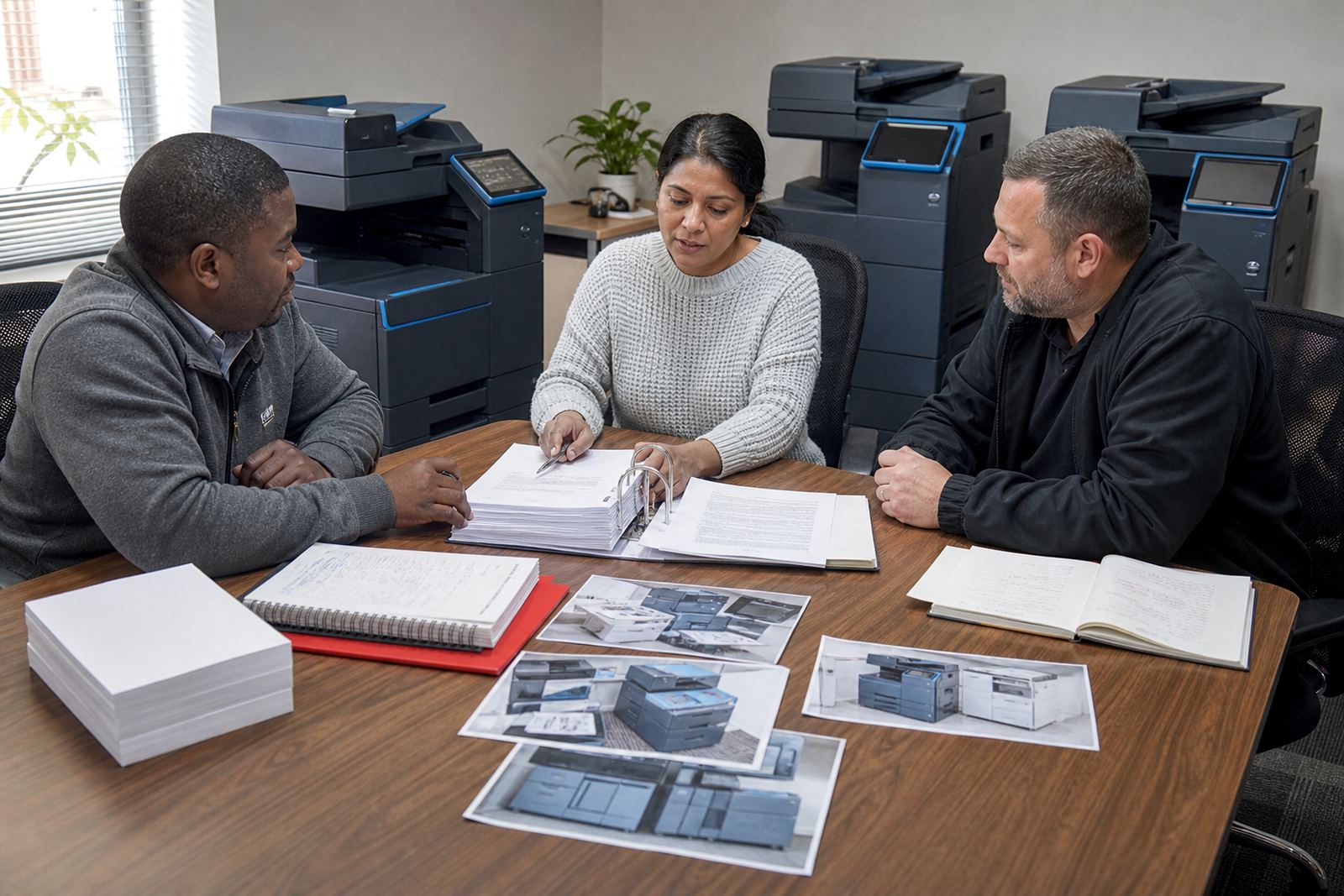
A consulting office in Midrand might print daily client letters, invoices and forms in A4, then only touch A3 for site plans, onboarding packs or presentation boards. In that case, a single A3 multifunction machine may still be the correct rental if the office wants one point of control and clean metre billing. If the A3 work is only occasional, a smaller A4 device plus a second shared large-format capable unit in another room can make more sense.
The right answer usually comes from the print mix, not the company size. A firm with twenty staff can live happily on A4 if the work stays standard, while a team of eight can justify A3 if the documents are wide and client facing. That is why fleet review, user handover and end term swaps matter. The machine should change with the work, not force the work to change around it.
- Look at the document types before looking at the machine size.
- Shared access often beats putting every department on its own unit.
- End term swaps help when the print mix changes through the year.
The practical question to settle before you sign
A4 versus A3 is really a question about how your office handles paper, space and cost. If the team prints only standard pages, A4 may be enough and easier to manage. If wide layouts, scans and presentation material are part of normal work, A3 can save time and keep the output readable. The managed print plan should match that pattern with toner supply, metre reading support and on-site servicing built in.
Go-Printers Rental works with offices, schools and practices across Johannesburg, Pretoria, Durban, Cape Town, Bloemfontein, Centurion and Sandton, with the base in Halfway House, Midrand. Our contact form is the place to send the print mix, floor count and document sizes so the rental can be matched properly.
- Keep the machine size tied to the documents you print most.
- Make sure colour, scan and secure print needs are part of the rental.
- Ask for a setup that still makes sense when the office grows or trims back.