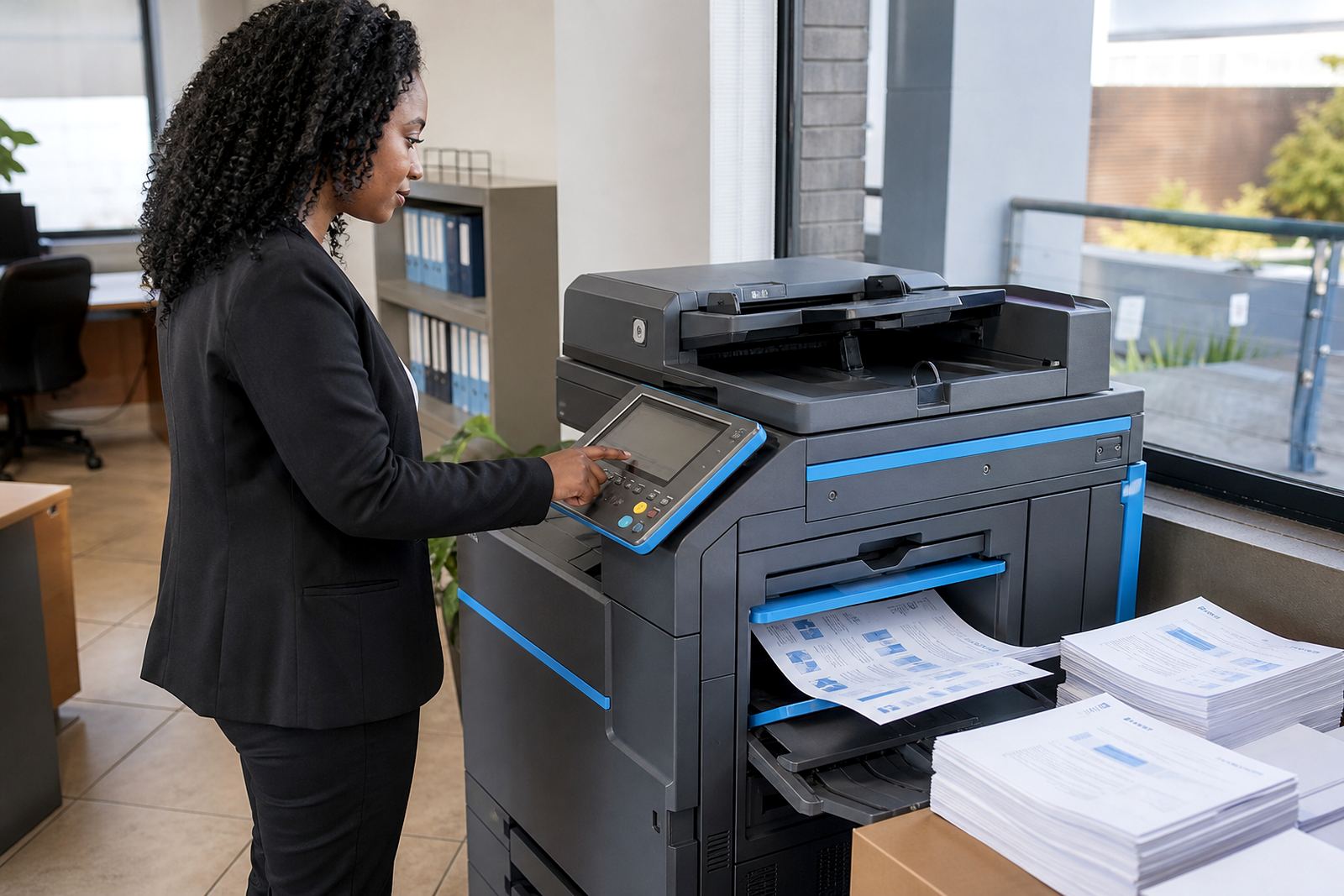
When a page lands on the table, the print has already spoken
A client-facing letter with pale text, streaks or a faded logo can look rushed even when the work behind it was careful. That matters in reception areas, boardrooms and filing rooms, because the page often carries the first impression before anyone reads the details.
For internal records, poor image quality causes a different problem. Dates blur, reference numbers disappear and handwritten notes get copied into the next file with errors. In a busy office, that is where time gets lost and calls get repeated.
Mono and colour each have a job to do
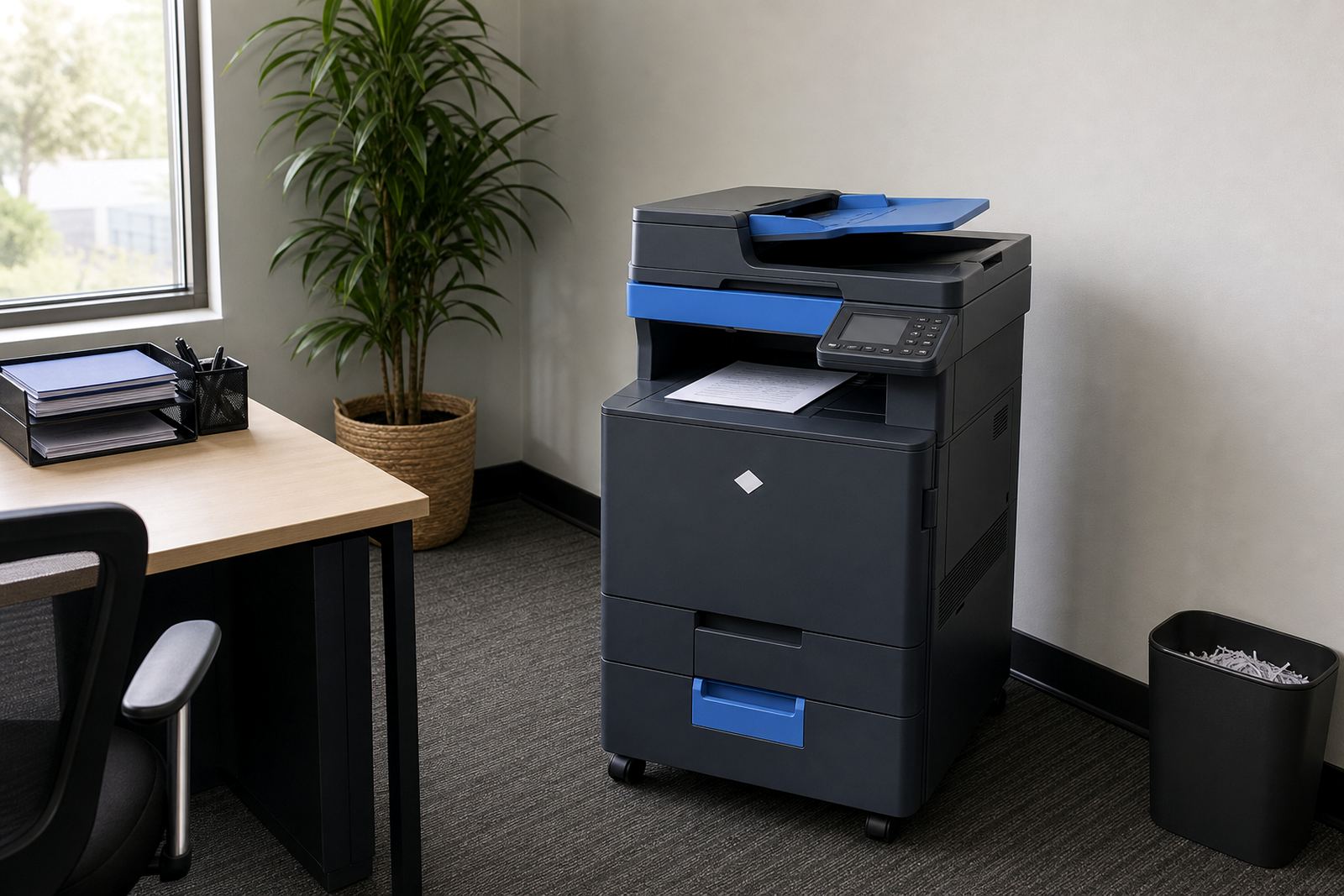
Not every office needs every page in colour. Mono machines suit legal packs, statements, internal forms and other documents where sharp text matters more than presentation. Colour machines earn their place where charts, branding, training packs and client material must read clearly at a glance.
The right rental plan starts with the mix of pages, not the size of the building. A small practice in Halfway House may print mostly mono files with a few colour pages each week, while a school office in Pretoria may need both every day. A3 support also matters when larger layouts, registers or review sheets need to stay legible.
- Mono suits text-heavy filing, invoices and forms.
- Colour helps with graphs, covers and branded documents.
- A3 gives space for wider schedules, plans and registers.
- A4 remains the workhorse for daily office printing.
Metre billing keeps the cost tied to actual use
Managed print plans normally combine a monthly rental with click charges based on what the machine actually produces. That structure makes the running cost easier to track than buying toner in uneven bursts, then dealing with surprise faults when supplies run low.
Metre readings matter because they show the real volume through the machine. Once the office knows how many mono and colour pages it produces, the plan can match the work more closely. That helps when a team in Sandton prints client packs on Mondays and quiet files later in the week, or when a branch in Durban uses the copier heavily at month end.
Clear billing also helps accounts teams separate machine cost from usage. The rental covers the device and the support arrangement, while the clicks reflect what passed through the rollers. That split makes it easier to compare one department against another and see where the paper trail is growing.
Toner supply is part of the print quality story
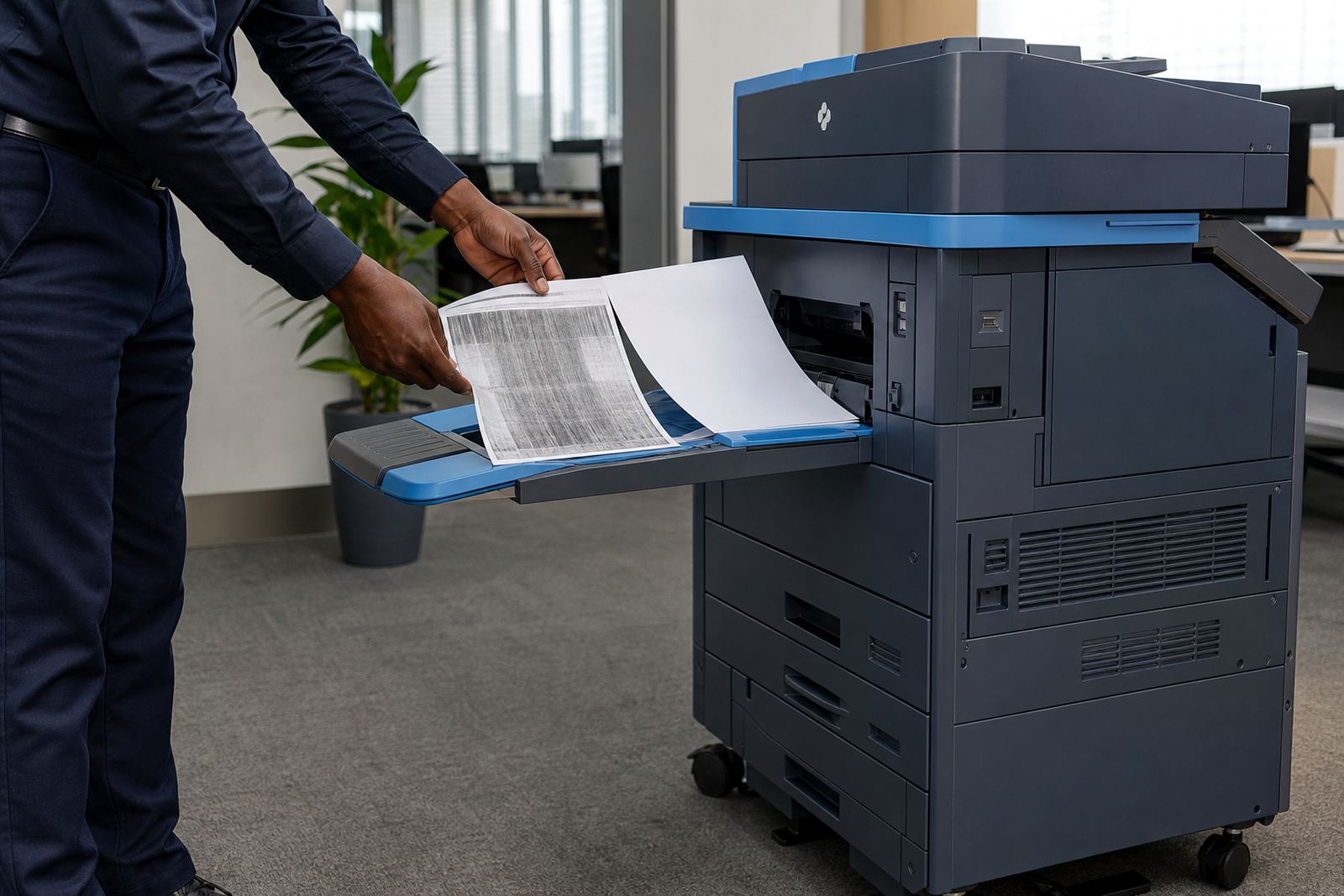
Good output depends on steady toner supply and the right handling of consumables. When toner is running low, pages can fade at the edges or show uneven blocks of colour. Offices that print client packs, compliance papers or school reports cannot always afford that drift.
A managed plan usually includes toner supply as part of the service mix, so the machine stays ready without staff having to source cartridges one by one. That matters in branches across Johannesburg, Bloemfontein and Cape Town, where the office still needs clean pages even if the store room is tight and the shelves are already carrying reams, files and envelopes.
- Monitor toner before pages start to look thin or patchy.
- Keep spare paper stored dry and flat, especially near the coast.
- Use the correct paper weight for duplex work and scans.
- Ask for a fleet review when print quality starts drifting across rooms.
Scan-to-message and secure print protect the paper trail
Image quality is not only about what comes out of the printer. It also affects what is captured and shared. Scan-to-message setup helps offices move signed forms, ID copies and meeting packs into the right inbox without extra steps. When the scan is clean, the file is easier to read on screen and easier to file later.
Secure print setup adds another layer where documents should not sit in the tray for everyone to see. That suits practices, finance teams and school admin offices handling personal records. The machine waits for the user to release the job, which keeps confidential pages from mixing with the wrong pile.
Those settings are most useful when people use them properly, so user handover matters. Staff should know how to release a job, choose mono or colour, and check that a scan reached the right folder before walking away.
A Midrand example where the copy room carried too much noise
A multi-office team in the Midrand area was dealing with mixed output from an ageing copier. Some pages were crisp, others were pale around the edges, and the colour files used for client meetings looked uneven from one batch to the next. The issue was not only the machine, but also the way different teams used it without a clear print setup.
After a fleet review, the office moved to a managed plan with one machine tuned for mono filing and another set for colour presentation work. Metre reading support gave accounts cleaner records, toner supply was tied into the service routine, and the field technician handled the installation, network setup and relocation work without disrupting the floor. The result was not flashy, just tidier pages and less confusion at the tray.
End-term swaps keep the fleet matched to the work
Offices do not stay the same for long. Headcount changes, filing volumes shift and a machine that once handled the whole floor may no longer fit the job. End-term swaps make it possible to replace older devices with ones that suit the current print mix, without leaving the office stuck with a machine that no longer matches the workload.
That is useful where branches grow or shrink across Centurion, Sandton and Pretoria, or where a school office wants better scan handling during the term but lighter use during quieter months. A good rental arrangement should also make machine relocations and breakdown response part of the same working plan, so the print room does not become a bottleneck.