One floor, three habits, and a queue at the printer
Shared printing only works when the machine sits in the right place and the rules are plain. On a single floor, one A4 multifunction printer can carry a small team if the walk to it is short. Once the office stretches across more than one floor or into a second wing, the same setup can turn into a daily bottleneck. Staff print twice because the first job is on another level, while visitors and reception wait for a scan or copy that should have been finished in minutes.
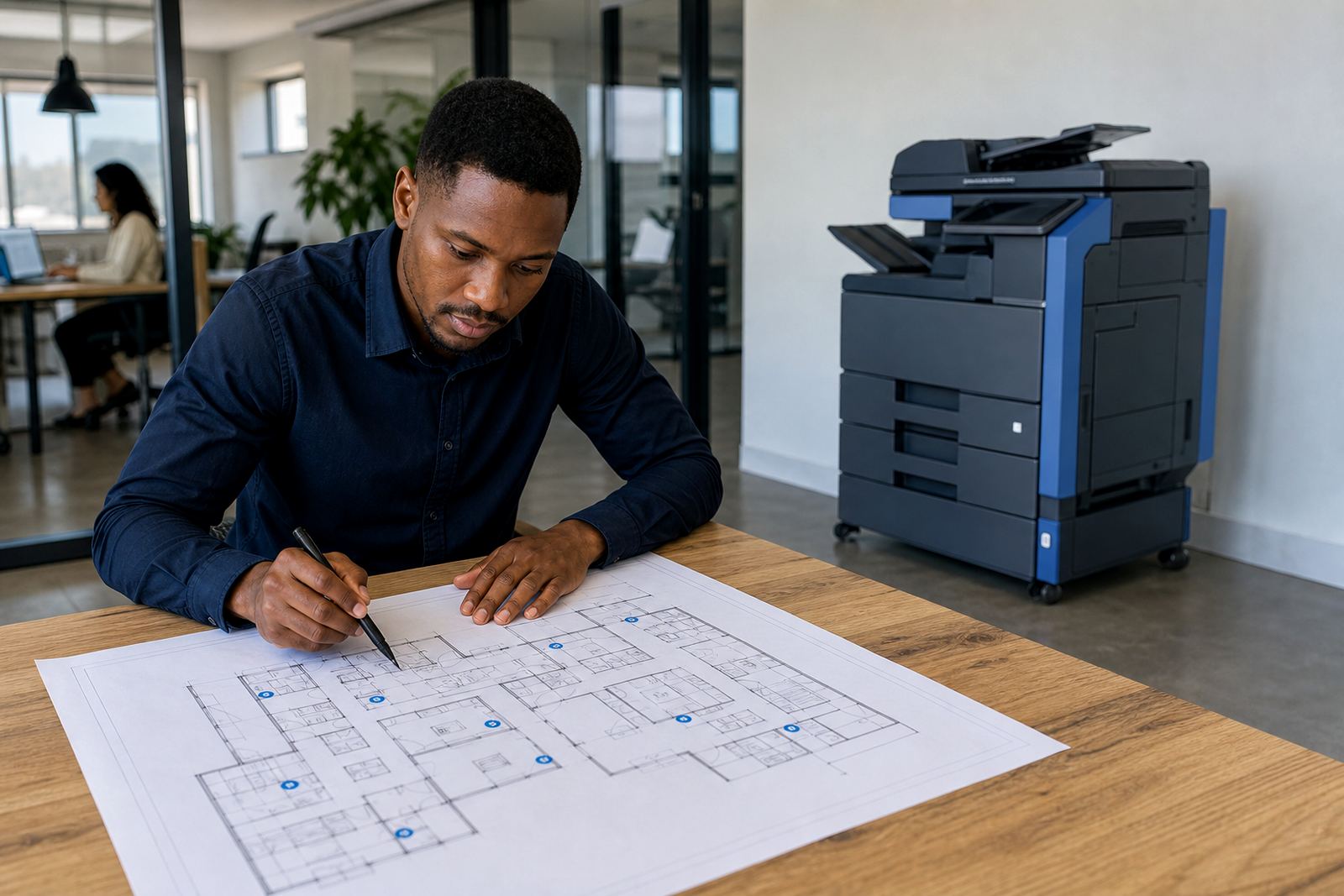
For multi floor sites, the first question is not the machine, it is movement. Where do people print most often, where do they collect pages, and which department handles heavier copy volumes. A floor plan tells you more than a sales sheet does. In a Midrand office with accounts upstairs and sales downstairs, a single central copier may suit if traffic is light. In a school, legal practice, or admin office with steady daily use, each floor usually needs its own device or a paired setup so printing does not pile up on one point.
A floor plan should guide the print plan
Multi floor printing works best when the device mix matches the job mix. A smaller A4 machine may cover invoices, forms, and internal notes, while an A3 unit suits spreadsheets, plans, training packs, and larger files. Some floors need mono output for heavy text printing. Other areas need colour for presentations, marketing packs, or marked-up reports. If one department uses colour only once or twice a week, that floor may not need its own colour machine at all.
- Reception and admin often need quick A4 copying, scanning and secure release.
- Finance usually needs mono output with metre control and clear usage records.
- Management floors often need scan-to-message, folder routing, and occasional colour work.
- Training rooms and shared areas usually need a machine that handles burst printing without crowding.
The point is not to place the biggest copier near the biggest office. The point is to put each device where the paperwork actually moves, so the rent and click charges match real use instead of guesswork.
Metre billing makes shared floors easier to read
On a managed print plan, the rental covers the machine and the click charge follows the page count. That structure matters when several floors share one fleet, because each metre reading tells you what the business is really using. If the top floor is busy with scans and copies while the ground floor prints only odd jobs, the metre pattern will show it. Without that split, the bill can hide waste and nobody sees where paper is leaking out.
Good metre discipline also keeps toner supply under control. A machine on a busy floor burns through consumables faster than one tucked beside a quiet office. When readings are logged properly, toner deliveries and service visits can be planned around actual use, not hunches. That helps in places like Sandton and Centurion where offices often run mixed departments under one roof and each level behaves differently.
For larger sites, we usually look at three things together: rental level, click volume and the type of work on each floor. A low use floor may suit a compact device with simple billing. A higher traffic wing may need a stronger unit with a deeper paper tray and better finishing options. You do not want one floor starving while another sits idle.
Service access matters more than people expect
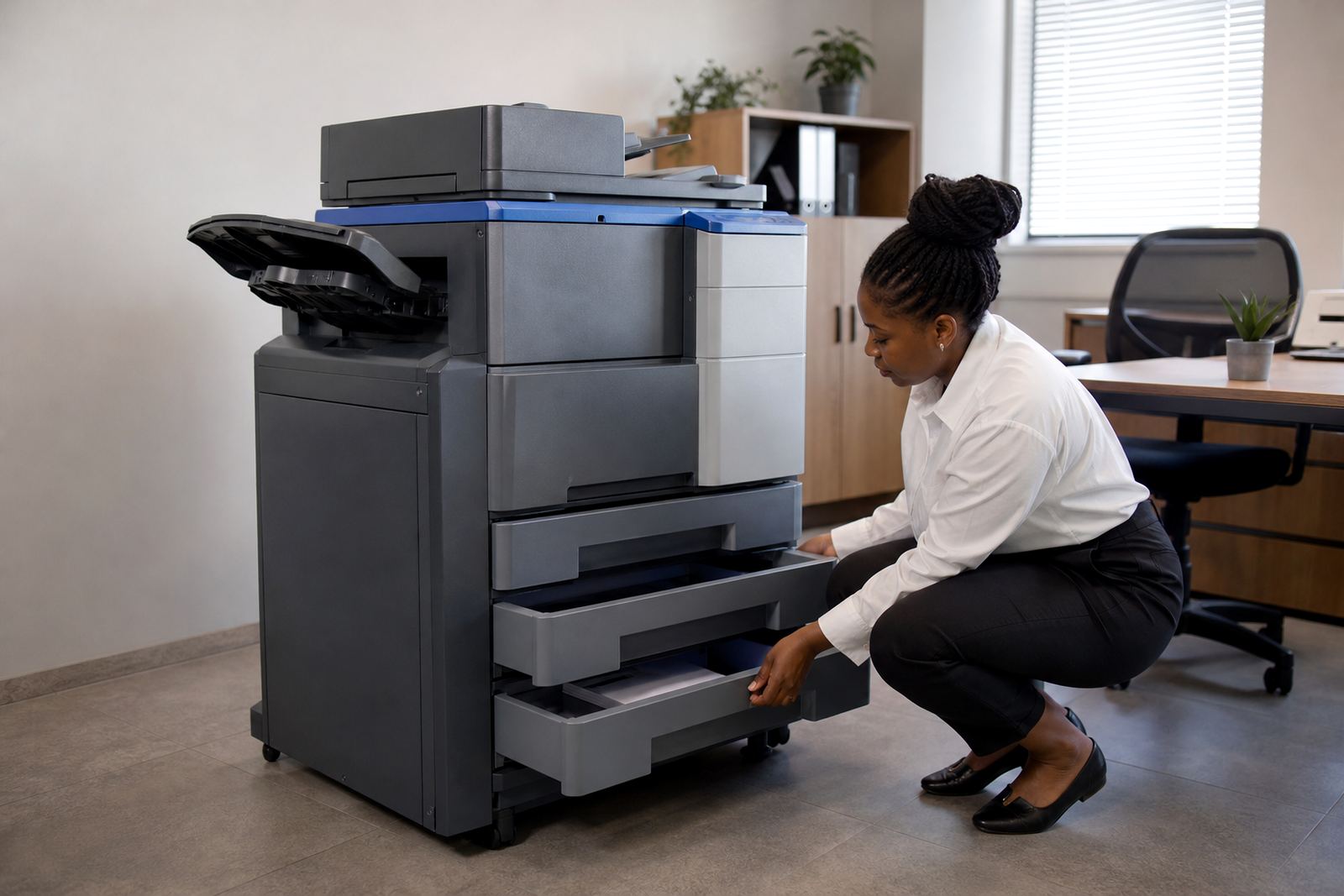
When a printer sits on a different floor from the team that uses it, service planning has to be practical. A field technician should be able to reach the machine, test the network point if needed, and clear a fault without dragging the whole office into the process. If the copier is squeezed into a narrow passage or locked behind storage, even a small paper jam becomes a bigger interruption than it should be.
On-site servicing for a multi floor site often includes more than one stop on the same visit. One floor may need a feed issue corrected, another may need scan-to-message setup checked, and a third may need a secure print pin sequence reset after staff changes. That is normal on shared offices. The important part is that the fleet is mapped well enough so the right unit is found fast and each department knows which machine belongs to which task.
- Keep each device clearly labelled by floor or wing.
- Place network printers where cables, power and airflow are protected.
- Leave enough space for opening trays, covers and side panels.
- Make sure reception and accounts know who logs metre readings.
Scan-to-message and secure print suit split teams
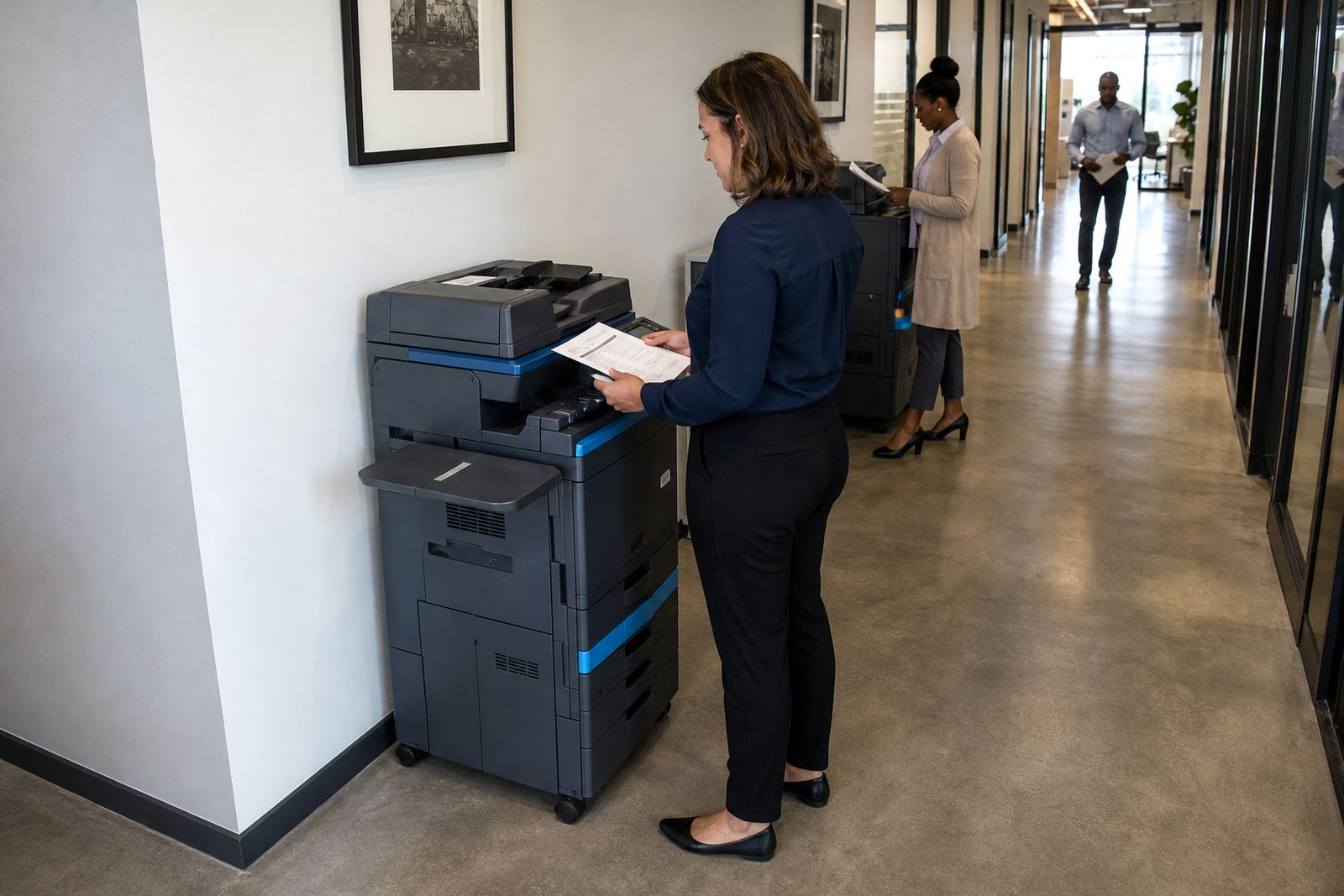
When staff work across several floors, scanning and releasing documents can create unnecessary walking if the printer setup is basic. Scan-to-message helps because the person at the machine can send a file straight to the right inbox without carrying paper around the building. Secure print helps too, especially where different departments share one machine and private documents must not sit in the tray.
In a practice or school office, this is often where the managed print plan starts to earn its keep. A receptionist can scan a form, a manager can release a confidential set of pages, and the finance team can collect a report without mixing it with other work. The device needs the right settings, but the bigger gain is fewer mistakes at the printer and less time lost chasing the wrong pages.
For multi floor sites in Durban or Cape Town, humidity and coastal air can also matter because paper handling changes with the weather. Paper that curls, sticks, or feeds badly can slow down a shared floor faster than most people expect. A sensible paper stock and a well placed machine reduce that kind of nuisance before it starts.
End-of-term swaps keep the fleet suited to the building
Office needs change. A floor that once handled light printing may later take on a new team, a new filing habit, or a heavier reporting cycle. That is where end-term swaps help. When the lease or rental term ends, the machine can be replaced with one that fits the current pattern instead of forcing the building to work around old habits.
Machine relocations matter too. A copier that served one department well on the second floor may be better used elsewhere after an office layout change. Moving it properly saves frustration and keeps the network setup intact. User handover is part of the same picture, because people need a short, clear run through of how to load paper, use secure print, check toner alerts and read the metre without guessing.
In Halfway House, Midrand, a common setup is one central MFP for reception and admin, plus smaller floor units for departments with regular print traffic. That pattern works only if the fleet is reviewed from time to time and adjusted as staff numbers and floor use change. A static setup on a changing building is usually where waste begins.
A Midrand building with two floors and one printing habit
Take a mixed office in Midrand with accounts on the upper floor, sales downstairs and a shared meeting room between them. If everyone uses one machine at reception, the downstairs team queues there, then the upstairs team walks down for every print, copy and scan. The reception point starts acting like a bottleneck rather than a service point. A better arrangement is one main multifunction printer near reception and a second unit closer to accounts, with metre readings tracked separately and toner included under the same managed plan.
That kind of setup makes sense for offices, schools and professional practices that need order more than they need flash. It keeps the bill readable, the service route practical and the paper traffic under control. The office still gets one print environment, but the floors stop tripping over each other. That is usually the difference between a busy building and a frustrating one.
Go-Printers Rental works with office multifunction printers and copiers across Johannesburg, Pretoria, Durban, Cape Town and Bloemfontein, with the base in Halfway House, Midrand. The work covers device installation, network setup, toner supply, metre reading support, on-site servicing, breakdown response, scan to message setup, secure print setup, fleet review, machine relocations, end term swaps and user handover.