Why finance tables eat through paper and toner
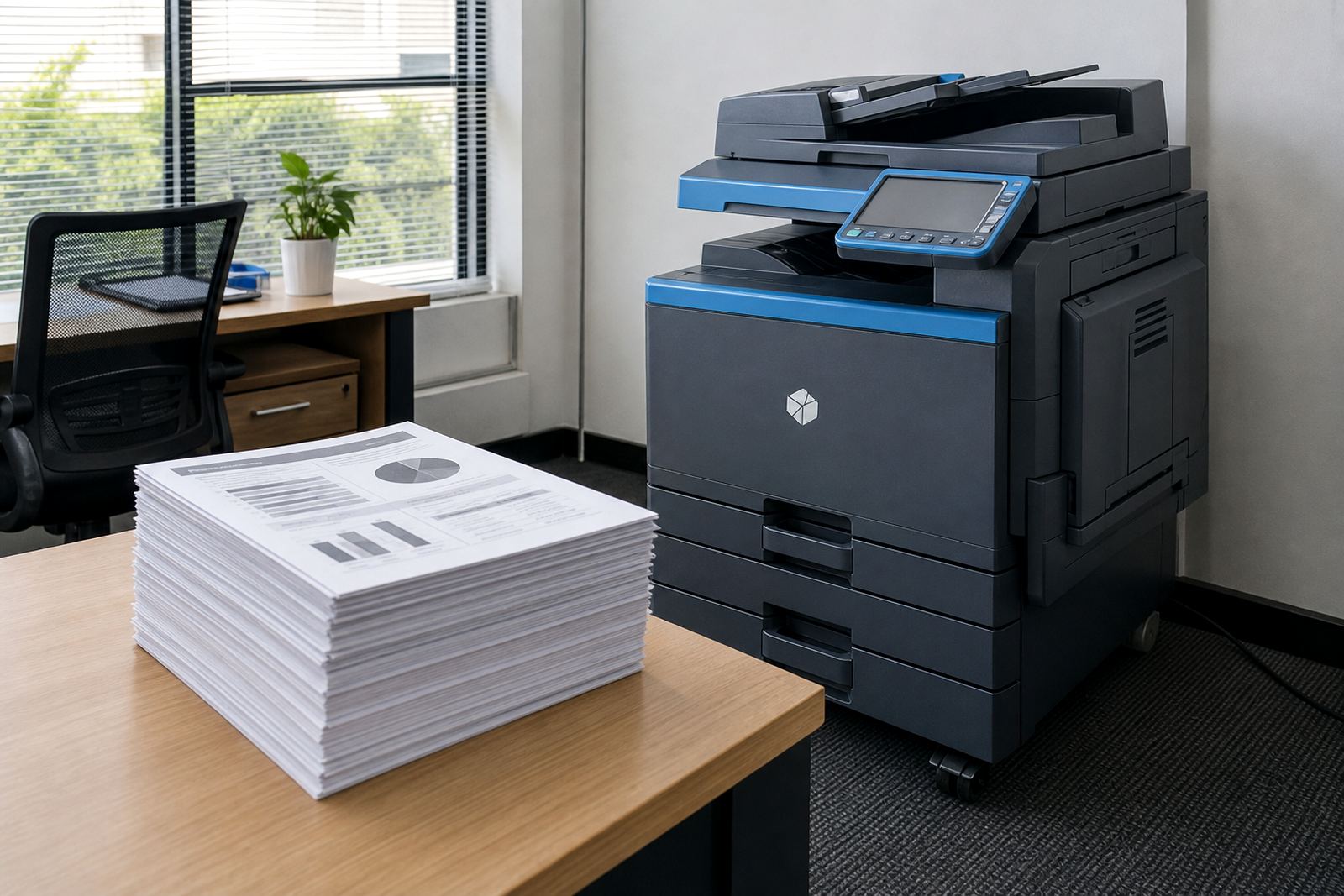
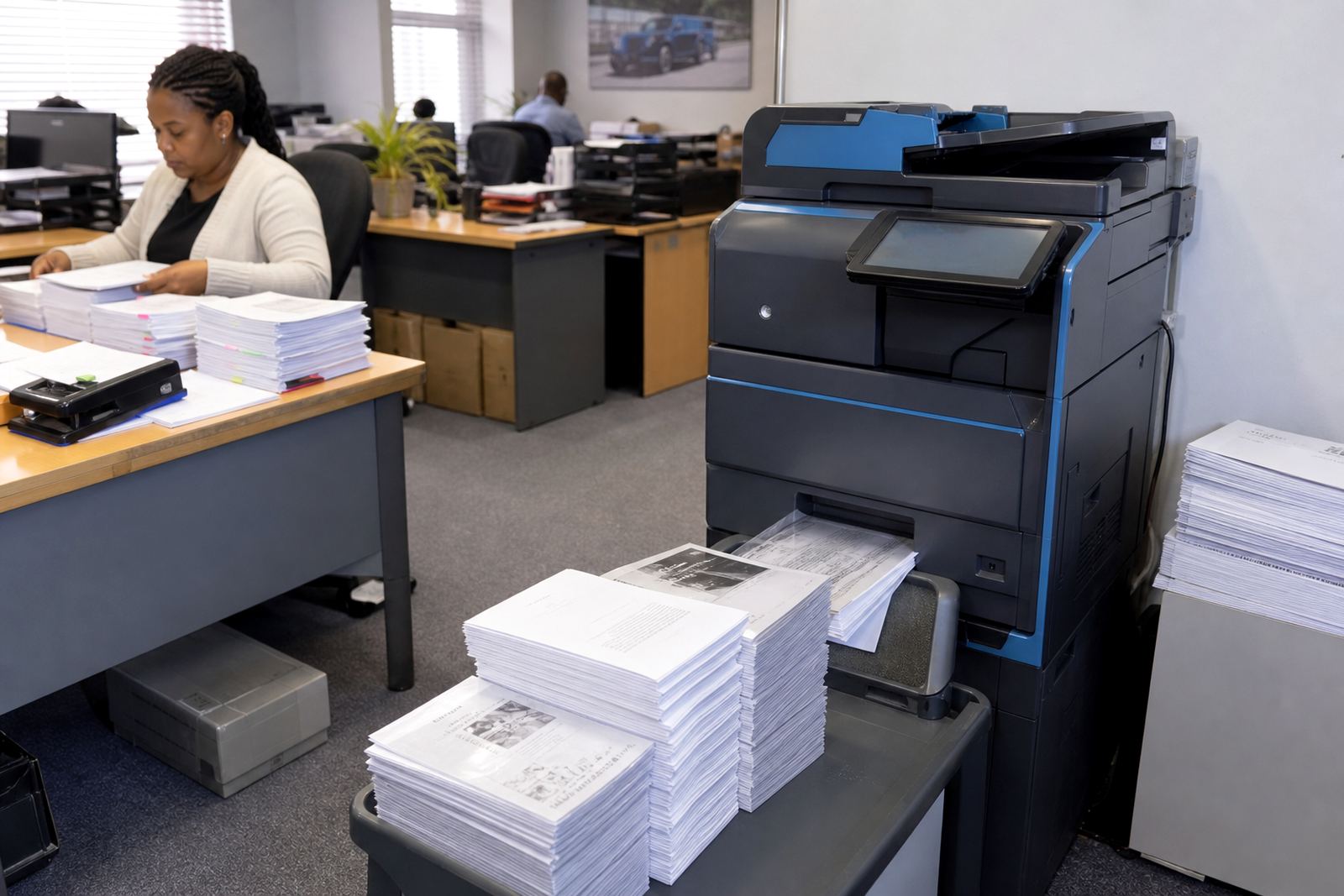
A finance office puts stress on a printer in a way that a reception area never will. There are creditor runs, aged analysis packs, payroll checks, bank letters, tax support files and audit files that need clear pages, clean scans and a steady flow out of the tray. A machine that looks fine on a quiet day can struggle once month-end starts and every department needs something printed at once.
That is where office multifunction printer rental makes sense. A finance team often needs A4 for daily work, but A3 is useful when reports, trial balances and review packs need wider layouts. Mono machines suit offices that print mostly internal documents, while colour matters when charts, coded schedules or client-facing packs must look tidy. The point is not a flashy machine. The point is a unit that keeps pages moving and keeps costs visible.
What managed print looks like in accounts and payroll
Managed print is useful when the finance team wants the printing cost tied to actual use rather than a rough guess. A monthly rental covers the machine, while click charges track what is printed through the metre. Toner supply is included, so the office does not have to scramble when a cartridge runs low in the middle of a payment run. Metre readings matter too, because they keep billing tied to real activity and help spot waste early.
- Monthly rental for the device itself
- Metre-based billing for actual output
- Toner supply included in the plan
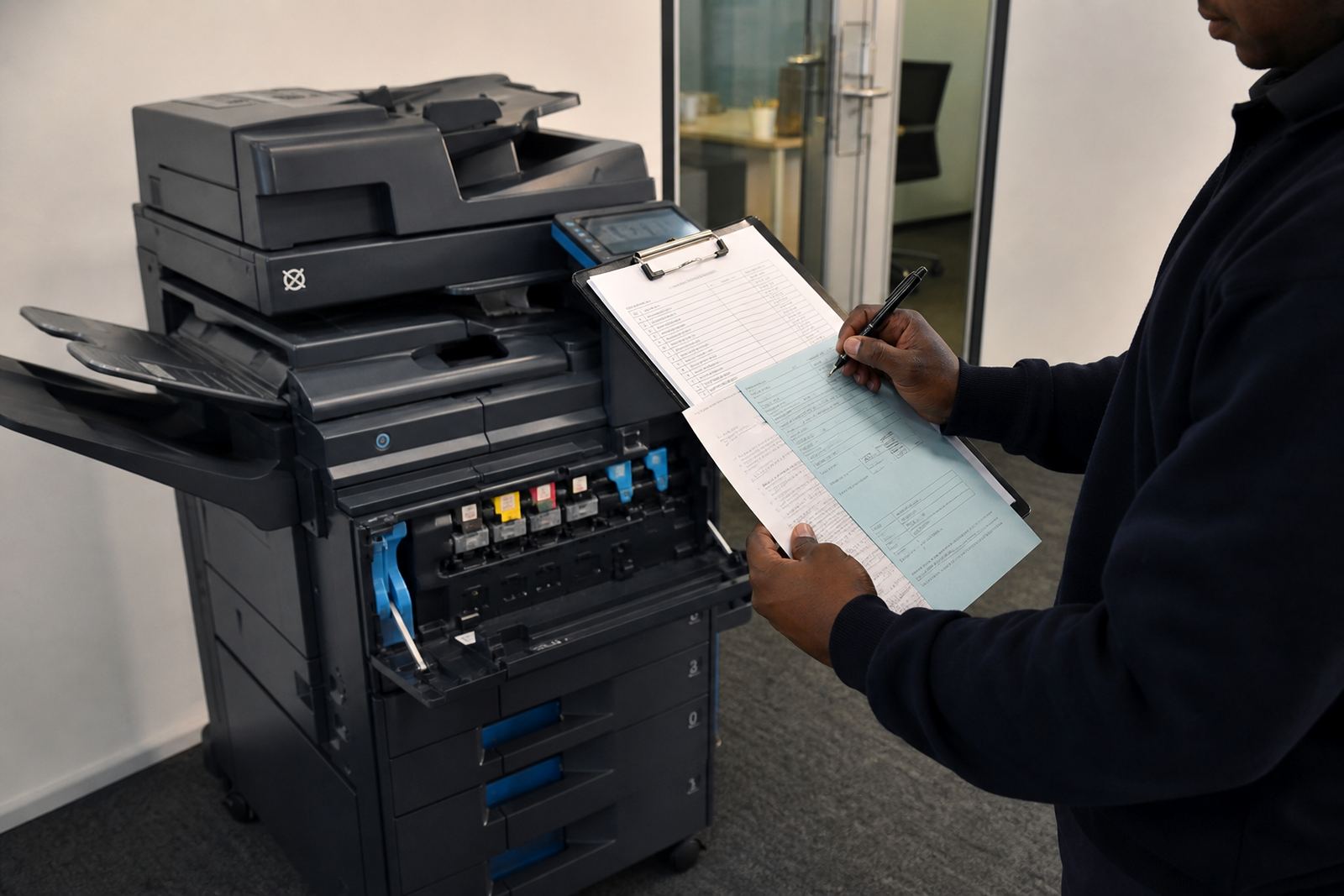
- On-site servicing when the machine needs attention
- Breakdown support for jams, faults and scan issues
For finance teams, that structure is easier to reconcile than buying toner ad hoc and hoping the cost lands in the right cost centre. It also helps when several departments share one copier, because the usage trail stays clear.
Controls that matter when documents carry money values
Finance teams often deal with confidential slips, bank letters and salary related material. Secure print helps keep those pages from sitting in the tray where anybody can lift them. Scan-to-message also saves time, especially when invoices, remittance advice or signed forms must be sent to another branch, an auditor or a supplier contact without standing at a scanner all morning.
Machine setup should be practical rather than complicated. The device needs network setup, user handover and a clean login path so staff can print, scan and release jobs without calling for help every time. If the office has a mix of permanent staff and temporary support during close-out periods, the controls should be easy enough for both groups to use without confusion.
- Secure print for confidential output
- Scan-to-send us a message for quick document circulation
- Simple user access for shared finance areas
- Network setup that fits the office environment
- Clear handover when staff change or teams grow
The cost question finance managers actually ask
Finance teams are usually sharp on total cost. They want to know what the rental covers, what counts as a click charge, and whether the machine will suit the month-end pattern without hidden extras. A low monthly figure can look attractive, but if the office prints large packs, reports and copies every day, the metre cost becomes the real figure that matters.
A sensible plan starts with a fleet review. That review looks at page volumes, mono versus colour use, A4 versus A3 requirements and whether one larger unit would serve better than several small ones. Sometimes a single central machine works well for a compact accounts floor. In larger offices, two devices can be more practical, so queues do not build near the printer when deadlines are tight.
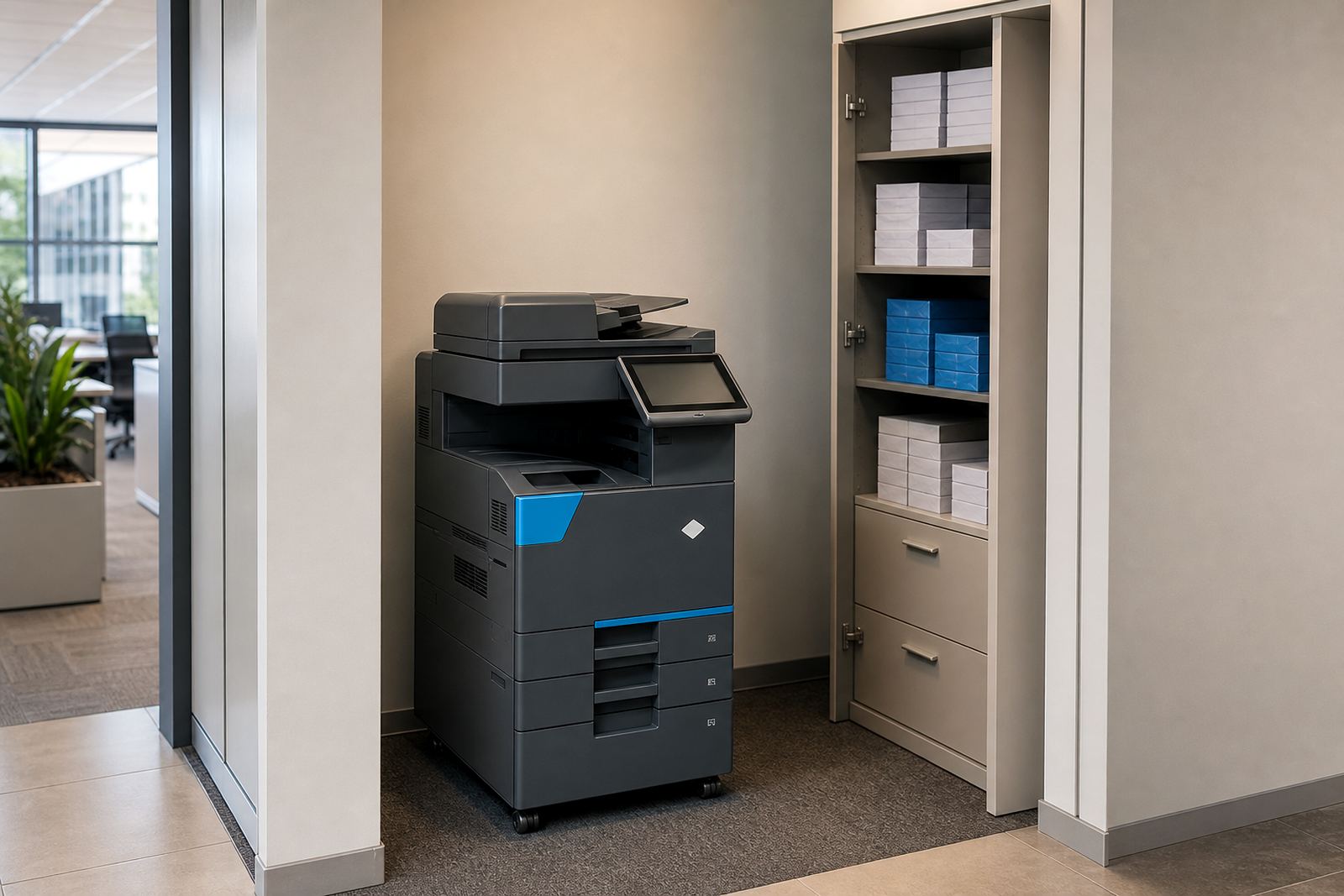
It also helps to think about where the machine sits. A finance team in Halfway House or Sandton may want a copier close to the accounting staff, but not in a passage where sensitive papers can wander. Placement sounds minor, yet it affects how often people use the machine and how much wasted walking happens during a busy close.
Local pressure points in Midrand and beyond
Midrand offices often sit between larger head offices, branches and support teams, which means documents move between locations a lot. A finance department in Johannesburg may need the same pack mirrored in Pretoria or Cape Town, while a Durban branch asks for scanned signed copies to keep filing complete. In that sort of setup, a reliable copier is part of the record system, not just a convenience.
Schools and practices also use finance focused print in a serious way. Fee statements, budget packs, supplier approvals and internal summaries all move through the same machine. If a unit is too small for the workload, it shows in jams, worn parts and messy output. On-site servicing and machine relocations help when the office layout changes or the finance team moves to a different floor.
For a Midrand-based office, the useful question is not how shiny the copier looks. It is whether the machine can carry the admin load through peak periods, and still keep scanning, copying and printing clear when the month turns busy.
A finance office that runs on paper should still run neatly
Heavy print use does not mean the office has to feel old-fashioned. It means the printer plan has to suit the rhythm of approvals, reconciliations and sign-offs. A managed print setup gives the finance team one place to deal with toner supply, metre readings, relocations, end term swaps and service work. That leaves the staff to focus on the numbers instead of chasing consumables.
At Go-Printers Rental, the practical value is in matching the machine to the job. Some teams need a mono A4 workhorse. Others need a colour A3 copier that can handle reports and presentation packs. The right choice depends on print mix, monthly volume and how many people share the unit. When those pieces line up, finance printing becomes steadier and easier to track.
That is usually what finance teams want most: fewer interruptions, cleaner records and a printer setup that respects deadlines without turning into another admin problem.