Build one reading point, not three half jobs
The cleanest routine starts with one person and one date. In a Midrand office, that may be the accounts clerk on the last working day, or the practice manager before invoices go out. When different people send readings at different times, the figures stop matching and the billing trail gets messy.
A managed print plan works better when the office decides which device is the source of truth. If there is a main A3 copier in reception and a smaller A4 machine in the back office, both need a clear label and a record of which counter belongs to which unit. That sounds basic but it saves a lot of checking when pages are split between mono and colour usage.
- Pick one person for the monthly submission.
- Use the same day each month where possible.
- Record the full counter, not a rough estimate.
- Note whether the reading is mono, colour, or both.
Read the machine the same way every month
Most office multifunction printers show more than one number. Some have separate totals for black pages, colour pages and copies made from the platen or feeder. If the office only sends the total at month end, the billing line can miss useful detail and a service coordinator cannot see where usage is building up.
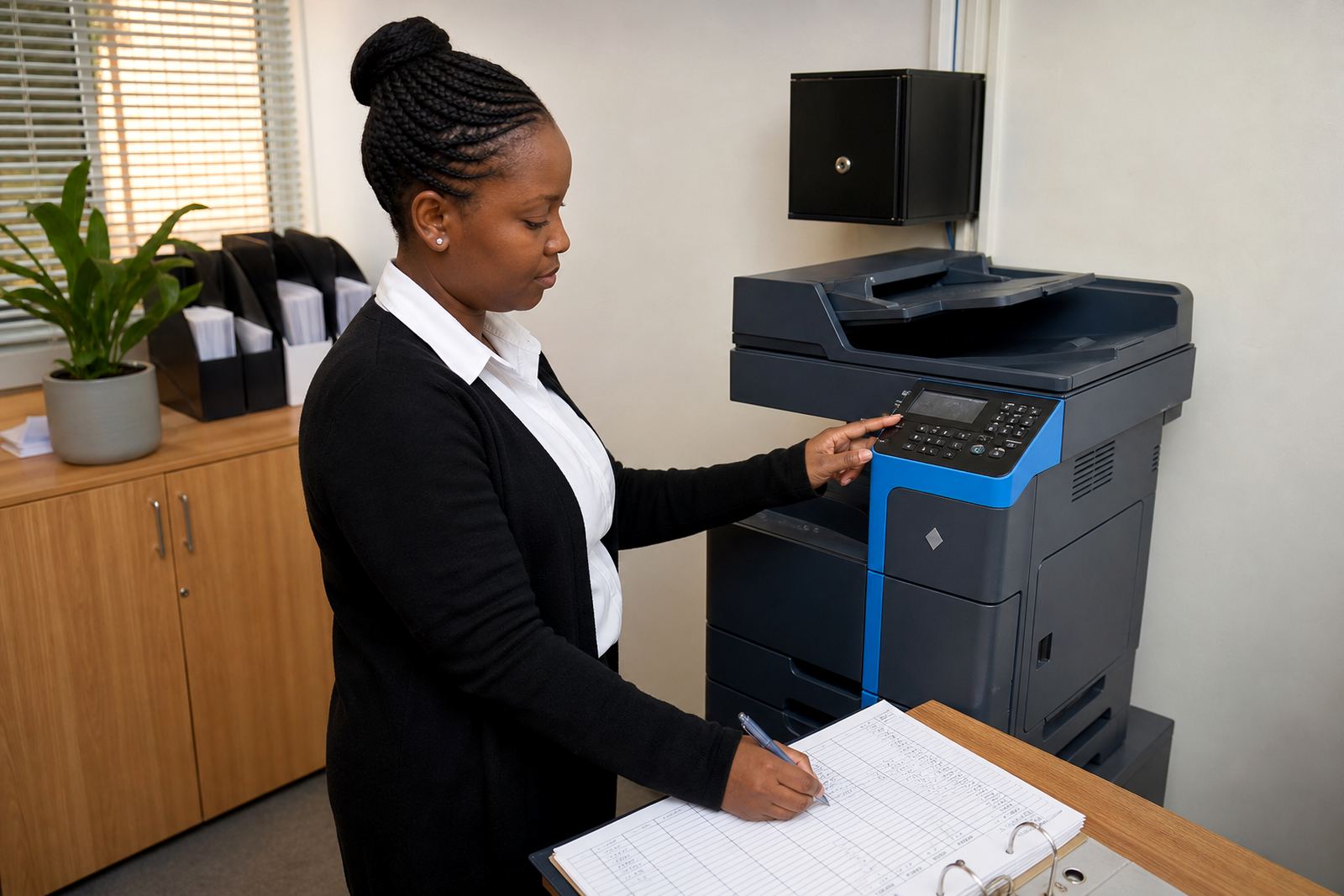
It helps to check the same screen or printed status sheet each time. On some devices the count sits in a machine status menu, while others print a usage page from the control panel. Staff should never guess if the display is dim or partly hidden. A quick photo of the screen is often enough for later checking, especially when the person taking the reading is not the one who usually handles the copier.
- Take the reading from the same menu or report each month.
- Capture mono and colour counts separately if the machine allows it.
- Keep a photo or scan with the month’s admin file.
- Check that the number increases from the previous month.
Watch for jumps that do not match office use
A sudden jump is not always a fault, but it deserves a look. A school office near Centurion may suddenly print many extra notices before exams. A law firm in Sandton may see a rise because of case bundles or scanning batches. The reading itself is still accurate, but the context matters because it helps explain the invoice and protect the plan from arguments later.
If the count looks far too high, check whether a job was left in the queue and printed twice, or whether a visitor used the secure print tray for a set of documents. It also helps to see whether the machine was used for scanning, copying, and printing all in the same week. That mix can make the counter climb faster than the office expected.
- Compare this month with the previous two or three readings.
- Ask whether large mailers, training packs, or exam papers were printed.
- Check for repeated jobs in the print queue.
- Look at the mono and colour split, not only the total count.
Keep toner supply tied to the count, not to panic
Toner-inclusive rental plans work best when supply follows real usage. If the office sends metre readings properly, the account team can see whether cartridges are being used at the expected pace and whether a site in Durban or Bloemfontein needs a different stock pattern. That is far better than waiting until a machine starts fading in the middle of a file run.
The count also helps the service team plan replacement cartridges, drums and maintenance parts before they become urgent. Offices that print mostly mono pages may need a very different supply rhythm to offices that use colour for brochures, forms or client packs. A good reading routine gives that split some shape.
- Send the metre reading before stock starts running tight.
- Separate mono-heavy devices from colour-heavy ones.
- Keep toner changes written down with the reading date.
- Flag any unusually fast drop in print quality.
Metre notes help when service work is needed
Service records are easier to read when the metre submissions are steady. If a copier starts jamming at 42,000 pages and the office has proper reading history, the technician can see whether that pattern is new or has been building for months. That kind of record matters when a machine is under on-site servicing and the team has to decide on cleaning, parts or a settings change.
It also helps with scan-to-message and secure print setup. If staff say a function is failing but the metre history shows the device has barely been used, the problem may be a setting or a network issue rather than wear. When the numbers are stable, the next step is easier to trace and the office does not lose time chasing the wrong cause.
A clear reading file should include the date, device name, location, and any notes about copying, scanning or print interruptions. That extra line or two often saves a lot of back and forth later.
Halfway House routine, with offices spread across branches
Offices with branches in Johannesburg, Pretoria, Cape Town, Durban and Bloemfontein often struggle with one simple thing: each site reads metres in a different style. One branch sends a photo, another sends a written count and a third only mentions the machine that had a fault. The monthly picture gets blurred before accounts can finish the figures.
A better routine is to use one short template for every branch. The Halfway House base can keep the same format for all sites, whether the machine is a single A4 device in a consulting room or a larger A3 copier in a busy admin area. That way a relocation, end term swap or user handover does not disturb the billing trail.
- Use one template for all branches and departments.
- Mark each machine by room, floor, or department.
- Include relocations and swaps in the same record.
- Keep the contact form submission for the office file.
A short routine beats a big catch-up
The offices that stay cleanest on metre billing are not the ones with complicated systems. They are the ones that make the reading part of the month end rhythm. A ten minute check, a clear note and a single submission point will usually do more than a pile of late corrections. It also keeps the rental line steady for the finance team, which matters when several multifunction machines are billed together.
At Go-Printers Rental, that routine sits alongside fleet review, machine relocations and end term swaps, so the office is not left trying to piece things together from memory. When the reading trail is tidy, the plan stays easier to manage and the copier side of the business feels far less noisy.