When A4 starts feeling cramped
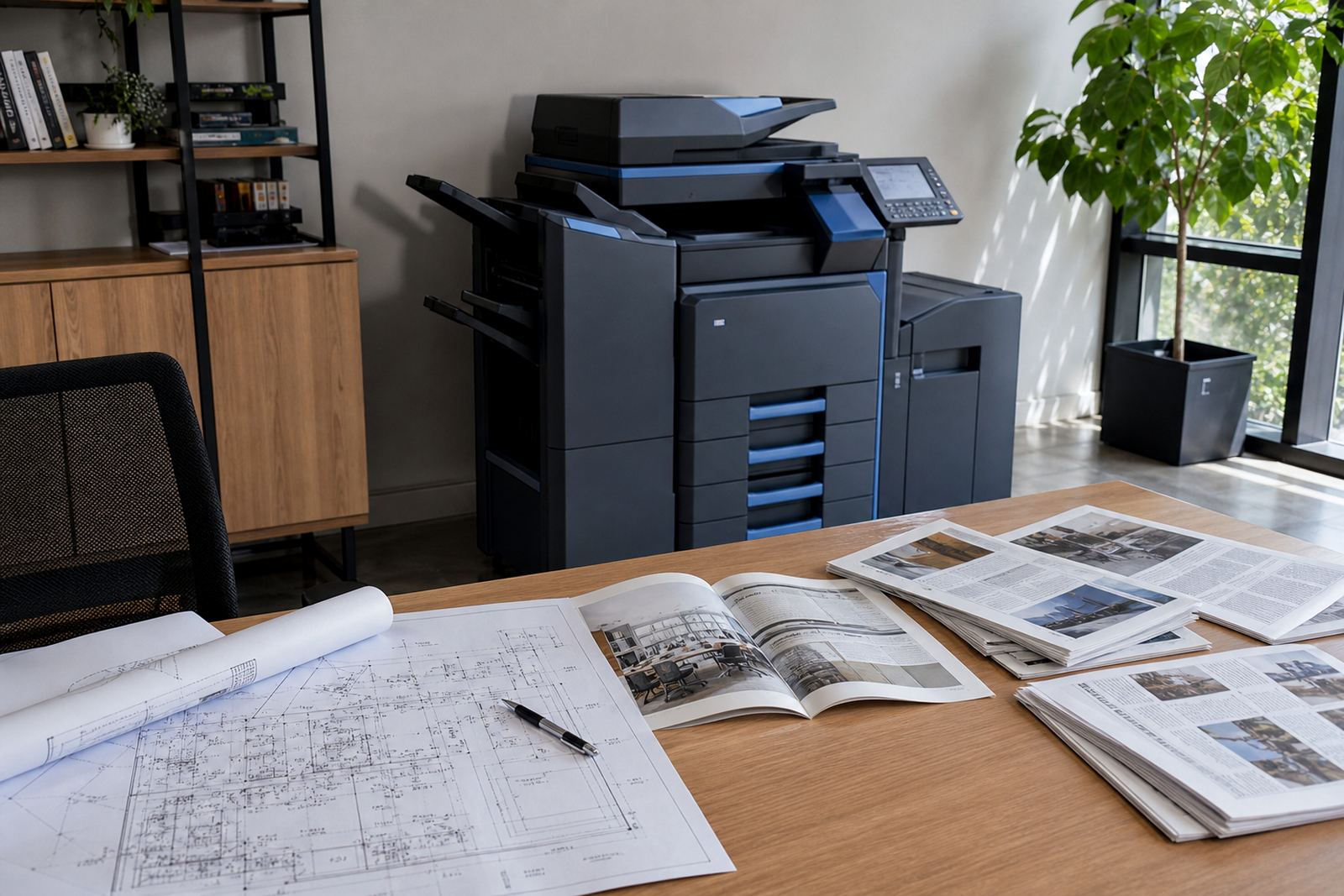
Most offices begin with A4 because it covers letters, invoices, reports and everyday copies. The pressure to move up to A3 usually appears when pages need more space for tables, diagrams, seating plans or drawings that become hard to read once they are reduced. A3 also helps when a team wants to print two A4 pages side by side, or keep a training pack readable without forcing people to squint at fine detail.
That shift is common in growing offices around Midrand, Sandton and Pretoria where one machine ends up serving several roles. A receptionist may need forms, the accounts team may need larger spreadsheets, and a manager may want proposal packs that look orderly when handed across the table.
The offices that feel the difference first
A3 is not only for design studios or property firms. It is useful anywhere the paperwork carries more structure than a normal letter page can comfortably hold. Schools use it for notices, timetables and charts. Medical and legal practices use it for registers, consent forms and internal records. Project offices use it for programmes, schedules and maps that need space.
- Teams printing plans, layouts or site documents
- Offices handling large spreadsheets or monthly packs
- Reception areas that copy notices, posters and forms
- Training rooms preparing handouts with diagrams
- Branches that need one device to cover many users
The common thread is simple: the office has more than basic correspondence to move through the machine each week.
A3 on a managed print plan
For many offices, renting an A3 multifunction machine is less about the hardware and more about the structure around it. A managed print plan usually includes the machine, toner supply, metre-based billing and servicing on site. That gives the office a clearer monthly pattern than buying a machine outright and carrying the maintenance alone.
With a rental plan, the team can match the machine to actual usage. Mono volume is often the first question, followed by whether colour is needed for charts, client packs or internal presentations. Some offices only need colour on selected pages, while others print enough to justify a colour device that stays busy all month.
- Monthly rental covers the device itself
- Click charges follow the metre readings
- Toner is supplied as part of the plan
- Service visits deal with faults and wear
- End-of-term swaps keep the fleet current
Functions that save time in busy offices
A3 capability is only part of the picture. The other value sits in the office features that keep people moving. Scan-to-message helps a team send records without scanning through a separate workstation. Secure print protects sensitive documents in shared spaces. Network setup keeps the device available to more than one person, which matters in offices where everyone is not working from the same corner.
These features become practical on real jobs, not as extras for show. A legal practice in Johannesburg may want secure release at the machine. A school office in Cape Town may need scan-to-send us a message for letters and forms. A branch in Durban may care more about stable network access and clear metre reading support so the monthly account stays accurate.
- Scan-to-send us a message for fast document handling
- Secure print for confidential office pages
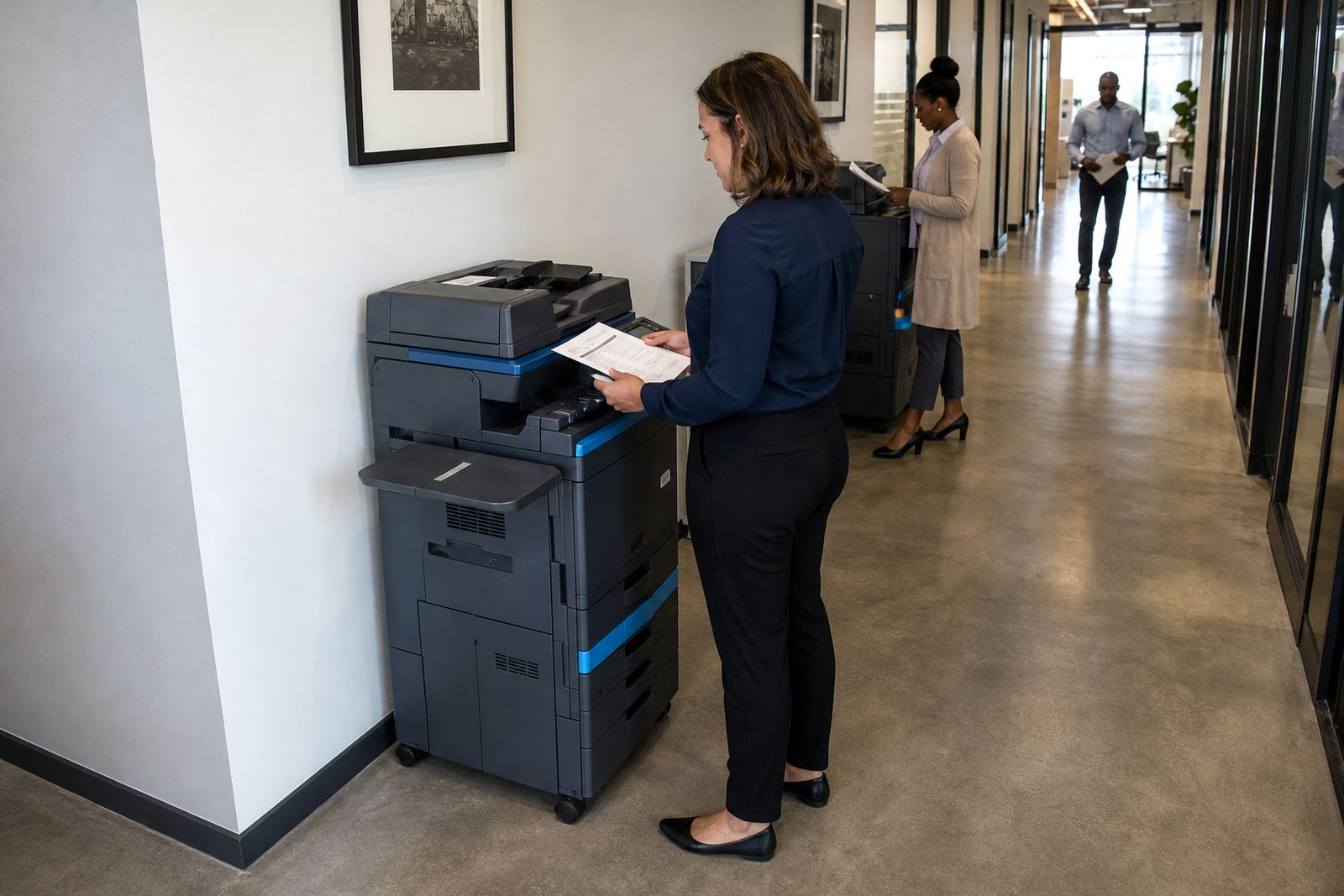
- Network setup for shared use across departments
- Metre reading support for cleaner billing
- User handover so staff know the basics
What metre billing means in practice
Metre billing works best when the office understands the difference between monthly rental and click charges. Rental covers the equipment agreement, while clicks track the pages that pass through the machine. Mono and colour are often billed differently because the consumable use is not the same. That is the part many offices want explained clearly before they commit to a machine size or page mix.
For A3 users, this matters even more because larger pages can be printed in different ways depending on the work. A3 drawings, double-page spreads and oversized tables may change the page count and the way the team handles output. If the office has several users, regular metre readings help keep the account in step with actual work instead of guesswork.
A local example from Halfway House to the suburbs
A growing project office in Halfway House may start with one A4 printer, then realise the team is printing schedules, site notes and client packs that need more space. A move to A3 can reduce reprints, tidy up handovers and make large tables easier to read at meetings. If the office also has branches in Sandton or Centurion, one standardised setup across sites can keep the printing habits more consistent.
The same thinking reaches other towns too. In Bloemfontein, a school office may need a device that handles reports, notices and large wall charts. In Pretoria, a practice may want secure print and scan-to-message in one machine. In Durban, where humidity can affect paper handling, the office may pay closer attention to storage, servicing and the way the machine is placed.
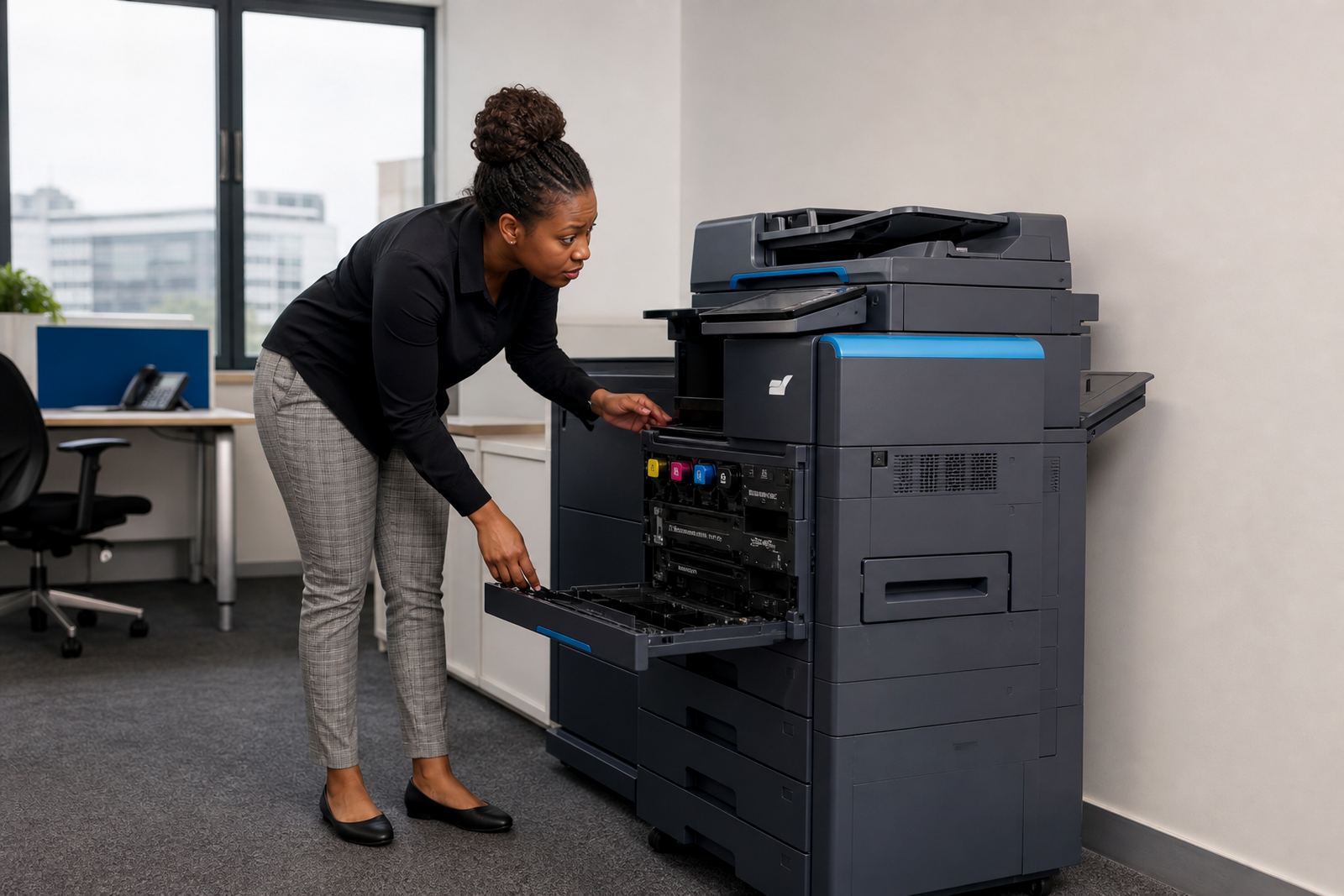
That is where on-site servicing and machine relocations matter. A moved device still needs to feed paper cleanly, sit level and stay connected to the network, or the office ends up with avoidable interruptions.
Questions worth asking before you rent A3
An A3 machine should fit the office rhythm, not fight it. The best starting point is the type of work, then the number of users, then whether mono or colour carries most of the load. After that, the office can look at scan-to-message, secure print, user handover and what happens when the machine reaches the end of the term.
- Does the office print mostly mono pages or regular colour packs?
- Are large tables, drawings or plans part of daily work?
- Will several staff members share the same machine?
- Do you need scan-to-message and secure print from the start?
- Will relocation or end-term swaps matter during the contract?
For offices that outgrow A4, A3 is less about printing bigger pages for the sake of it and more about matching the machine to the documents already moving through the business.