Start with the path people actually walk
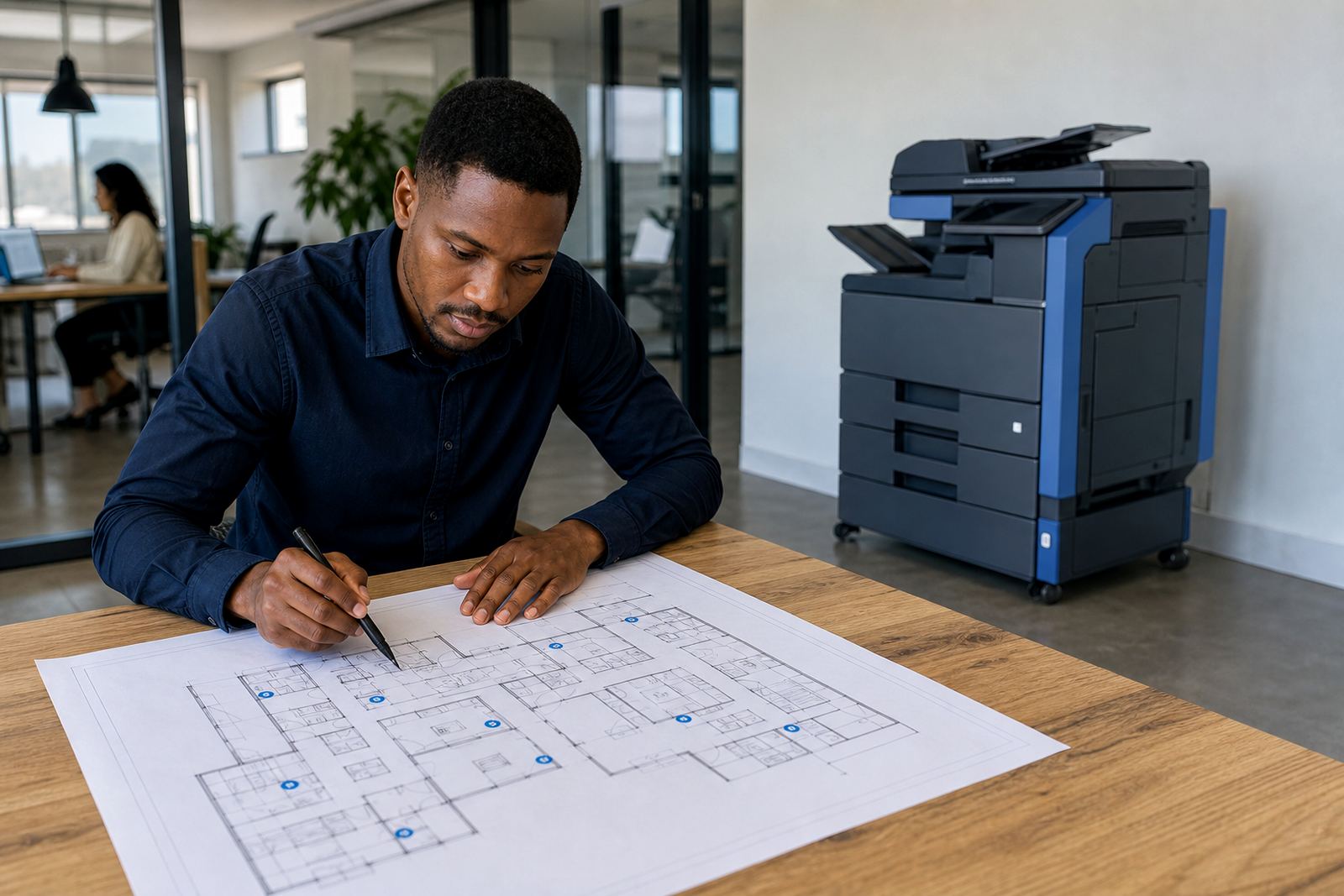
A print room should follow the way staff move, not the way a floor plan looks on paper. If people collect output from one side, load paper from another and carry bins through a narrow passage, the room slows down even when the machine is sound.
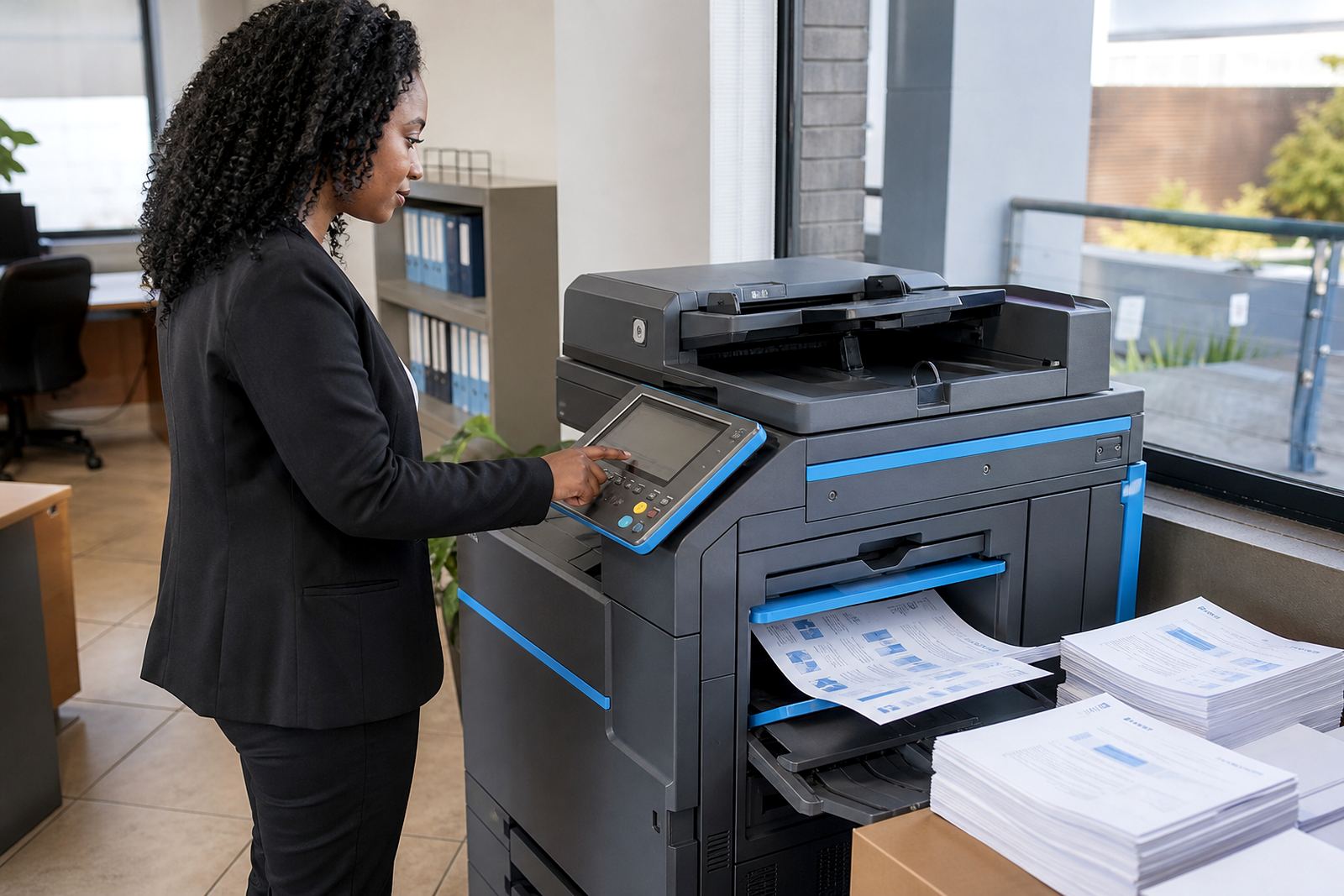
In Halfway House and Sandton, where offices often share corridors with reception areas and meeting rooms, the printer position matters more than most teams expect. A multifunction device near the busiest work area can reduce trips across the floor, but it still needs enough space for trays to open and for technicians to service the unit without shifting furniture around.
- Keep the device close to the main users, not tucked into a dead corner.
- Leave space for paper trays, side doors and the scanner lid.
- Avoid placing the printer where people queue across a passage.
Paper belongs where hands can reach it cleanly
Paper storage looks minor until reams start living on top of cupboards or beside a damp wall. In coastal cities such as Durban and Cape Town, humidity can curl paper edges and increase feed faults, so the storage spot matters as much as the paper type.
A dry shelf, a closed cupboard or a dedicated cabinet keeps stock neat and makes metre-based billing easier to manage because the machine keeps running on clean stock. For larger offices using A3 and A4 devices, keep the main paper near the printer, then hold spare reams a short distance away so the room stays tidy without turning into a storage bay.
- Store paper off the floor and away from windows.
- Separate everyday A4 stock from less-used A3 stock.
- Rotate older reams first so sheets do not absorb moisture for months.
Waste trays and bins should never block the workflow
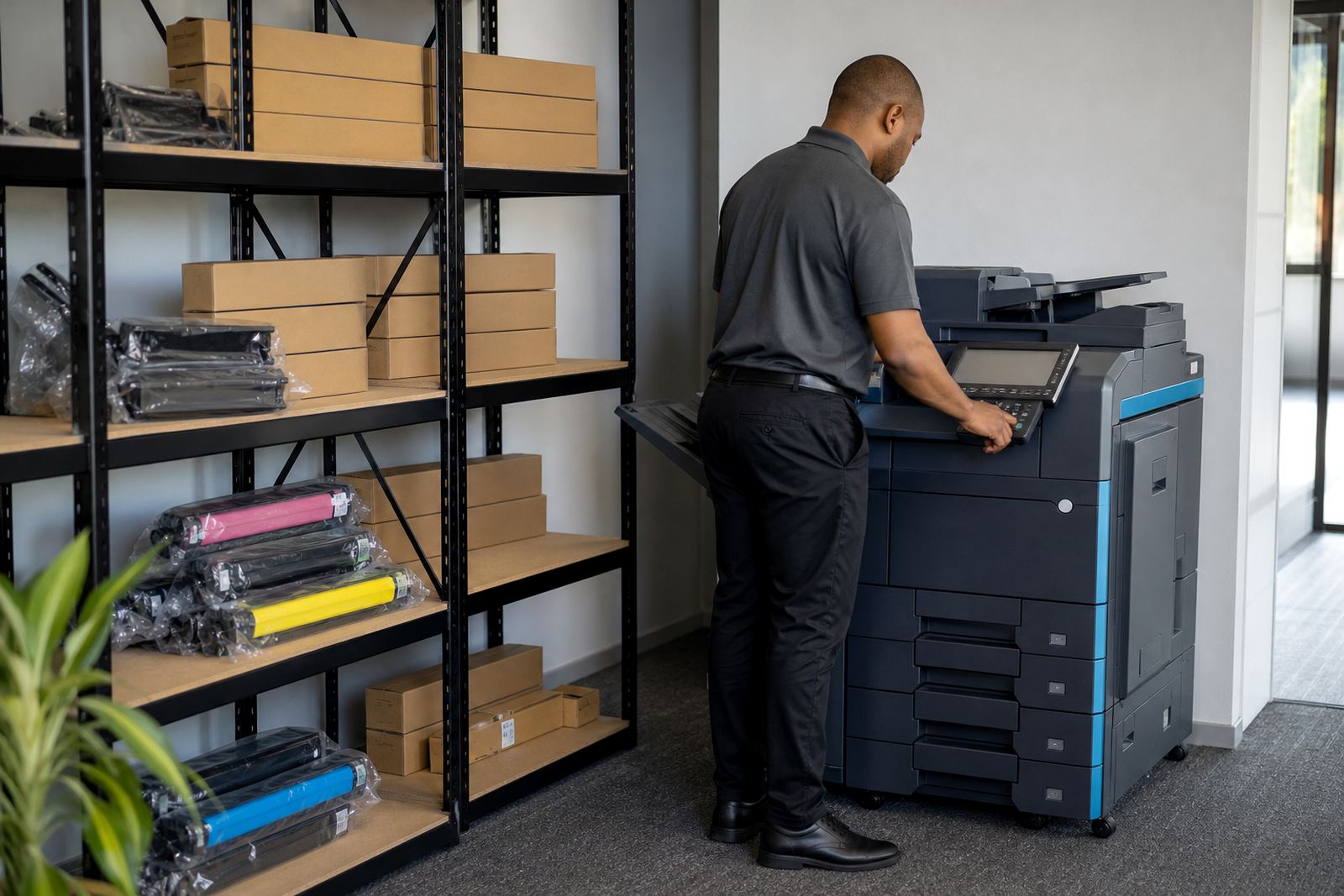
Used toner cartridges, empty ream wrap and mixed office waste can build up around a print room fast. If bins sit too close to the access panel, staff start using the nearest surface as a dumping spot and the room turns cluttered before month end.
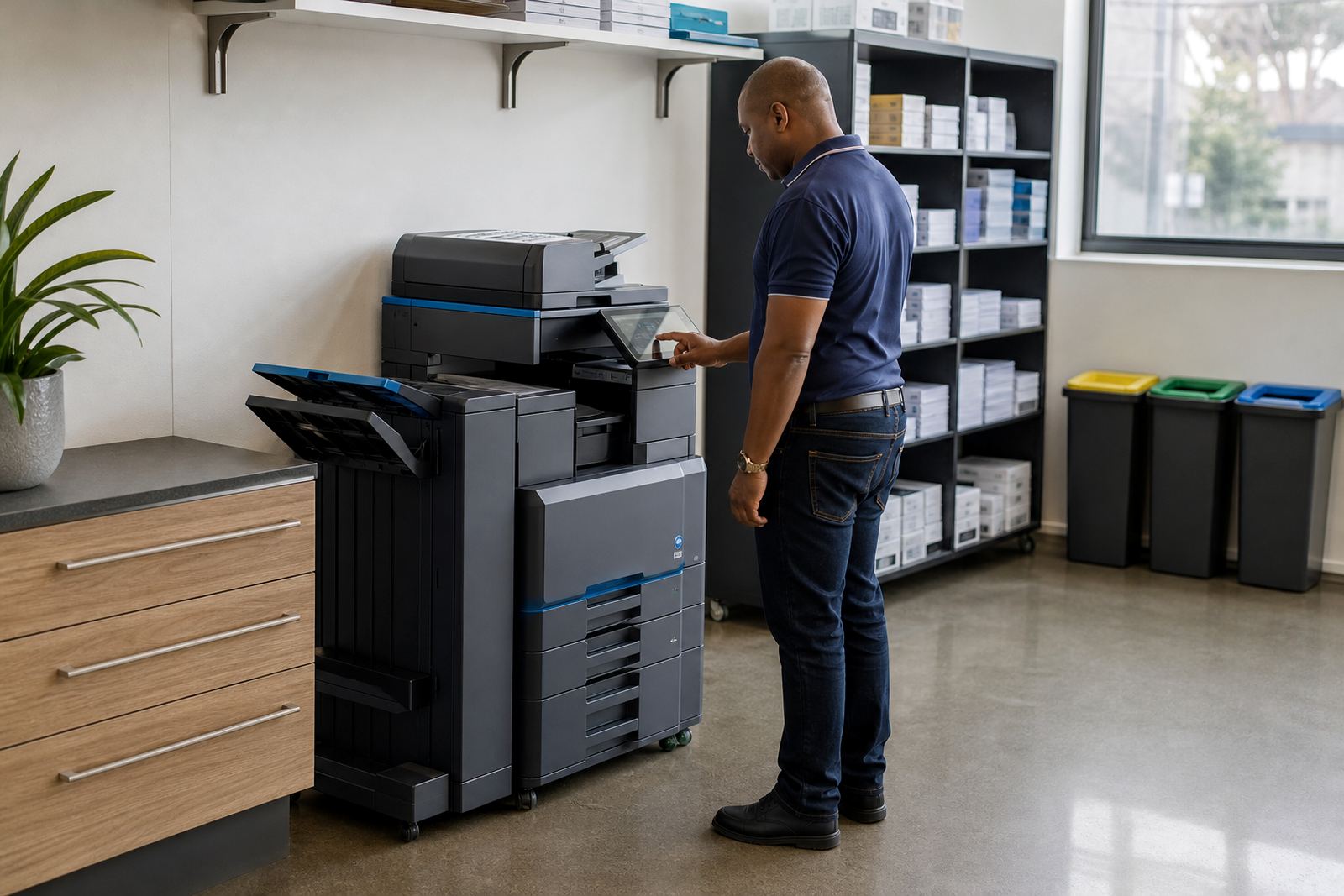
A clean layout gives each item its own home. One bin for paper offcuts, one point for toner returns and one clear route for the technician makes servicing easier and keeps the device area presentable for clients and staff. In practices and schools, this also helps when the machine sits near public traffic and the room must stay orderly through the day.
- Place the waste bin just outside the immediate device zone.
- Keep toner returns in a labelled container or box.
- Do not let bins press against the printer vents.
The machine needs room for service, not only for use
Many layouts work fine for everyday printing but fail when a technician needs access. Rear panels, side covers and feeder sections all need breathing space, especially on copiers used for scanning, secure print and multi-user work.
During on-site servicing, the field team should be able to reach the device without moving filing cabinets or standing in a cramped line. That matters in Johannesburg and Pretoria offices where print rooms often double as storage points. A neat perimeter around the unit reduces interruptions and helps with machine relocations when the office changes shape or a floor gets reworked.
Good access also supports end-term swaps, because the old unit can be lifted out and the replacement positioned without disrupting the rest of the room.
Choose a layout that matches mono or colour use
A mono machine and a colour machine do not always belong in the same spot. Mono printing suits high-volume internal work, while colour is usually better for presentations, training packs and client-facing pages. If the office uses both, placing them by use case can cut wasted steps.
For a busy admin team, one central mono device can handle routine output while a colour unit sits closer to design, accounts or management. That way, staff do not cross the office for every task. A clear layout also helps with monthly rental planning, because the office can see whether one machine is carrying too much of the load and whether another device should be added or shifted.
- Put the high-volume mono unit near shared users.
- Keep colour output near the people who really need it.
- Review whether both devices are being used for the right work.
Network points, scan-to-message and secure print need planning
Modern office print rooms are not only about paper and toner. Scan-to-message setup, secure print and network setup all rely on a sensible device position and a clean path to the office network. If the machine sits too far from the right point or the cabling is awkward, users often avoid functions that would save time.
Secure print works best when staff can reach the device without feeling exposed, while scan-to-message needs a stable place where people can scan files without crowding the reception area. In smaller Midrand offices, the print room may be compact, but it still needs enough clearance for the control panel, scanner lid and user standing space.
When these details are sorted, the printer becomes part of the daily office flow instead of a corner unit people work around.
A Midrand example that shows the difference
A professional office in Midrand with around thirty staff had its printer beside a cupboard, next to stacked boxes and a bin that filled up by lunchtime. Staff walked around the queue, paper was kept on top of a shelf and the toner box sat on the floor. The machine itself was fine, but the room kept creating small delays.
After the layout was changed, the device moved to a clearer wall, paper stock went into a dry cabinet and the waste bin shifted out of the way. The team used less time walking around the room, the storage looked tidier and metre readings were easier to take because the machine could be reached properly. Nothing dramatic changed, yet the print area started working like part of the office instead of a storage afterthought.
That is usually the point of a proper print room layout. The machine still matters, but the space around it decides how calmly the office runs.