What Pretoria teams usually need from a rental fleet
Pretoria sites tend to ask for practical machines rather than oversized spec sheets. We place multifunction A4 and A3 printers for day-to-day copying, printing, scanning and sending, with mono units for heavier document flow and colour units where presentations, forms or pupil material need it.
Most rental plans are built around the same moving parts: a monthly rental for the machine, click charges tied to the metre reading, toner included, and service cover for the working parts that wear down over time. That structure suits offices that want predictable monthly control instead of a large purchase and a separate maintenance trail.
- A4 or A3 multifunction machines for print, copy and scan jobs
- Mono or colour options depending on page mix and internal use
- Metre-based billing for clearer monthly usage tracking
- Toner supply included as part of the managed plan
How our Pretoria service area is covered
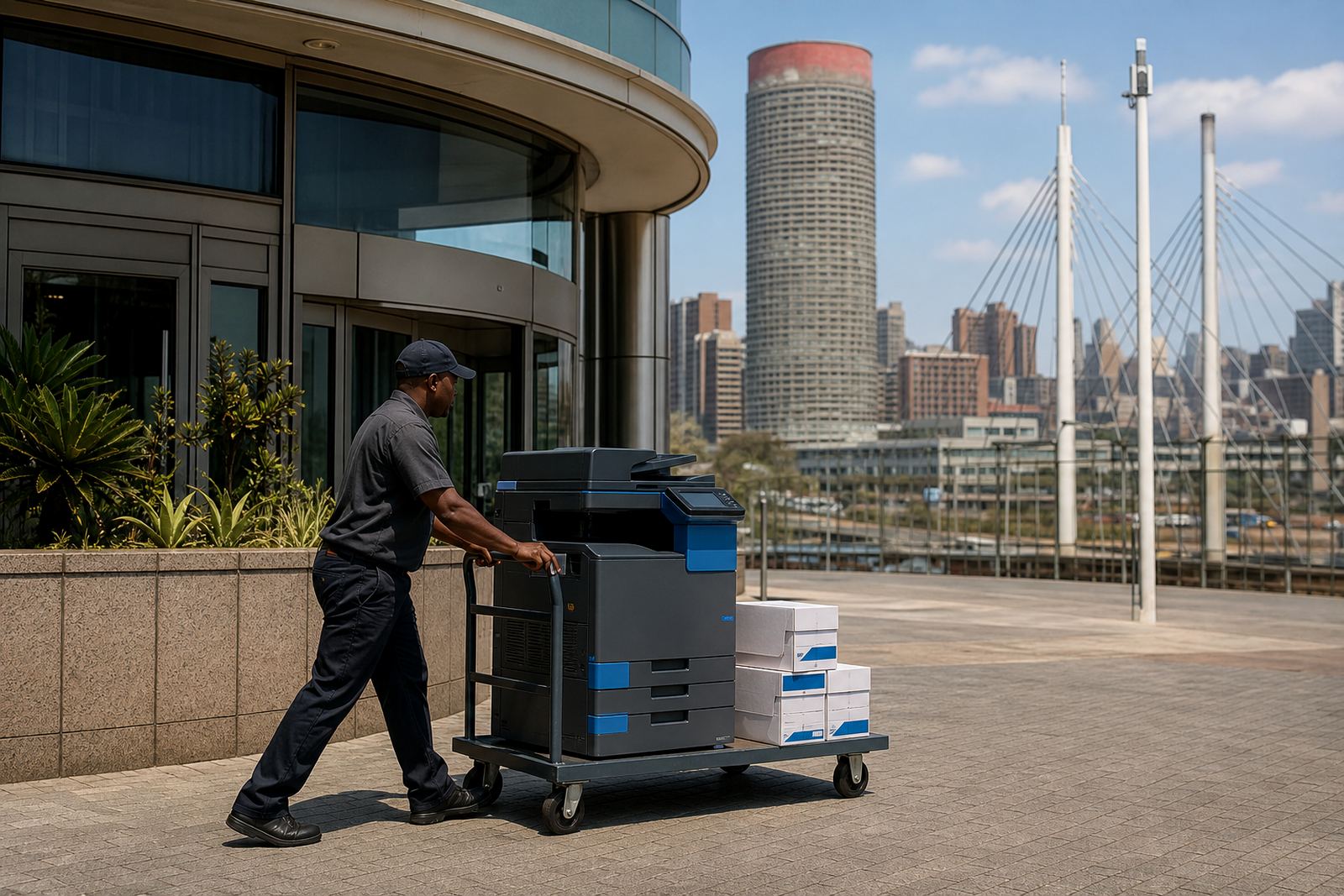
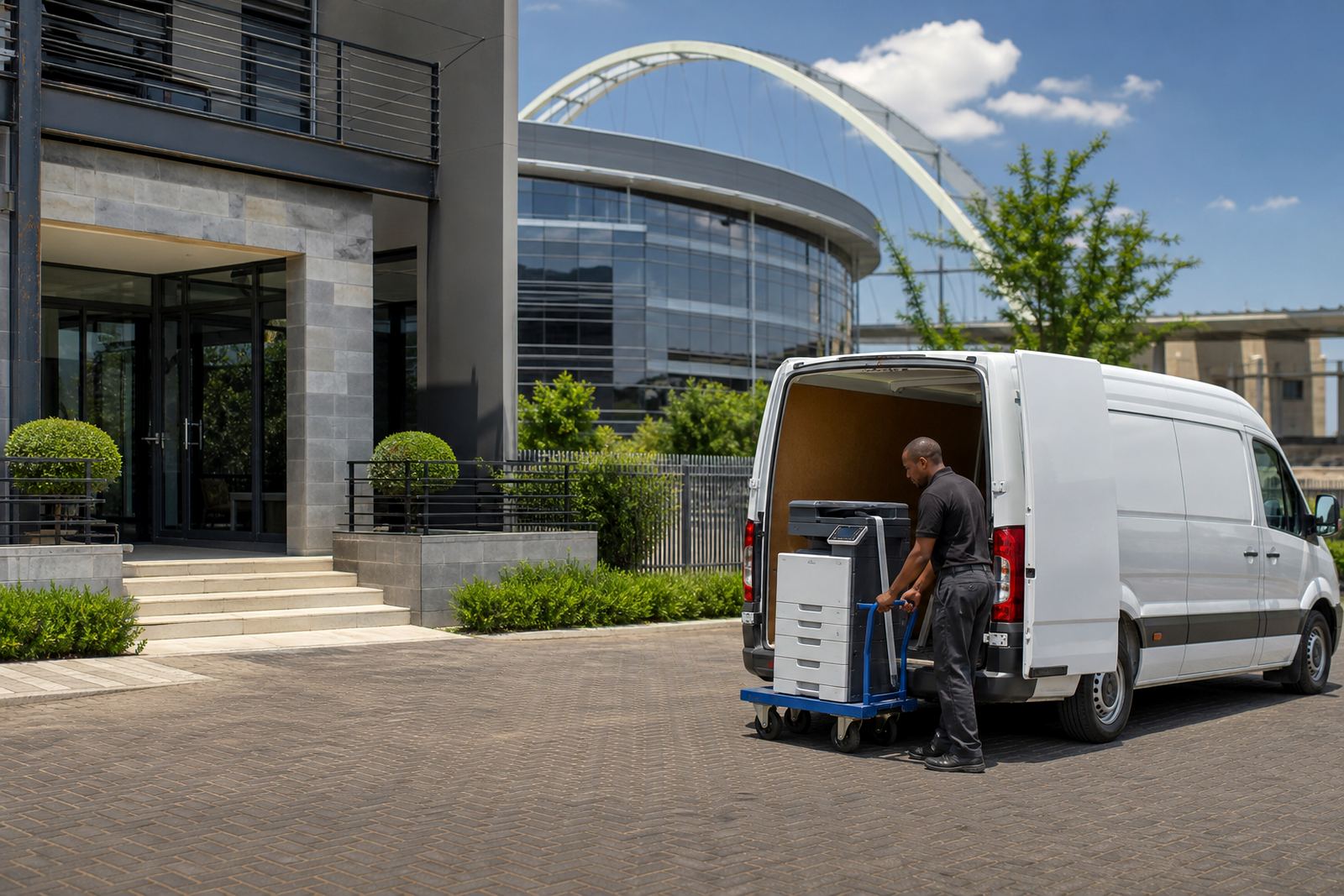
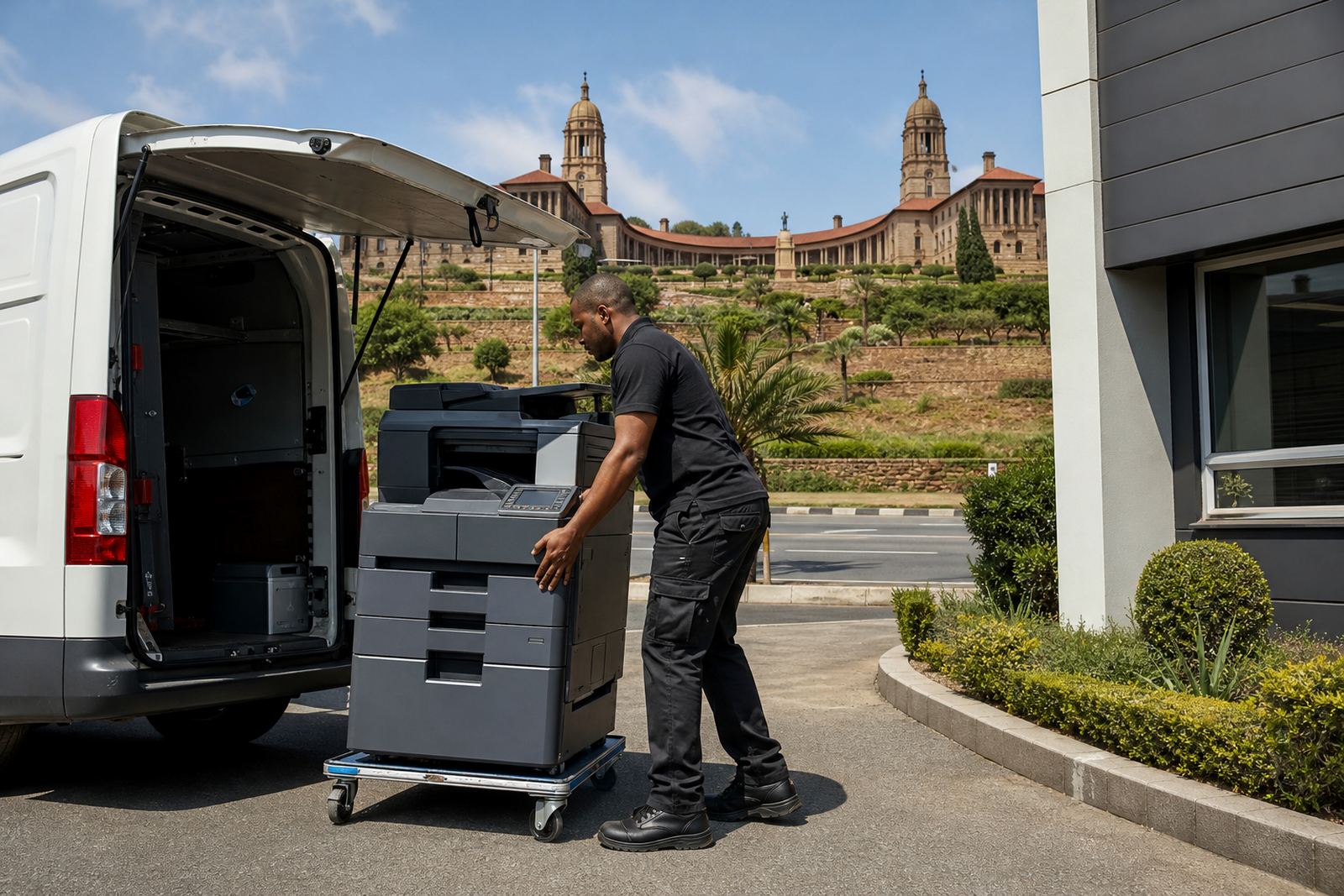
Our Midrand base gives us a practical route into Pretoria, Centurion and the surrounding business districts. That matters when a machine needs installation, network setup, a firmware check or a unit relocated between rooms or floors. The route is straightforward for field work, and it helps keep servicing tied to actual office geography rather than a vague coverage promise.
Pretoria conditions vary from quiet professional suites to busy shared offices and school admin rooms. In some buildings dust and paper fibres build up quickly, while in others the machine sits in air-conditioned rooms with steady use all week. We factor that into the service plan, the toner provision and the way the machine is set up for the staff who will use it most.
- Office areas in Pretoria CBD and nearby business nodes
- Schools that need dependable scanning and copying for admin work
- Practices that want secure handling of printed records
- Shared offices and smaller teams that need compact footprint machines
On-site servicing and the practical bits around uptime
When a copier is rented on a managed print plan, the service arrangement matters as much as the machine itself. We handle on-site servicing for common wear issues, paper feed faults, scan errors, network setup problems and routine maintenance that keeps the unit in working order. A lot of office friction comes from small things, not major breakdowns, so the setup has to suit the actual staff pattern.
We also support metre reading checks so billing reflects what the machine has actually done. That suits firms with changing volumes, especially where the print load rises during month-end, exam periods or reporting cycles. It keeps the admin side plain, and it avoids the confusion that can happen when toner, clicks and service are all separated across different invoices.
- Metre reading support for monthly usage records
- Breakdown response for common copier faults and paper handling issues
- On-site servicing for offices that cannot afford long downtime
- Machine relocations when rooms or departments shift
Scan-to-message, secure print and user handover
Modern office printing is not only about paper. Pretoria teams often need scan-to-message setup so forms, signed records and invoices move quickly into the inbox, and secure print so sensitive pages do not sit in the output tray. These are ordinary functions, but they need to be set correctly from the start or staff avoid them and go back to workarounds.
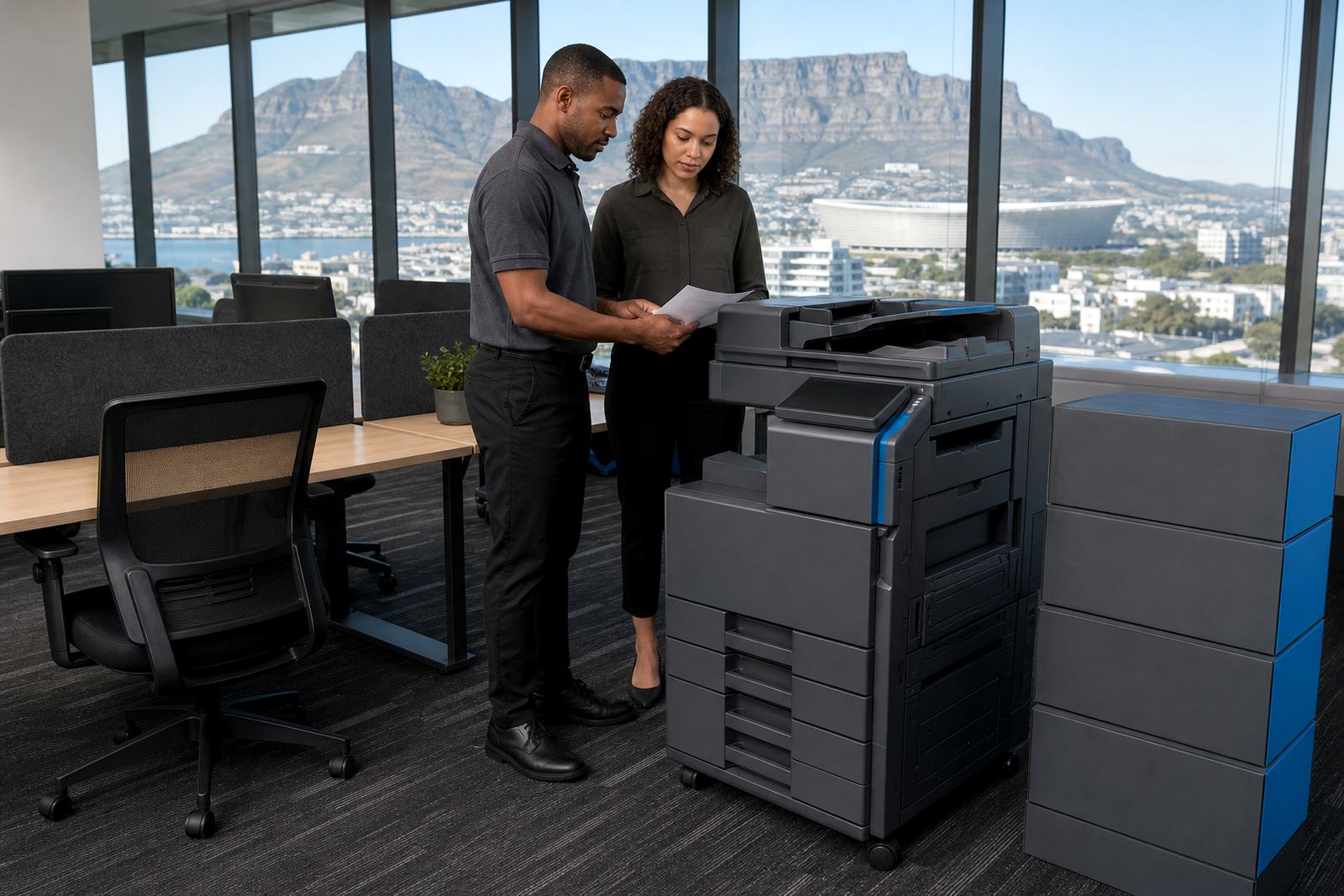
We also handle user handover so the people who work near the device know where the basic functions sit, how to release a secure job and what to do when toner warnings appear. That reduces the small daily interruptions that slow a reception counter, a front office or a school admin room.
- Scan-to-message setup for document capture and sending
- Secure print setup for confidential forms and records
- User handover for front-office and admin staff
- Network setup so the machine sits properly on the office system
End-of-term swaps and fleet reviews for changing workloads
Some Pretoria teams need a printer for one site, while others need several units spread across different departments. A fleet review shows which machines are carrying the load, which are underused and where a mono unit would make more sense than colour. That helps keep the print estate matched to the way the office actually works.
Where a machine has reached the end of a rental term, we can arrange end term swaps so the office moves to a more suitable device without a messy gap in service. That is useful when the team has grown, the copy volume has shifted or the old machine no longer matches the paper sizes and finishing needs on site.
- Fleet review for mixed printer environments
- End term swaps for changing office demands
- Advice on mono versus colour usage by department
- Support for A4 and A3 machines across varied workplaces
Getting a Pretoria rental plan into motion
Most enquiries begin with the site location, the type of team using the device and the volume of pages expected each month. From there, the rental plan can be matched to the office layout, the print mix and whether the main need is scanning, copying or heavier document output. In Pretoria that often means balancing a compact footprint with enough capacity to keep daily work moving.
Clients in Pretoria, Centurion and nearby areas can send the details through our contact page form. That is the cleanest way to start a managed print conversation for a school admin office, a practice reception or a business team that wants toner included and service handled on site.
- Halfway House, Midrand base serving Pretoria and surrounds
- Managed print plans with toner supply included
- Monthly rental and click charging structure
- Support for installation, servicing and machine changeovers