Johannesburg print rooms that need steady output
Our Johannesburg coverage suits law firms, accountants, medical rooms, schools, training centres and busy sales offices. These places usually need scan-to-send us a message for records, secure print for confidential pages and a machine that does not need constant babysitting. A copier that jams every second day slows down everyone around it, not just the person at the front of the queue.
We look at the number of users, average monthly volume, colour use and where the machine sits. A front office in Sandton often needs one kind of setup, while a school office in the west or a practice in the north may need a different duty cycle and paper handling. That is where the fleet review helps, because the right fit saves a lot of frustration later.
Service calls, metre checks and toner cover
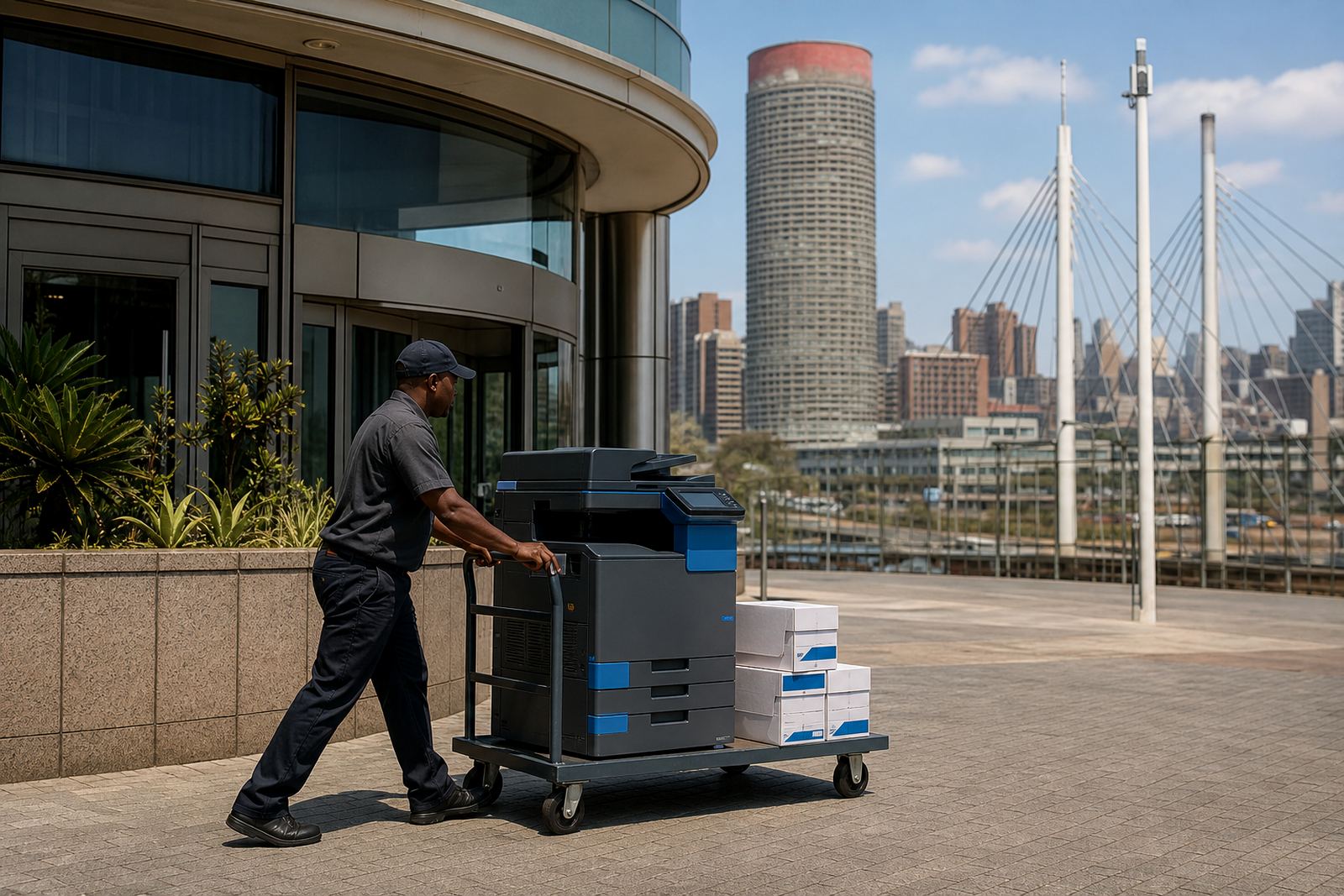
On a managed print plan, the aim is to keep the machine supplied and serviceable without the office having to chase parts every time the toner runs low. We handle toner supply, metre reading support, on-site servicing and breakdown response as part of the plan structure. If a unit needs a swap at the end of term, we also handle end-term swaps and user handover.
- Toner supply matched to the agreed machine mix
- Metre reading support for monthly billing
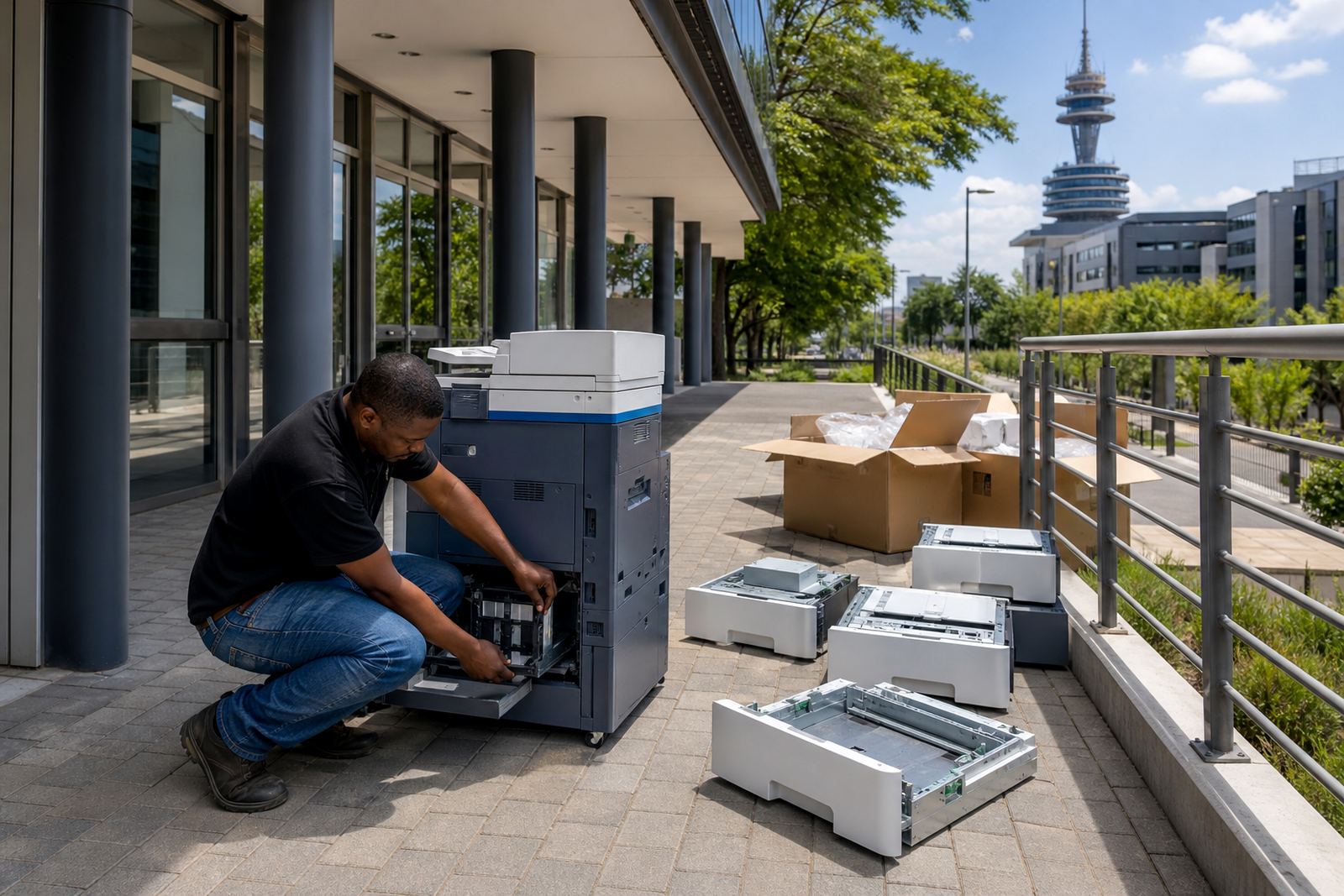
- On-site servicing for faults, feed issues and scan problems
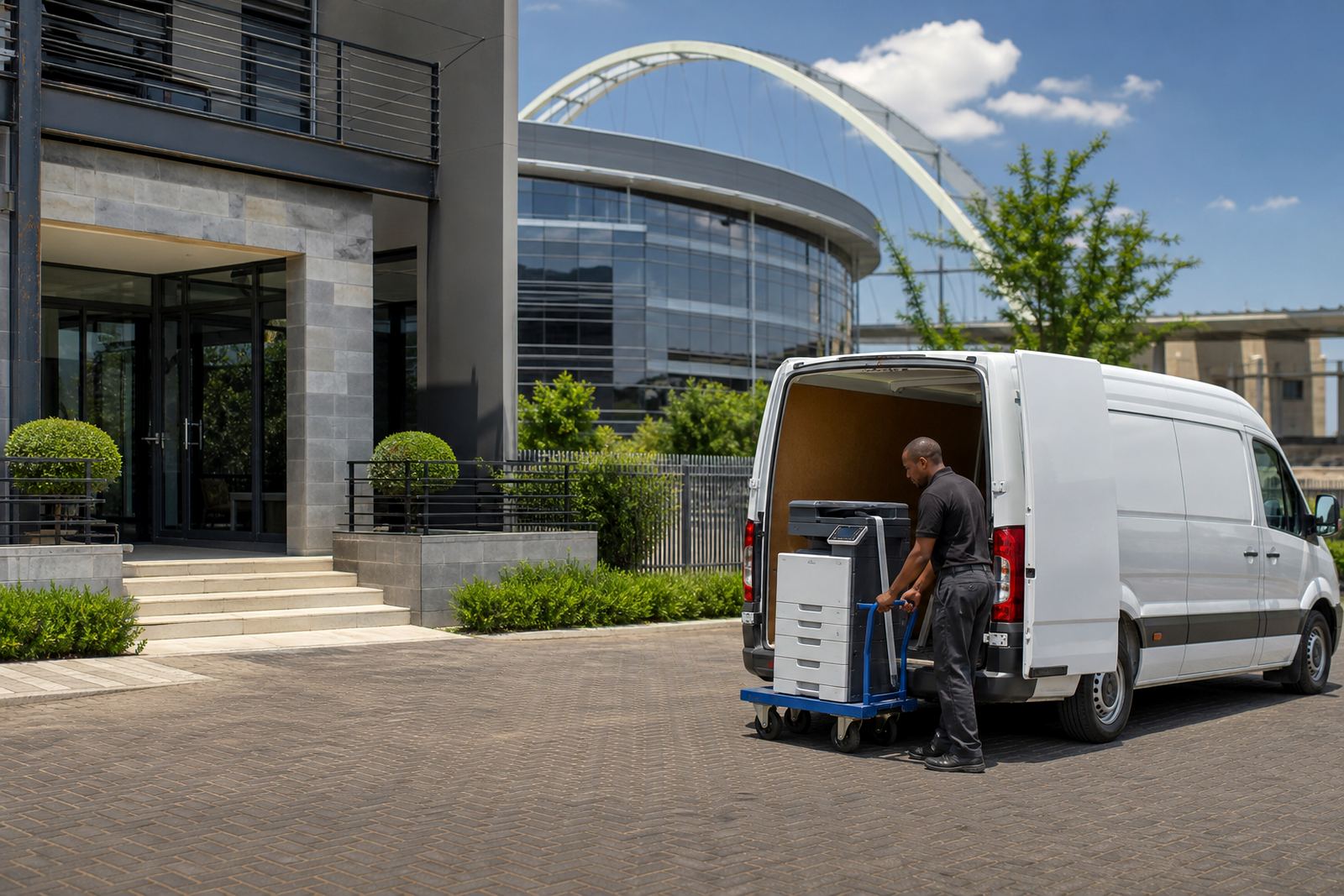
- End-term swaps and machine relocations when offices change layout
Johannesburg traffic can make a short trip feel longer than it should, so the service schedule has to be practical. We plan visits for the areas we cover across the city, with Halfway House, Midrand as the base for coordination and dispatch.
Network setup for scan-to-message and secure print
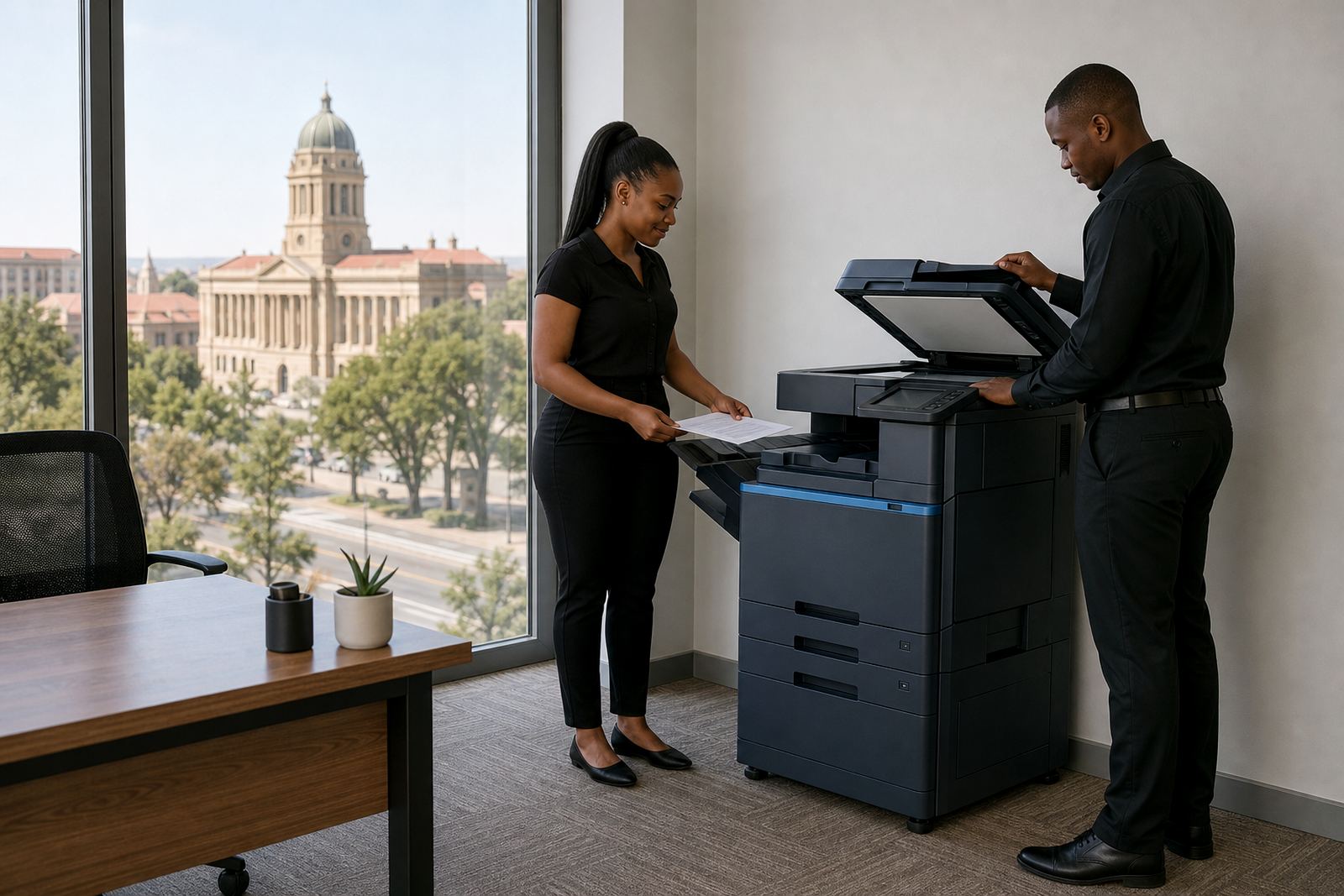
Many offices do not just need a copier, they need a machine that sits properly on the network and fits the way staff share documents. We cover device installation, network setup, scan-to-message setup and secure print setup so the printer works with the office rather than against it. That matters in places where several people use one unit and confidential pages cannot sit in the tray for long.
When the setup is done well, staff can scan directly into message folders, release sensitive jobs with a code or pin and move between departments without everyone learning a different routine. It sounds small, but it saves a lot of wasted calls to the front office and fewer pages left on the output tray.
What Johannesburg offices usually ask us to cover
Different buildings and industries across Johannesburg ask for different combinations of rental and support. Some want a compact A4 mono unit for steady paperwork. Others need a colour A3 machine for presentations, reports and larger formats. The point is to match the machine to the workload and not the other way around.
- Monthly rental with click charges linked to usage
- Mono or colour print plans depending on document mix
- A4 and A3 machines for smaller offices or higher volume teams
- Relocations when a branch moves across the city
- User handover so staff understand the core functions
We also cover fleet review work for offices that already have more than one device in circulation. That can mean looking at where pages are wasted, which unit is underused and whether the colour machine is doing too much or too little for the branch.
Johannesburg conditions that affect printer uptime
Johannesburg office environments can be dry and dusty, especially where windows stay open or traffic dust finds its way into the room. Paper feed issues, static and worn rollers show up faster when a machine is placed near a busy doorway or air vent. In older office blocks, limited space also means the printer ends up in a corner where staff have to squeeze past it every day.
We take those practical conditions into account when recommending placement and support. A machine in a law office in Sandton may need a different paper path and finish than one in a school office in Randburg or a medical practice in Fourways. Small details matter, and they affect how often the office sees interruptions.
Where needed, we also help with machine relocations so the device is moved safely, reconnected properly and checked before it goes back into use.