Bloemfontein print rooms that do not sit idle
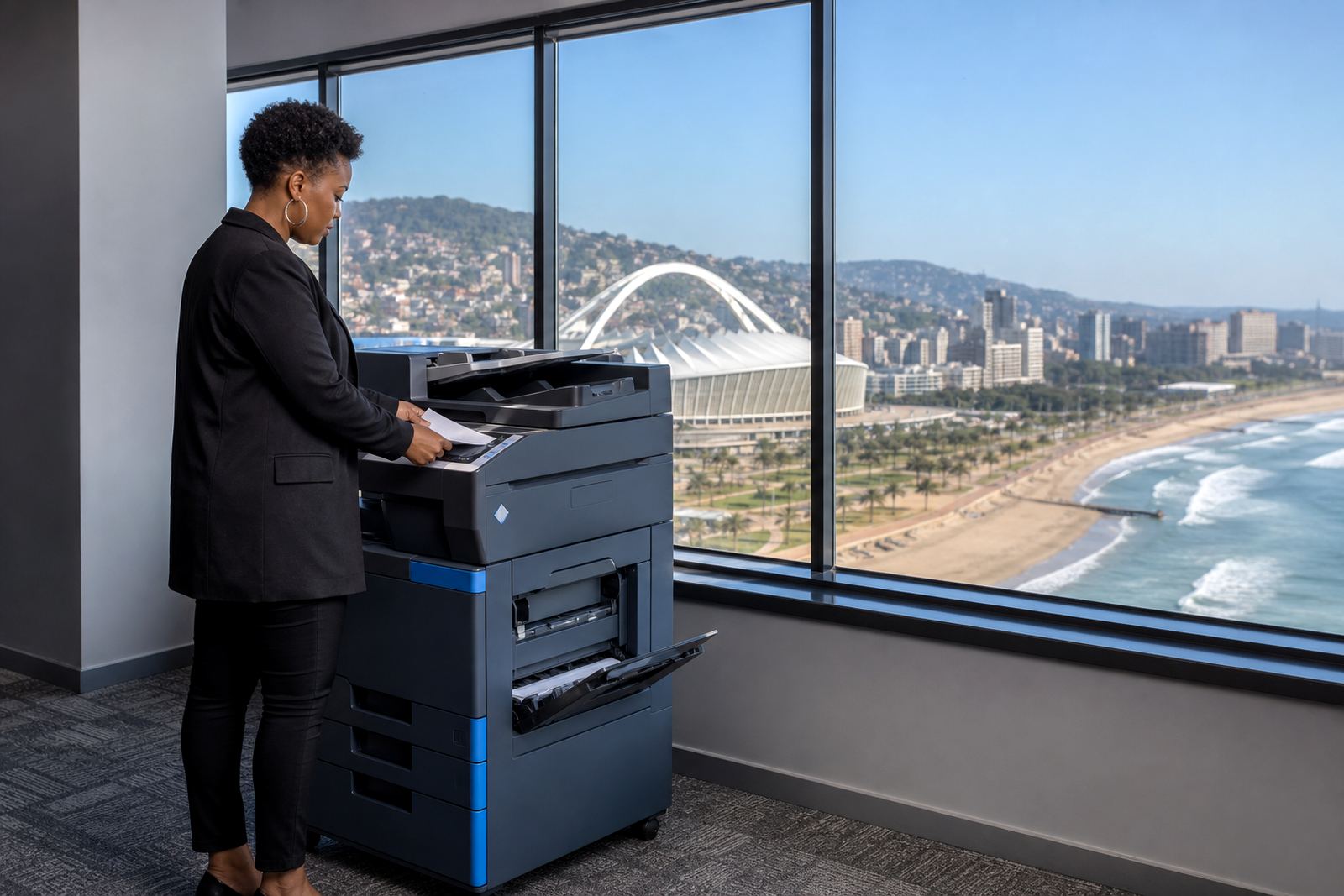
Bloemfontein has a practical pace. Law firms, accountants, schools, medical rooms and admin teams often need one machine that scans, copies and prints without taking over the floor. We set up rental plans around that kind of work, with monthly rental and click charges set against the machine's monthly output, so the office is not carrying the upfront cost of buying equipment.
Our range covers mono and colour multifunction units, with A4 models for lighter office use and A3 machines for teams handling drawings, reports, notices and larger documents. The idea is straightforward. The machine stays in service, toner is included, and the account follows usage through metre readings rather than guesswork.
What the Bloemfontein plan usually covers
Many offices in the city want the billing kept plain. A rental fee covers the hardware, while clicks cover the pages used. That format suits growing teams, especially where print demand changes during term cycles, audit season or a busy court calendar. We also factor in toner supply and routine servicing, so the equipment remains covered under one managed arrangement.
- Monthly rental for the machine itself
- Metre-based billing for mono and colour pages
- Toner supply included under the plan
- On-site servicing for faults and wear issues
- End term swaps when the office needs a different unit
For many Bloemfontein offices, that split between rental and clicks makes planning easier. It also keeps the cost tied to actual use, which suits teams that print in bursts rather than at a fixed pace every week.
How our technicians work around local conditions
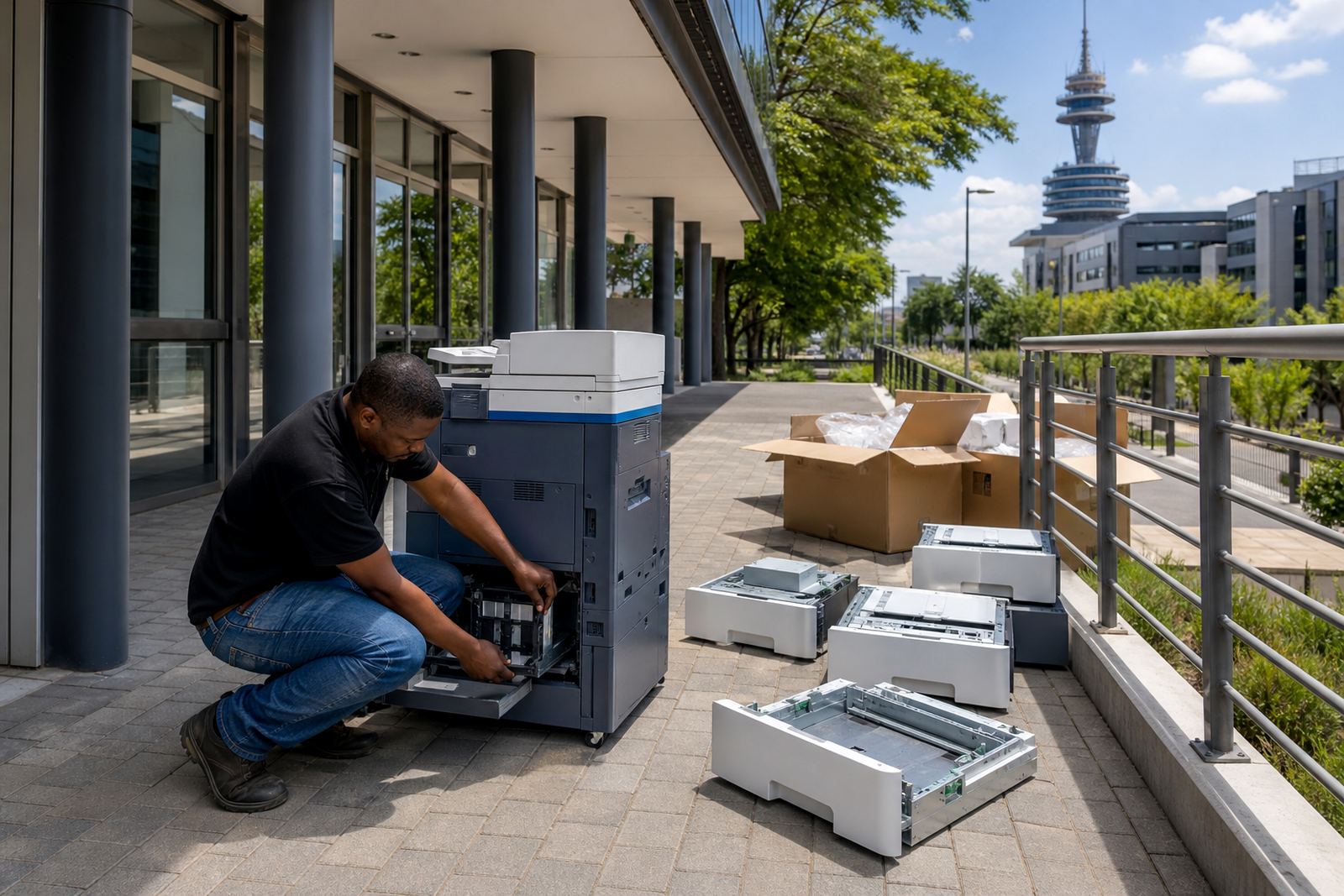
Bloemfontein offices can be spread across central business streets, industrial nodes and quieter suburbs, so access and parking matter. Our field team handles installations, relocations and network setup with that in mind. On-site servicing covers paper feed issues, image quality faults, scanning problems and general wear that builds up in busy offices.
We also assist with metre reading support, which helps keep billing tied to the actual machine count and page use. Where a site has more than one device, a fleet review can show whether a mono unit is carrying too much colour work or whether a shared A3 machine would cut down on duplication. It is the kind of practical check that helps keep the print room sensible, not overfilled.
Common Bloemfontein teams that use managed print
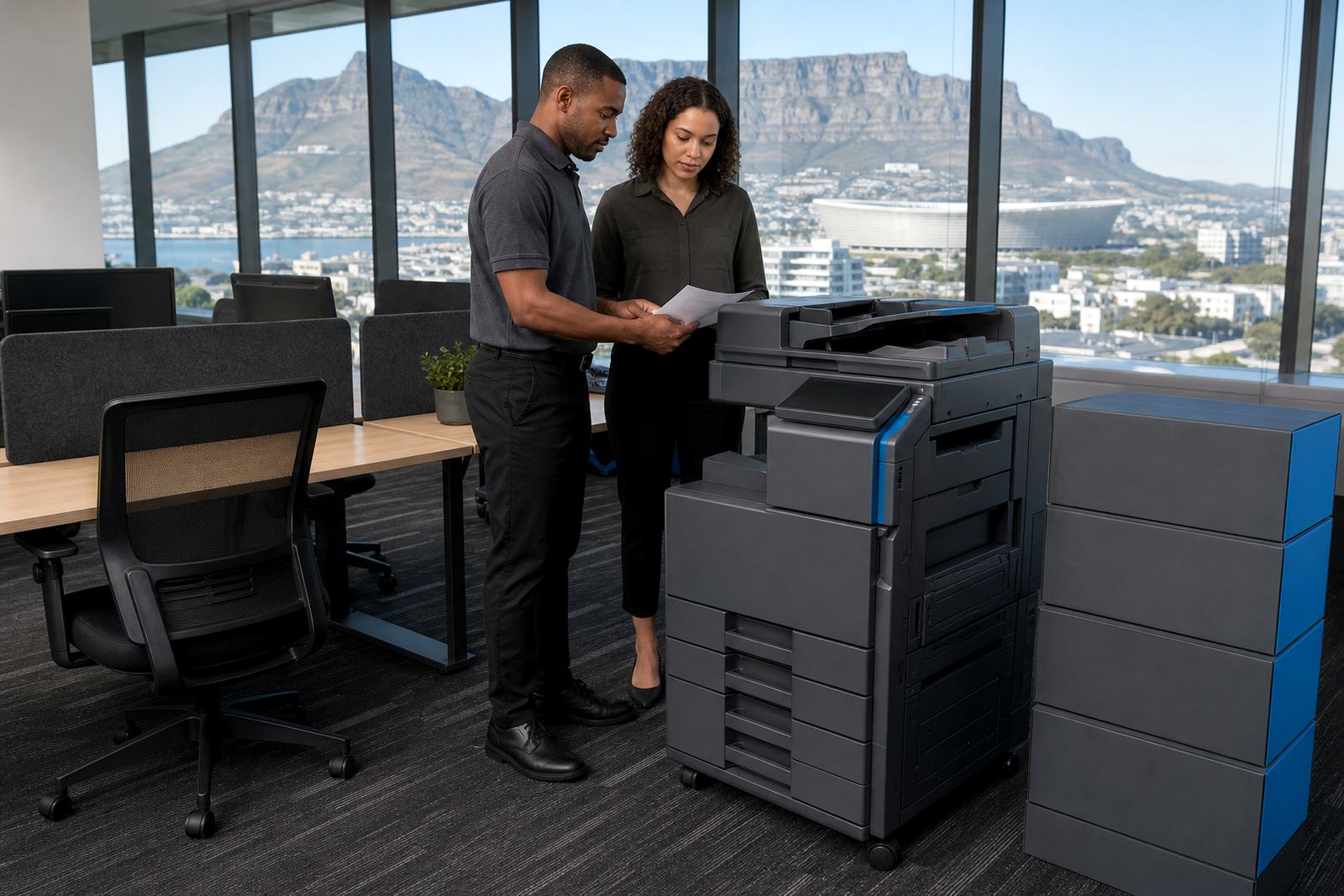
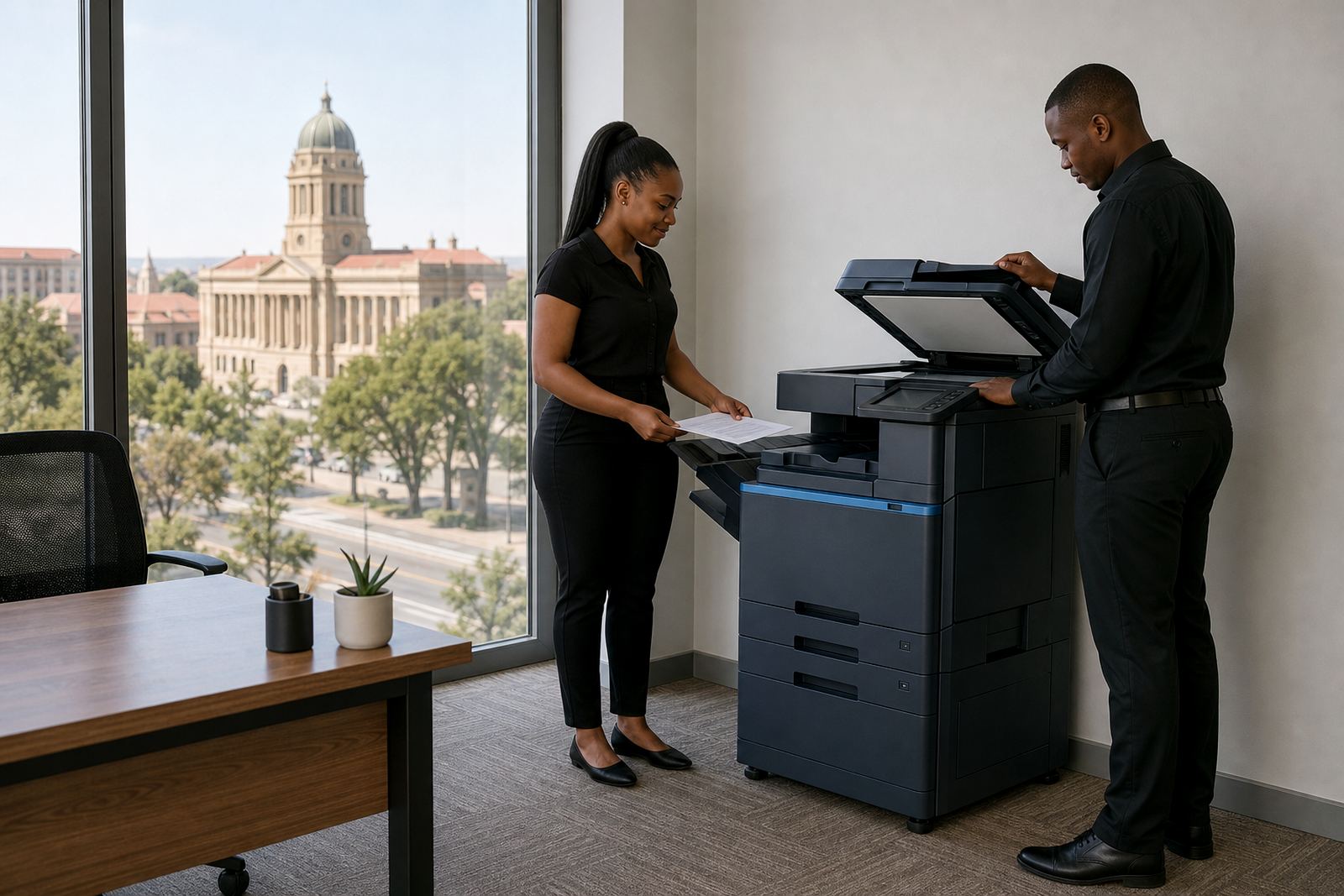
The offices we support in Bloemfontein often need a machine that can handle admin, client packs and filing without constant attention. That includes education offices, professional practices, sales branches and public-facing teams that print notices, reports and contracts through the month. A multifunction printer with scan to message and secure print can take a lot of pressure off the front counter.
- Schools and training offices that move through high document volumes
- Medical and dental practices with private records and scan needs
- Legal and accounting teams handling forms, copies and bundles
- Retail and branch offices needing reliable everyday printing
- Small to mid-size teams looking to replace an old copier without buying outright
Some sites need colour for branded material, while others only want a steady mono device for forms and internal records. We set the plan according to what the office actually uses, not a broad package that sits half unused.
Functions that matter in an office setting
Bloemfontein teams often ask for the same practical functions, because they save steps during the workday. Scan to message keeps digital filing moving, secure print keeps confidential pages from sitting in the tray, and user handover makes it easier when a machine changes hands or a new team member joins. Machine relocations are part of the same service too, especially where offices move floors or split departments.
We cover the usual office work without dressing it up. An A4 unit suits general admin. An A3 machine suits larger documents, copying packs and shared use. Colour helps where the office presents, while mono is often the better fit for forms and steady day-to-day printing. If the existing fleet no longer fits the workload, an end term swap can reset the setup without starting from scratch.
Midrand coordination for Bloemfontein servicing
Our base is in Halfway House, Midrand, and Bloemfontein falls within our wider service footprint. That means the coordination, accounts and service planning run from one team, while the field support is arranged for the site in question. We work with offices across South Africa, but Bloemfontein remains a regular area for rental plans and scheduled support visits.
Clients get in touch through our contact form on the contact page. From there, the team can review the number of users, the type of documents printed, whether the office needs mono or colour, and whether a single multifunction unit or a wider fleet makes more sense. That information helps shape the plan before installation, relocation or service work starts.