Durban print rooms that need fewer surprises
Durban offices often run in warm, humid conditions, with sea air in some commercial areas and paper that can curl if supplies are stored badly. That is one reason managed print plans matter here. A rented multifunction machine keeps the office on one agreement instead of paying upfront for the unit, the toner and each separate service call.
We support A4 and A3 multifunction copiers for Durban teams that print invoices, legal packs, training notes, medical forms and mixed colour work. Mono units suit higher-volume black and white output, while colour machines fit offices that need charts, branded documents or presentation packs. Metre billing keeps the monthly figure tied to actual use, not guesses.
What a Durban managed print plan covers
Our Durban service area includes offices that want printing, scanning and copying handled under one plan. The setup can include device installation, network connection, scan-to-message, secure print, metre reading support and end-of-term machine swaps when the office needs a different model or a different duty cycle.
- Monthly rental for the machine itself
- Click charges linked to mono or colour output
- Toner supply included under the plan
- On-site servicing for faults, paper feed issues and image quality problems
- Machine relocation when an office moves within Durban or nearby business districts
- User handover for staff who need a practical walk-through of copying and scanning functions
The plan structure works well when a finance team wants predictable billing and the office manager wants one point of control for consumables and service cover.
From Umhlanga corridors to inland office parks
Durban traffic can stretch a simple trip into a longer one, especially when collection roads, school runs and coastal rain all line up at the wrong hour. That is why we plan site visits carefully for offices in and around the city, including business parks, school admin blocks and medical rooms that need a dependable copier on the floor.
Our service area covers Durban central, Umhlanga, Pinetown, Westville and surrounding commercial nodes where office equipment gets worked hard. Some clients need a single multifunction machine in a smaller office, while others need a mixed fleet with one unit for high-volume black and white printing and another for colour presentations or scanning. We also handle relocations when a machine has to move between floors or to another site.
- Office admin teams with steady invoice and filing work
- Schools that need copying, notices and exam packs
- Practices that scan patient or client documents daily
- Professional firms that use secure print and user codes
Metre reading, click billing and toner flow
Metre billing suits Durban offices that want a clear link between output and spend. Instead of paying separately for toner every time it runs low, the machine is supplied under a managed print arrangement and the clicks are tracked from the metre reading. That is useful in offices where several staff members print through one device and the monthly volume shifts with deadlines.
We also help with metre reading support when a site needs the counters checked for billing or stock control. Toner supply is kept within the agreement, which reduces the scramble for last-minute cartridges when a report pack is due and the machine is running low. If the office has a mix of mono and colour printing, the billing can reflect both usage types with the right plan structure.
When Durban offices need more than printing
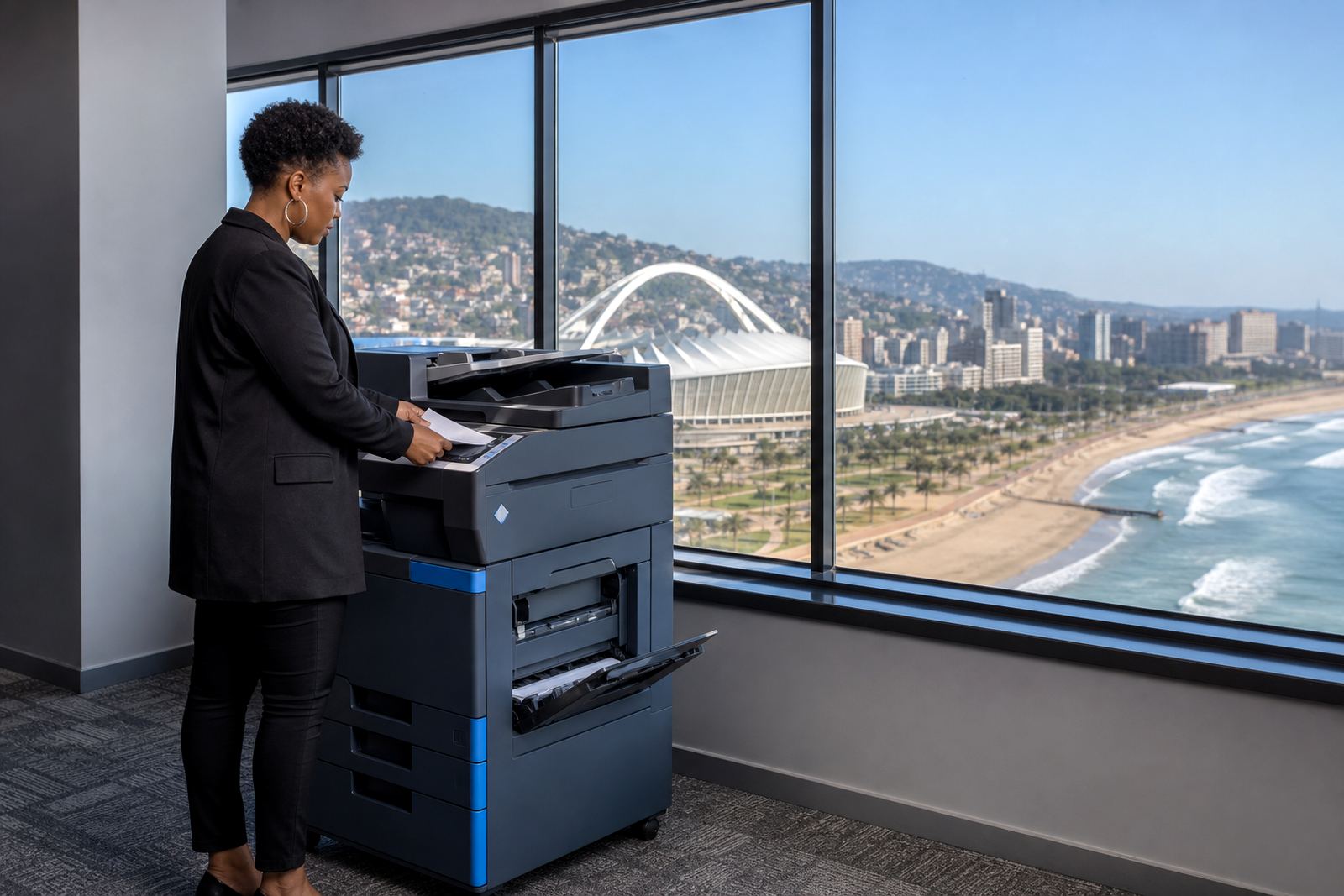
Many Durban clients want the machine to do more than copy pages. Scan-to-message helps staff send signed forms, supporting notes or client packs without walking files around the office. Secure print adds control for material that should not sit in the output tray. Those features matter in shared spaces where reception, accounts and management all use the same device during the day.
Some offices also need a relocation, a swap at the end of the term, or a replacement unit when the current machine no longer matches the workload. We cover those practical changes without forcing the office to start from scratch. A brief fleet review can show whether the current setup still suits the print mix, or whether a different A4 or A3 machine will work better for the floor plan and the number of users.
People in Durban who usually ask for this setup
Our Durban enquiries often come from offices that want a more controlled print environment without buying a copier outright. That includes legal rooms with steady black and white output, schools that need dependable copying for classes and notices, and businesses that scan, message and file documents every day. Some want a single machine near reception, others need a larger unit in a shared admin area.
Where the office has staff spread across departments, a managed print plan keeps the device covered for servicing and the toner under control. It also makes it easier to match the machine to the real volume. A compact A4 unit can be enough for smaller teams, while A3 machines suit offices that handle plans, reports or larger format copies.
Enquiries for Durban go through our contact form on the contact page, where the office location, expected print volume and preferred functions can be shared in one place.